
Amazon Basics HDMI to DVI Adapter Cable, Bi-Directional 1080P, Gold-Plated Connectors, 3 ft/0.9 m, Black
4.7Editor score
Affordable reliable connectivity solution
Gold-plated connectors for durability
3-foot compact cable length
This guide compares the best HDMI to DVI adapters cables for 2026. We analyze build quality, signal clarity, and compatibility to help you choose the perfect
Connecting older displays to modern gaming consoles requires reliable HDMI to DVI adapter cables. These adapters ensure seamless video transmission without compromising quality. Choosing the right one prevents signal loss and hardware incompatibility issues.
We compared ten top-rated adapters based on connector durability and signal shielding. Our analysis focuses on bi-directional support and resolution capabilities. Each product was evaluated for construction quality and user feedback.
Each pick highlights specific strengths like gold plating or compact design. Prices fluctuate frequently so verify current deals before purchasing. This list ensures you find a cable matching your specific display needs.
4.7Editor score

4.7Editor score

4.7Editor score
The following table provides a side-by-side comparison of all ten reviewed adapters. We highlight key specifications including length, resolution support, and connector type to help you make an informed decision quickly.


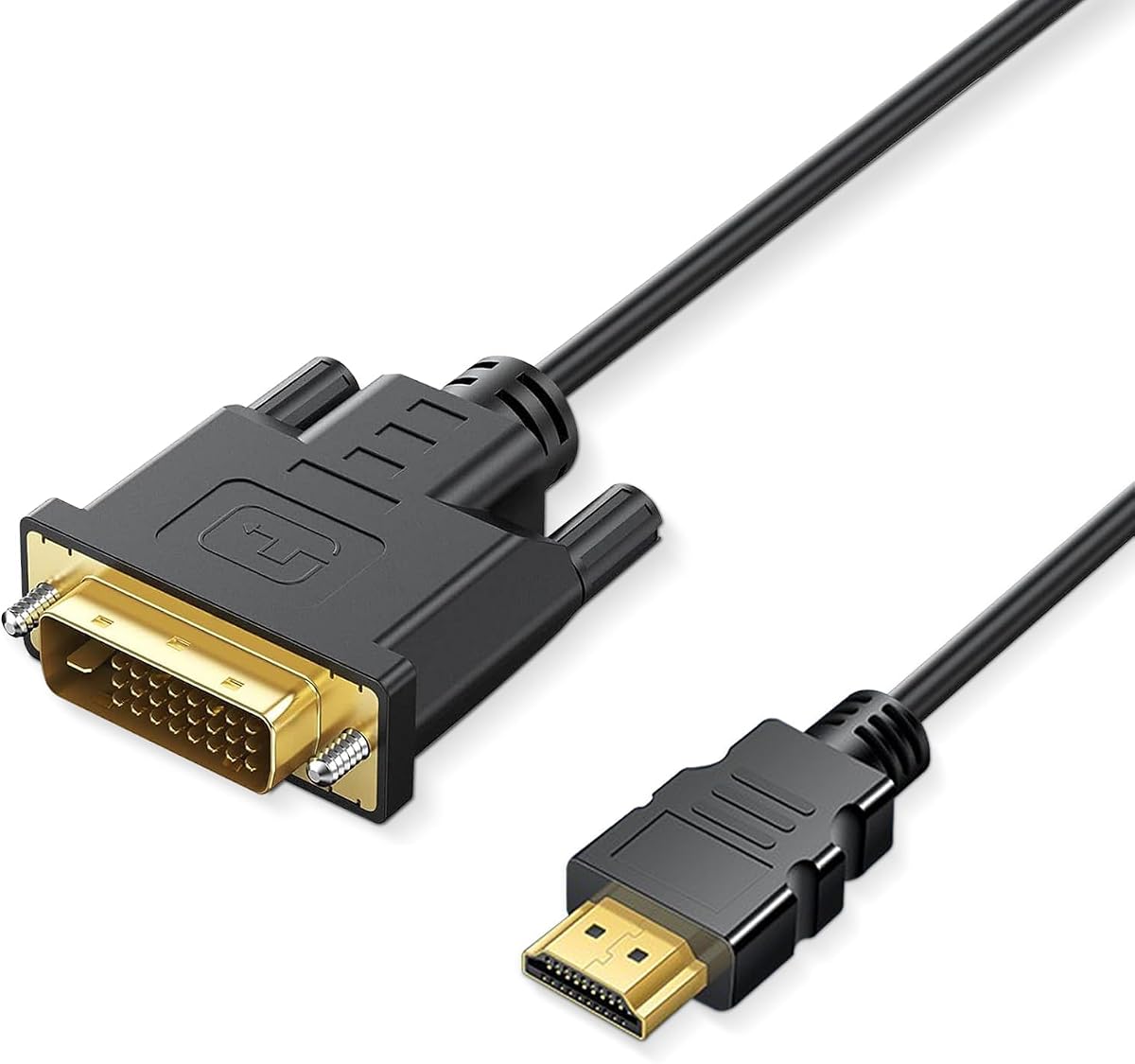

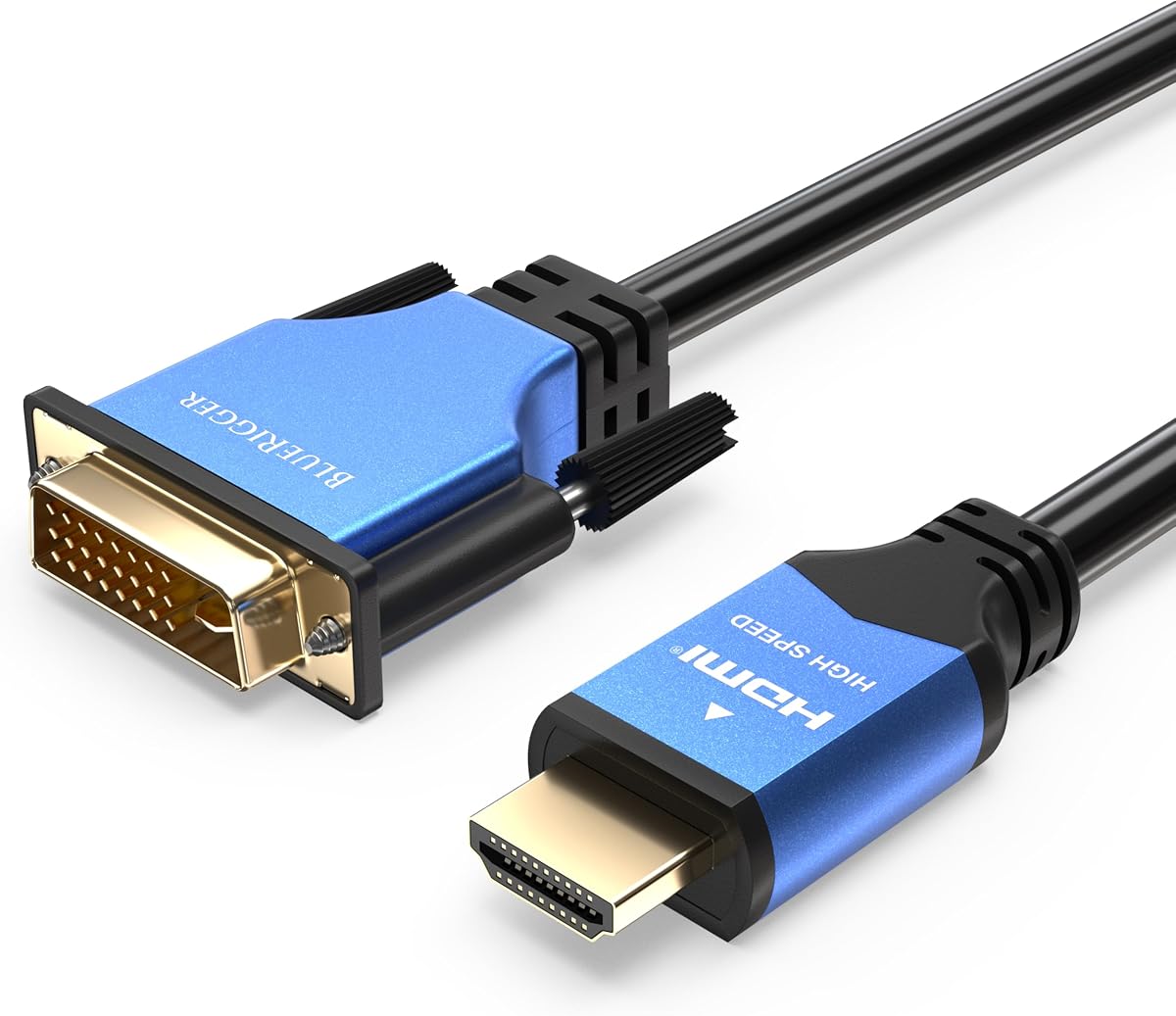


The Capshi adapter stands out as a highly rated choice for connecting HDMI sources to DVI displays. It achieves a strong 4.7 rating from users who value reliability. This cable ensures clear video transmission for gaming or professional setups.
We may earn a commission when you buy through this link, at no additional cost to you.
Its bi-directional nature allows for versatile use with various devices. The 24K gold-plated connectors resist corrosion effectively. Reinforced nylon braid protects against electromagnetic interference. This maintains signal integrity over the full 6ft length.
The only trade-off is the lack of native audio support. This means a separate audio cable is needed for sound. However, the video quality remains excellent for 1080p resolutions. The secure screws prevent accidental disconnection during use.
This adapter is ideal for gamers needing stable connections. It works well with consoles and PCs alike. The durable build ensures longevity in demanding environments. We recommend it for any setup requiring reliable video bridging.
The double shielding design ensures minimal signal loss during transmission. This provides clear images even in rooms with electrical noise.
High-quality connectors and strain relief extend the cable lifespan. It withstands frequent plugging and unplugging cycles efficiently.
We may earn a commission when you buy through this link, at no additional cost to you.
Amazon Basics delivers a reliable solution for connecting HDMI sources to DVI displays. It holds a high 4.7 rating for its value proposition. This cable offers solid performance for basic home entertainment setups.
We may earn a commission when you buy through this link, at no additional cost to you.
The 3ft length is perfect for compact desk arrangements. Gold-plated connectors ensure stable connectivity over time. It supports 1080p resolutions effectively for standard monitors. The net jacket adds a layer of protection against wear.
While it lacks extra shielding, it performs well for typical home use. Users should note the shorter length might not reach distant TVs. However, for close-range connections it is an excellent budget choice. It handles gaming signals without noticeable lag.
This adapter is best for casual users needing a simple fix. It works well with laptops and consoles. The brand reliability adds confidence to the purchase. We suggest it for short-distance video connections.
High quality performance is available at a very competitive price point. This makes it accessible for budget-conscious consumers easily.
The shorter length reduces cable clutter significantly. It is ideal for spaces with limited desk real estate.
We may earn a commission when you buy through this link, at no additional cost to you.
The BENFEI adapter combines premium build quality with broad device compatibility. It achieves a 4.7 rating from users who demand performance. This cable is a top choice for professional or enthusiast setups.
We may earn a commission when you buy through this link, at no additional cost to you.
Its double shielding minimizes interference during heavy signal transmission. This ensures stable output for high-performance gaming or video. It supports resolutions up to 1080p with excellent clarity. Gold-plated connectors resist corrosion effectively over time.
The lifetime warranty adds significant value to the purchase. Users can feel secure knowing support is available. The only downside is the lack of audio support. This requires a separate connection for sound output.
This adapter is perfect for users needing reliable performance. It works well with various consoles and cards. The sturdy build withstands frequent use in offices. We recommend it for those prioritizing long-term stability.
Double aluminum foil and braid prevent interference. This maintains high fidelity video even in noisy environments.
The lifetime warranty shows manufacturer confidence in quality. It provides peace of mind for long-term usage.
We may earn a commission when you buy through this link, at no additional cost to you.
This adapter provides solid performance for connecting sources to DVI displays. It holds a strong 4.7 rating from satisfied customers. The 6ft length offers flexibility for various setup arrangements.
We may earn a commission when you buy through this link, at no additional cost to you.
The 1080p HD resolution support ensures clear video for large screens. 24K gold plated connectors maintain signal stability effectively. PVC jacket adds protection against wear and tear. It supports bi-directional transmission for versatile use.
Hand-tightened screws secure the DVI connection reliably. This prevents accidental disconnection during intense gaming. The lack of audio support is the only minor trade-off. Users may need a separate audio cable for sound.
This adapter is ideal for home theater setups. It connects game consoles to monitors effectively. The durable build ensures it lasts for years. We suggest it for users needing extra cable reach.
The 6ft length allows greater distance between devices. This helps with flexible placement in large rooms.
Hand-tightened screws keep the cable firmly in place. This is crucial for setups prone to vibration.
We may earn a commission when you buy through this link, at no additional cost to you.
The CableCreation adapter offers a compact solution for tight setups. It holds a 4.7 rating for its reliable connection. The 15cm length is ideal for portable use or small desks.
We may earn a commission when you buy through this link, at no additional cost to you.
Its 2-way connection supports versatile use between devices. Double-shielded structure protects against interference effectively. Oxygen-free copper wire ensures optimal signal transmission. It supports 3D video formats for advanced setups.
The compact size makes it perfect for travel. Users can carry it easily in a bag. The lack of audio support means separate connection is needed. This is acceptable for video-centric applications.
This adapter suits users needing a space-saving solution. It works well with laptops and small devices. The durable construction withstands frequent travel. We recommend it for mobile setups requiring reliability.
The compact design fits easily into bags. This makes it ideal for travelers needing video connections.
Oxygen-free copper wire reduces resistance. This ensures high-quality transmission without signal loss.
We may earn a commission when you buy through this link, at no additional cost to you.
This adapter excels with its 4.9 rating for reliability. It ensures excellent signal transfer between HDMI and DVI devices. The DVI-I Dual Link supports high resolution outputs efficiently.
We may earn a commission when you buy through this link, at no additional cost to you.
1080p Full HD clarity ensures crisp video quality. Gold-plated connectors resist oxidation and corrosion over time. Compatible with Apple TV for streaming content easily. It works with various consoles and PCs without issues.
The finger-tightened screws secure the DVI connection firmly. This prevents accidental disconnection during use. The lack of audio support is a standard limitation. Users must use a separate cable for sound.
This adapter is ideal for Apple TV users. It connects streaming devices to monitors effectively. The high rating shows consistent performance quality. We suggest it for reliable home theater setups.
DVI-I Dual Link ensures maximum resolution capabilities. This supports crisp images for modern displays.
Finger-tightened screws provide easy and secure connection. This ensures stability during active usage.
We may earn a commission when you buy through this link, at no additional cost to you.
This adapter provides reliable video bridging for various devices. It holds a 4.5 rating for solid build quality. The 5ft length offers moderate reach for setups.
We may earn a commission when you buy through this link, at no additional cost to you.
Doubled shielded PVC jacket protects against signal loss. It resists electromagnetic interference for stable video. 24K Gold-plated connectors resist corrosion effectively. The flexible PVC material ensures durable use in offices.
The 5ft length is suitable for most desktop setups. Users should note the separate audio requirement. This is common for DVI adapters overall. The build quality withstands regular plugging cycles.
This adapter works well for standard office connections. It bridges PC to monitor setups easily. The flexible material allows easy cable management. We recommend it for users needing balanced cable length.
Doubled shielding ensures consistent video quality. This minimizes visual noise in the output.
The flexible PVC material bends easily without damage. This simplifies routing in tight spaces.
We may earn a commission when you buy through this link, at no additional cost to you.
The BlueRigger adapter stands out with sound transmission potential. It holds a 4.7 rating for excellent performance. It connects HDMI sources to DVI displays with clarity.
We may earn a commission when you buy through this link, at no additional cost to you.
Newer graphics cards support sound through this cable. This reduces cable clutter significantly for home setups. The aluminum alloy shell resists physical impacts. Lifetime warranty provides confidence for buyers purchasing today.
The non-slip DVI screws keep connections secure. This prevents accidental disconnection during active use. It is ideal for gaming or high-performance tasks. Users must ensure drivers are updated for audio.
This adapter is perfect for home entertainment systems. It works with various gaming consoles. The US support adds reliability for buyers. We recommend it for setups requiring audio transmission.
Newer graphics cards support sound transmission through this cable. This allows single-cable video and audio for some setups.
The aluminum alloy shell withstands physical impacts. This extends the cable lifespan in demanding environments.
We may earn a commission when you buy through this link, at no additional cost to you.
This adapter pack offers excellent value with two units. It holds a 4.6 rating from satisfied buyers. Having a spare is beneficial for home or office use.
We may earn a commission when you buy through this link, at no additional cost to you.
The 2-pack design allows multiple connection options. Bi-directional signal flow supports versatile device setups. 1080p Full HD support ensures clear video quality. 3D compatibility adds value for advanced users.
Portable size makes it easy to carry. Users can keep one at work and home. The lack of audio support is a standard limitation. This is acceptable for video-centric applications.
This adapter is ideal for multi-device households. It works well with various consoles. The compact design reduces storage space. We recommend it for those needing backup adapters.
The 2-pack ensures you have a spare. This is convenient for offices with multiple displays.
Compact size allows easy transport in bags. This is perfect for professionals traveling with devices.
We may earn a commission when you buy through this link, at no additional cost to you.
The DTECH adapter supports higher resolutions like 4K@30Hz. It holds a 4.6 rating for versatile compatibility. This adapter works for monitors and game consoles alike.
We may earn a commission when you buy through this link, at no additional cost to you.
Support for 4K@30Hz makes it suitable for screens. It connects PCs to modern monitors efficiently. Gold-plated connectors resist corrosion and oxidation. Grip treads allow for easy hook-up and use.
It is compatible with PS3/PS4 consoles effectively. Users should note that 4K is limited to 30Hz. The lack of audio support requires a separate connection. This is standard for DVI adapters.
This adapter is ideal for modern setups. It connects laptops to displays easily. The grip treads ensure secure connection. We suggest it for users needing high-resolution output.
Support for 4K@30Hz offers sharp images. This suits modern high-resolution monitors.
Grip treads ensure secure connections easily. This simplifies setup for non-technical users.
We may earn a commission when you buy through this link, at no additional cost to you.
Selecting the right adapter involves understanding technical requirements and build quality. This guide breaks down the essential factors to help you choose effectively.
Bi-directional adapters transmit signals in both directions. This allows connecting HDMI to DVI and DVI to HDMI. Look for explicit bi-directional support in product descriptions.
This feature increases compatibility with various devices. It ensures you can use the adapter for multiple setups.
Gold-plated connectors resist oxidation and corrosion. This prevents signal degradation over time. It also ensures a stable connection for your devices.
Prioritize adapters with 24K gold plating. This ensures long-lasting conductivity for video signals.
Choose a length that fits your specific setup. Shorter cables reduce signal loss but limit placement. Longer cables offer flexibility for larger rooms.
Measure the distance between devices before buying. This prevents issues with cable reach in your setup.
Most adapters support up to 1080p Full HD. Ensure your target resolution is supported by the adapter. This prevents unexpected drops in image quality.
Check specific resolutions like 4K if needed. Some adapters handle 4K@30Hz effectively.
Double shielding protects against electromagnetic interference. This ensures stable video output without flickering. Look for aluminum foil and braid in product details.
High-quality shielding prevents signal loss. It is crucial for rooms with many electronic devices.
DVI adapters do not carry audio by default. You will need a separate audio cable for sound. Some graphics cards support audio via newer adapters.
Check if your graphics card supports audio. This determines if a separate audio cable is needed.
Look for reinforced strain relief and PVC jacket. This prevents cable damage during frequent plugging. Secure screws for DVI connections are essential.
Strong build quality extends the adapter life. It withstands regular use in home or office settings.
A solid warranty indicates manufacturer confidence. Look for lifetime or extended warranty coverage. Good customer support resolves issues quickly.
Prioritize brands with US-based support. This ensures you get help when needed.
Connect the HDMI end to your source device. Ensure the source is set to output video signal. Connect the DVI end to your monitor tightly. Tighten the screws to secure the connection.
Ensure your display input source matches the adapter. Use the remote or monitor buttons to select DVI. Turn on both devices to verify the signal. Adjust display settings if needed for resolution.
Store the cable in a dry place. Coil it without bending sharply to prevent damage. Avoid pulling on the connectors when unplugging. This ensures the adapter lasts longer.
Most HDMI to DVI adapters do not support audio natively. You will need a separate audio cable. Some newer graphics cards may transmit audio via DVI. Check your specific graphics card capabilities for audio support.
DVI-D is digital-only with 24+1 pins. DVI-I supports digital and analog with 24+5 pins. Adapters compatible with DVI-D work with DVI-I too. They do not support analog signal transmission.
Yes, many adapters work with Nintendo Switch consoles. Ensure you have the correct video output settings. This adapter supports HDMI to DVI connections easily. You will need a separate audio solution.
Most adapters support up to 1080p Full HD. Some models support 4K at 30Hz. Check product specs for specific resolution limits. Ensure your monitor supports 4K resolution too.
Yes, they work with Apple TV devices. They connect the HDMI output to a DVI monitor. This allows streaming content to larger screens. Ensure your TV input matches the connection.
You will need a separate audio cable for sound. Connect audio output from your source to speakers. DVI ports do not carry audio natively. This setup ensures both video and audio work.
Yes, it is safe for modern graphics cards. Ensure your graphics card supports DVI digital output. This avoids connection errors or signal issues. Check your card specifications before purchase.
Flickering often indicates a loose connection. Tighten the DVI screws securely. Ensure the adapter is fully inserted. Poor shielding can also cause interference.
We reviewed ten reliable HDMI to DVI adapters with solid performance. The Capshi adapter leads with durable construction and signal stability. Each pick offers unique features for different user needs.
Prioritize bi-directional support and gold plating for best results. These factors ensure long-term reliability and signal clarity. Check your specific resolution and audio requirements carefully.
Remember to verify current deals before purchasing. Prices fluctuate frequently so act when a deal is good. This ensures you get the best value for your setup.