
Blackmagic Design Mini Converter Audio to SDI CONVMCAUDS
4.5Editor score
Universal Power Supply
3 Gb/s SDI Tech
Automatic Format Switching
This guide compares the top audio to SDI embedders for professionals seeking reliable signal conversion, compatibility, and seamless audio integration into
Audio to SDI embedders are essential tools for broadcast and production environments where clean audio integration is critical. These devices convert analog or digital audio signals into embedded audio within SDI video streams, ensuring synchronized playback and transmission across professional equipment.
We evaluated ten top-rated converters based on reliability, format support, and ease of use. Our analysis focuses on features like redundant inputs, auto-switching capabilities, and compatibility with various video standards to help you choose the right tool for your workflow.
Each pick highlights key strengths and ideal use cases for different production scales. Prices and availability may change, so always verify current details before purchasing. This guide ensures you find a model that meets your specific technical and operational needs today.
4.5Editor score

4.9Editor score

3.8Editor score
This side-by-side comparison highlights the unique features and capabilities of each audio to SDI embedder. Use this table to quickly identify which model aligns with your specific video format needs and production requirements.




This unit stands out as the top choice for professionals needing dependable audio to SDI conversion. With a high user rating, it delivers consistent performance in critical broadcast environments.
We may earn a commission when you buy through this link, at no additional cost to you.
Its key strength lies in redundant SDI inputs that automatically switch if the main cable fails. This ensures uninterrupted signals during live events. The compact size fits easily into any rack setup.
While it lacks advanced video processing, that trade-off ensures focused audio embedding. Users appreciate the straightforward settings adjustments using a pen. It remains a reliable workhorse for many productions.
If you require seamless audio integration with high reliability, this converter is the ideal pick. It balances professional features with ease of use for daily tasks.
Automatic switching ensures continuous operation if the primary cable is damaged.
International adapters allow usage in any country without extra power gear.
We may earn a commission when you buy through this link, at no additional cost to you.
This model offers excellent performance at an accessible price point for many users. It supports a wide range of video standards seamlessly. The high rating reflects its dependability in various setups.
We may earn a commission when you buy through this link, at no additional cost to you.
Advanced 3 Gb/s SDI technology ensures compatibility with modern equipment. Automatic switching between SD and HD formats simplifies workflow. USB connections allow future upgrades for new video standards.
Some users might find the physical size slightly larger than newer models. However, the included international adapters provide global flexibility. The redundant input adds critical safety for live broadcasts.
For budget-conscious professionals needing robust features, this converter delivers. It balances cost and capability effectively for standard production needs.
Built-in USB connections allow easy firmware upgrades for new formats.
Included adapters ensure the unit works anywhere in the world.
We may earn a commission when you buy through this link, at no additional cost to you.
This converter targets high-end workflows requiring 12G-SDI compatibility. It supports SD, HD, and 4K resolutions automatically. The balanced XLR inputs cater to professional audio standards.
We may earn a commission when you buy through this link, at no additional cost to you.
Its primary benefit is handling ultra-high definition formats effortlessly. Optical inputs provide flexibility for digital audio sources. Automatic switching ensures seamless transitions without manual configuration.
The price is significantly higher than standard models, which may limit accessibility. Some users find the feature set overwhelming for simple tasks. However, for 4K productions, it is essential.
Choose this unit if you need top-tier resolution support and premium audio handling. It is ideal for studios investing in future-proof infrastructure.
Handles 4K and 2K signals natively for high-resolution video.
Balanced XLR connectors ensure clean signal transmission from mixing desks.
We may earn a commission when you buy through this link, at no additional cost to you.
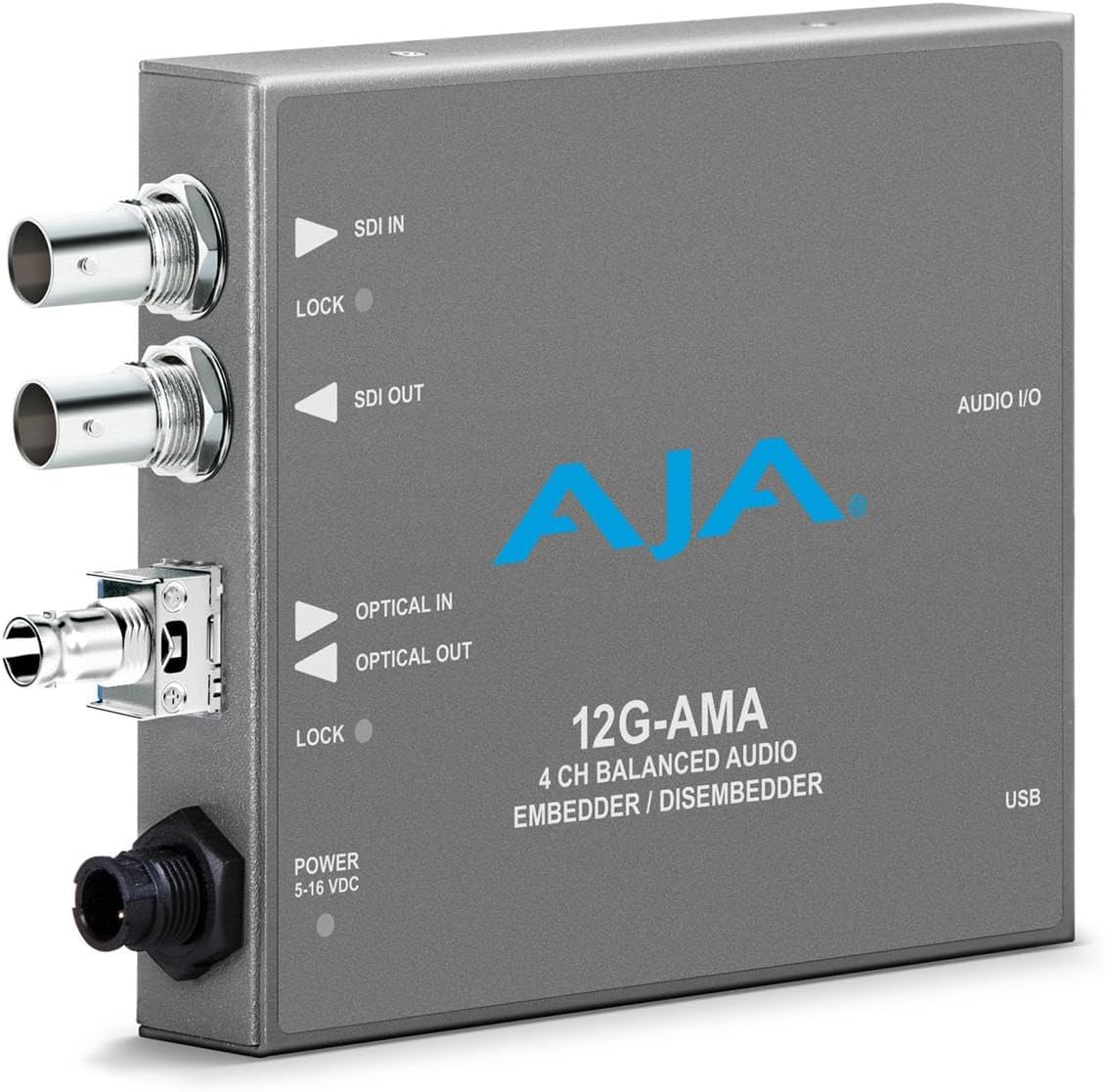
Aja offers a robust solution for professional broadcasting environments. The unit supports 12G-SDI signals with balanced audio. Fiber options extend connectivity over long distances easily.
We may earn a commission when you buy through this link, at no additional cost to you.
Its strength lies in seamless integration with existing professional gear. Disembedding capabilities allow audio separation when needed. The build quality ensures reliability in heavy usage settings.
The cost is significant for smaller productions, limiting broader adoption. It may require specific ecosystem components for full functionality. However, the performance justifies the investment for large setups.
This model is recommended for facilities prioritizing long-term reliability. It suits workflows needing high-speed data transfer and flexible audio routing.
Fiber options allow signal transmission over extended cable runs without loss.
Balanced inputs reduce interference for pristine audio quality.
We may earn a commission when you buy through this link, at no additional cost to you.
This unit is designed for straightforward SDI to audio conversion. It includes a power supply with multiple adapters for travel. The compact size fits easily into mobile production kits.
We may earn a commission when you buy through this link, at no additional cost to you.
It excels in basic embedding tasks without unnecessary complexity. Users appreciate the reliability and global power compatibility. The settings are minimal, making it easy to operate.
Advanced users might find the feature set too limited for complex workflows. It lacks redundant inputs or high bandwidth support. However, for standard SD tasks, it performs well.
Ideal for field producers needing a lightweight solution. It provides essential audio conversion capabilities in a small package.
Small footprint makes it perfect for on-location shooting.
Adapters for different countries ensure you can plug in anywhere.
We may earn a commission when you buy through this link, at no additional cost to you.
This converter handles both video and audio conversion tasks. It converts SDI signals to analog outputs effectively. Audio can be de-embedded to balanced analog or digital formats.
We may earn a commission when you buy through this link, at no additional cost to you.
Its versatility is useful for monitoring and legacy integration. The balanced outputs ensure clean signal transmission for audio. It includes a universal power supply for flexibility.
Manual configuration may be required for specific formats. Newer models offer more automation but this is reliable. It remains popular for specific monitoring needs.
Choose this if you need dual video and audio conversion. It is a practical tool for integrating analog and digital systems.
Handles both video and audio conversion in one compact unit.
Balanced outputs prevent noise interference in professional audio setups.
We may earn a commission when you buy through this link, at no additional cost to you.
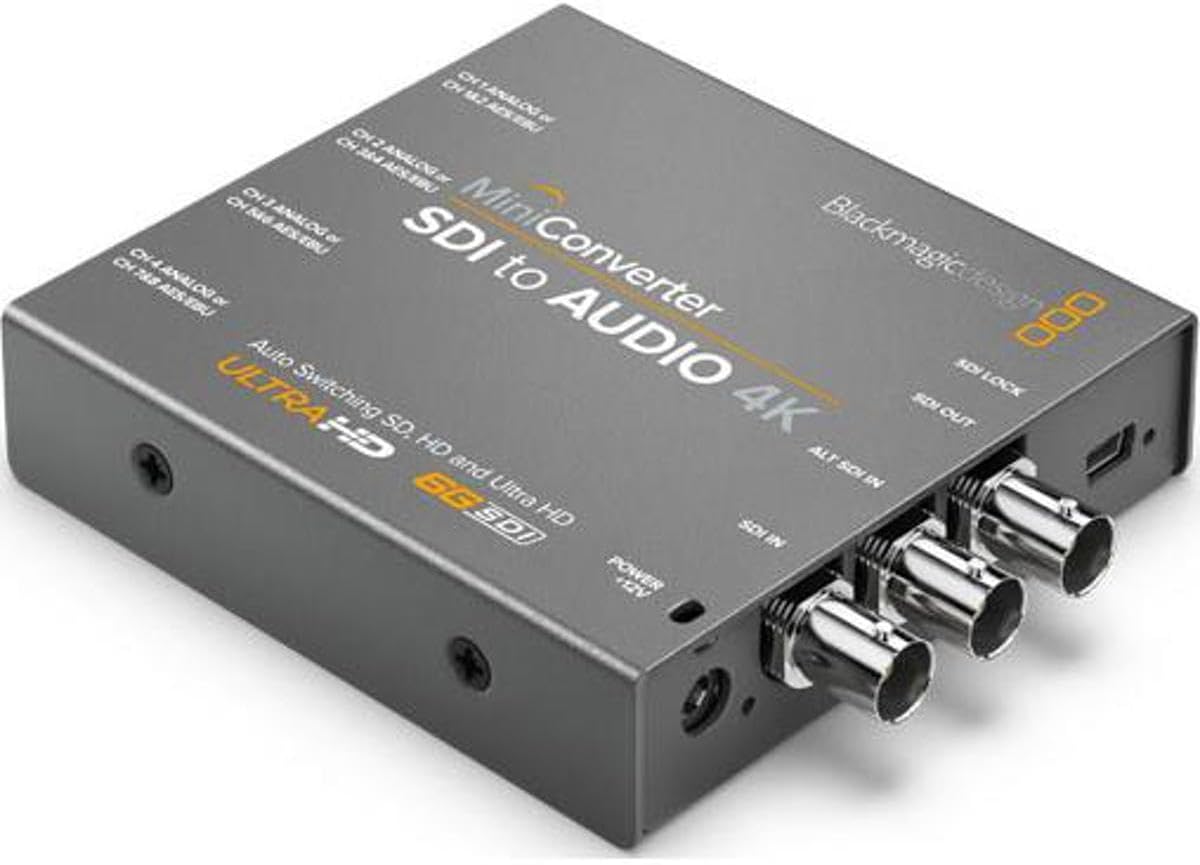
This model supports 4K audio de-embedding with high precision. It automatically matches SDI video input formats. Reclocking ensures clean signals across the workflow.
We may earn a commission when you buy through this link, at no additional cost to you.
The 4K capability makes it ideal for high-resolution productions. Redundant inputs add a layer of safety. Low power consumption keeps operations efficient.
It may be overkill for SD or HD workflows. The price reflects the advanced processing power. Users need compatible 4K sources to maximize utility.
Best for post-production or live setups needing 4K fidelity. It ensures high-quality audio extraction from modern video feeds.
Handles 4K signal extraction for high-resolution video.
Reclocking feature cleans up signal jitter for stable playback.
We may earn a commission when you buy through this link, at no additional cost to you.
This converter bridges analog sources to digital SDI outputs. It embeds audio from balanced or analog inputs seamlessly. Supports NTSC, PAL, and component signals easily.
We may earn a commission when you buy through this link, at no additional cost to you.
Its strength is integrating legacy equipment into modern SDI systems. The embedded audio ensures synchronized sound and video. Universal power supplies add reliability.
Newer 4K workflows may not utilize its full capability. Settings are fixed compared to advanced models. However, it remains essential for specific integrations.
Select this if you need to connect older cameras or mixers. It ensures analog content fits into digital broadcast pipelines.
Allows older analog gear to connect to modern SDI infrastructure.
Seamlessly combines audio with video for clean SDI transport.
We may earn a commission when you buy through this link, at no additional cost to you.
This unit excels in live event environments requiring low latency. It supports 4-channel balanced audio via XLR breakout. Video latency remains minimal for real-time sync.
We may earn a commission when you buy through this link, at no additional cost to you.
The MiniConfig software allows precise control over audio levels. This flexibility is valuable for complex audio setups. Video quality remains consistent across supported formats.
Users must install specific software for full configuration. It is limited to 3G-SDI speeds. For most live events, this is sufficient.
Choose this for live broadcasts needing audio precision and speed. It ensures tight synchronization between sound and video.
Ultra-low latency ensures audio and video stay perfectly in sync.
Use MiniConfig software to customize audio settings for any event.
We may earn a commission when you buy through this link, at no additional cost to you.
This converter provides professional-grade audio and video integration. It supports 4096x2160p30 formats automatically. The redundant input ensures uninterrupted feeds during critical shows.
We may earn a commission when you buy through this link, at no additional cost to you.
It handles a wide range of formats from SD to 4K. High color precision and audio fidelity make it a top choice. Balanced inputs deliver pristine sound quality.
Setup may require technical knowledge for optimal configuration. The cost is higher than standard options. However, the reliability justifies the investment.
Best for facilities prioritizing signal integrity and resolution. It ensures high-quality content delivery across diverse workflows.
Supports 4K Ultra HD formats for next-gen video.
Automatic switching to redundant input prevents signal loss.
We may earn a commission when you buy through this link, at no additional cost to you.
Selecting the right embedder requires understanding your specific video formats and audio requirements.
Ensure the embedder supports your maximum output resolution, whether SD, HD, or 4K. Modern productions often require 12G-SDI for 4K workflows.
Choose a model that matches your camera and monitor capabilities to avoid bottlenecks.
Check if the device accepts balanced analog, AES/EBU, or optical inputs. Professional setups benefit from balanced XLR connectors for noise reduction.
Select an embedder with inputs compatible with your existing mixing consoles.
For live events, redundant SDI inputs are crucial. They automatically switch to a backup cable if the main signal fails.
Prioritize units with redundant inputs to ensure uninterrupted broadcasting.
International power adapters are vital for travel. Universal supplies eliminate the need for extra converters abroad.
Look for units with included global adapters to simplify logistics.
Automatic format switching saves time when video inputs change. This prevents manual reconfiguration during shoots.
Choose models with auto-detection for smoother operations.
Low latency is essential for live synchronization. High latency causes audio and video to drift apart.
Verify latency specs to ensure tight timing alignment.
Compact units are easier to transport and mount in tight spaces. Rack mount designs fit into standard cases.
Consider the physical dimensions relative to your workflow needs.
Some models offer software for advanced settings adjustment. This allows precise control over levels and routing.
Check if software is available for your operating system.
Connect the audio input cables to the designated ports on the unit. Ensure all connections are secure to prevent signal dropouts.
Plug the power supply into the unit and connect the SDI video input. Wait for the status LED to indicate a valid signal.
Use software or front-panel controls to adjust audio levels and formats. Regularly clean connectors to maintain optimal performance and prevent dust buildup.
It converts audio signals into digital streams embedded within video signals for transport over SDI cables. This ensures synchronization and simplified cabling for production setups.
If your camera outputs analog audio, yes. Many cameras embed audio directly, so check your gear's outputs first. It is essential for integrating external mixers.
3G supports HD formats, while 12G supports 4K resolutions. Choose based on your maximum video output needs for future compatibility.
Most models include universal power adapters for different voltage standards. Always verify the power supply specs before traveling to avoid electrical issues.
Observe the status LEDs for valid input signals. Use a monitor to verify audio and video synchronization during operation.
Basic units use front-panel settings. Advanced models may require specific software for fine-tuning. Check the manual for your specific device.
We have reviewed ten reliable embedders suitable for various professional needs. Top picks like Blackmagic Design offer exceptional value and feature sets for most users.
Prioritize formats that match your resolution and audio requirements. Redundancy and global power support are key for field work.
Always check current availability and specifications before finalizing your purchase. This ensures you receive the exact capabilities your workflow requires today.