
ASUS TUF F16 RTX 4050 Pro Gaming Laptop
4.0Editor score
32GB DDR5 RAM
RTX 4050 Graphics
1TB PCIe NVMe
16 Inch FHD+
Finding a reliable laptop for Fusion 360 requires careful consideration of processing power and graphics capabilities. This guide helps you navigate the options to ensure smooth CAD modeling and rendering experiences without unnecessary lag or crashes during critical design work.
We evaluated ten distinct models based on their processor speed, RAM capacity, and dedicated graphics performance. Our analysis focuses on real-world usability for engineers and designers who need consistent performance throughout long project sessions and complex assembly management workflows.
Each selection highlights specific strengths tailored to different user needs and budget constraints. Please note that prices fluctuate frequently, so verify current listings before purchasing to ensure you get the best value for your specific configuration and technical requirements.
4.0Editor score

4.5Editor score

3.6Editor score
As an Amazon Associate we earn from qualifying purchases.
This side-by-side comparison highlights the key specifications of each laptop to help you identify the right fit for your Fusion 360 workflow. We focus on processor cores, RAM amount, storage speed, and graphics card capabilities that directly impact rendering and simulation performance.



This laptop stands out as a top choice for Fusion 360 users due to its balanced performance profile. With 32GB of RAM and an RTX 3050 graphics card, it handles complex assemblies and simulations effectively while maintaining a competitive price point.
We may earn a commission when you buy through this link, at no additional cost to you.
The 8-core Intel i5 processor ensures smooth multitasking when running multiple engineering applications alongside the CAD software. The 144Hz display provides crisp visuals for detailed modeling work, and the numeric keypad aids in quick data entry during design revisions.
While the battery life may not last all day under heavy load, the machine delivers consistent performance when plugged in. The inclusion of Windows 11 Pro enhances security and management features, making it suitable for professional environments and educational settings.
Buyers seeking a reliable machine for 3D modeling and rendering will appreciate this configuration. It offers enough power to run Fusion 360 efficiently without breaking the bank, making it an ideal choice for students and professionals alike.
The combination of high core count and ample RAM allows for smooth manipulation of large assemblies without significant slowdowns during rotation or rendering.
The high refresh rate screen reduces motion blur during navigation, and the numeric keypad streamlines parameter entry for precise dimension adjustments.
We may earn a commission when you buy through this link, at no additional cost to you.
This premium option delivers exceptional performance for users who demand the latest hardware for their Fusion 360 projects. The DDR5 RAM and RTX 4050 graphics ensure future-proofing for increasingly complex simulations and rendering tasks.
We may earn a commission when you buy through this link, at no additional cost to you.
The 16-inch display offers more workspace for toolbars and design windows, which is crucial when managing intricate 3D models. The cooling system keeps temperatures in check during long render sessions, maintaining sustained performance without throttling.
While it comes at a higher price, the investment pays off for professionals who rely on their machine daily. The included laptop cooler further enhances thermal management, ensuring the system remains stable during intense engineering workflows.
Consider this model if you need maximum performance and are willing to trade some portability for speed. It is particularly well-suited for stationary workstations or users who prioritize rendering speed over battery longevity.
DDR5 RAM provides faster data throughput than DDR4, improving application launch times and reducing lag when switching between heavy design files.
The built-in cooling technology combined with the bundle accessory ensures the system stays cool, preventing performance drops during extended simulation runs.
We may earn a commission when you buy through this link, at no additional cost to you.
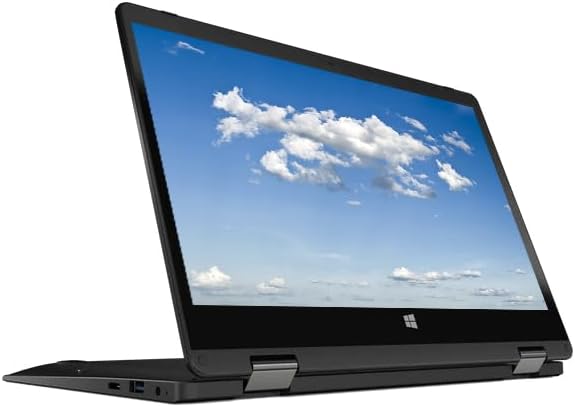
This budget-friendly option provides basic functionality for those needing to run Fusion 360 for lightweight tasks or learning purposes. Its convertible design allows flexibility in viewing angles, which can be helpful during presentations or collaborative reviews.
We may earn a commission when you buy through this link, at no additional cost to you.
While it lacks the power for heavy rendering, it is sufficient for basic modeling and sketching. The touchscreen interface adds a layer of interactivity, making navigation through menus and properties more intuitive for new users.
Storage limitations may require external drives for large project files, but the low price point makes up for this drawback. It serves well as a secondary machine or for students who primarily use cloud-based storage solutions for their designs.
Ideal for beginners or those on a strict budget, this laptop offers a starting point into CAD work. Just be mindful of its limitations when handling complex assemblies or high-resolution texture maps.
The 360-degree hinge allows the device to function as a tablet, enabling sketching directly on the screen with compatible stylus options.
Ultra-fast WiFi 6 ensures quick file transfers to cloud services, compensating for the limited local storage capacity.
We may earn a commission when you buy through this link, at no additional cost to you.
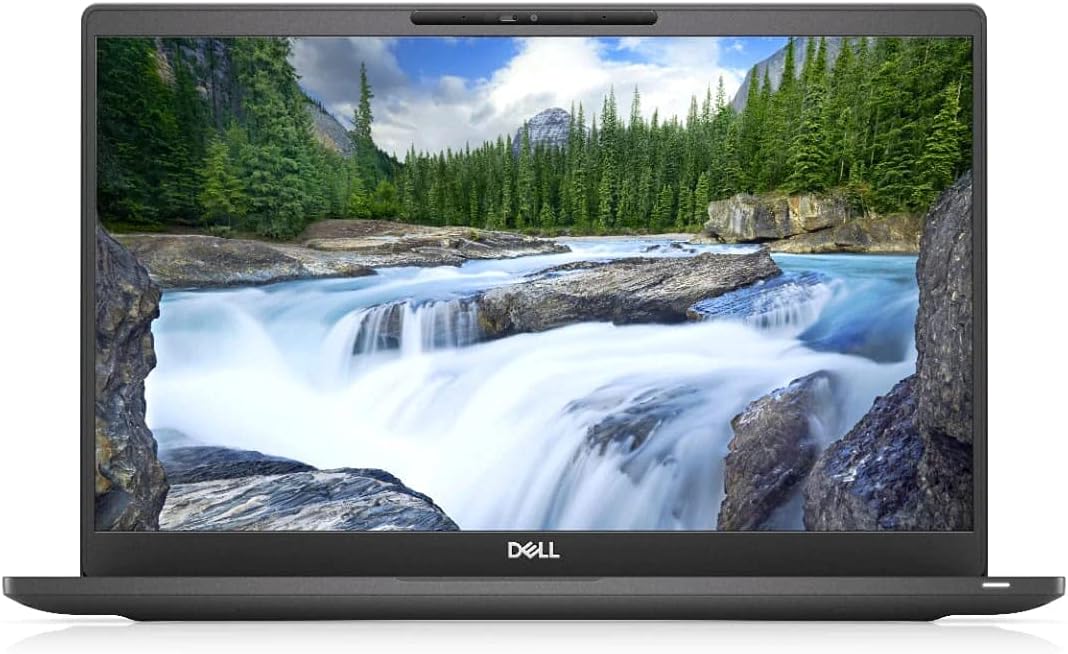
This business laptop offers robust performance through its high RAM configuration, making it capable of handling moderate Fusion 360 workloads. The professional build quality ensures durability for daily office use and frequent travel.
We may earn a commission when you buy through this link, at no additional cost to you.
The 32GB RAM allows for smooth multitasking between Fusion 360 and other office applications. While the integrated graphics may struggle with heavy rendering, it is suitable for general modeling and engineering tasks that do not require intensive visual processing.
As a renewed unit, it provides value without sacrificing essential specifications. The Windows 11 Pro environment supports security features and enterprise-level management tools, making it a practical choice for corporate environments.
Recommended for users who prioritize build quality and memory over graphical intensity. It serves well for engineers who need a reliable daily driver for documentation and lighter CAD work.
The generous RAM allocation ensures that opening multiple tabs and applications alongside CAD software does not cause system lag.
Built to business standards, this laptop withstands regular use and travel, offering peace of mind for professional applications.
We may earn a commission when you buy through this link, at no additional cost to you.
This Chromebook offers a lightweight solution for users who may rely on cloud-based CAD tools rather than native desktop applications. Its convertible form factor makes it versatile for different work environments and casual tasks.
We may earn a commission when you buy through this link, at no additional cost to you.
While it does not support heavy desktop versions of Fusion 360, it can be used for accessing web interfaces or related administrative tasks. The touchscreen allows for intuitive navigation, and the long battery life supports all-day usage away from an outlet.
The limited storage and memory restrict its utility for heavy engineering work, but it serves well as a companion device. Users looking for a secondary machine for communication and light design management will find this appealing.
Consider this if your workflow relies heavily on web tools or if you need a portable device for on-the-go access to project files. It is not a primary solution for complex modeling but works for basic needs.
The lightweight chassis ensures easy transport, and the efficient processor allows for extended battery life during travel.
While not ideal for heavy CAD, it supports browser-based design tools and project management platforms effectively.
We may earn a commission when you buy through this link, at no additional cost to you.
This model improves upon earlier Chromebooks with better RAM and display quality, making it a more capable device for general use. While still a Chromebook, the increased memory supports smoother operation when running multiple web-based applications.
We may earn a commission when you buy through this link, at no additional cost to you.
The Full HD IPS screen offers better color accuracy and viewing angles, which is helpful when reviewing designs or collaborating remotely. The backlit keyboard allows for comfortable typing in various lighting conditions during extended work sessions.
It remains best suited for cloud-centric workflows where heavy software installation is not required. The processor handles everyday tasks well, providing a responsive experience for students or professionals needing a reliable web access tool.
Consider this if you prioritize screen quality and build over raw processing power. It is an excellent choice for educational settings or roles where the web browser is the primary interface.
The IPS technology ensures consistent colors from wide angles, enhancing visual clarity during collaborative design reviews.
LPDDR5 RAM provides faster data access than older generations, improving the responsiveness of the operating system and apps.
We may earn a commission when you buy through this link, at no additional cost to you.
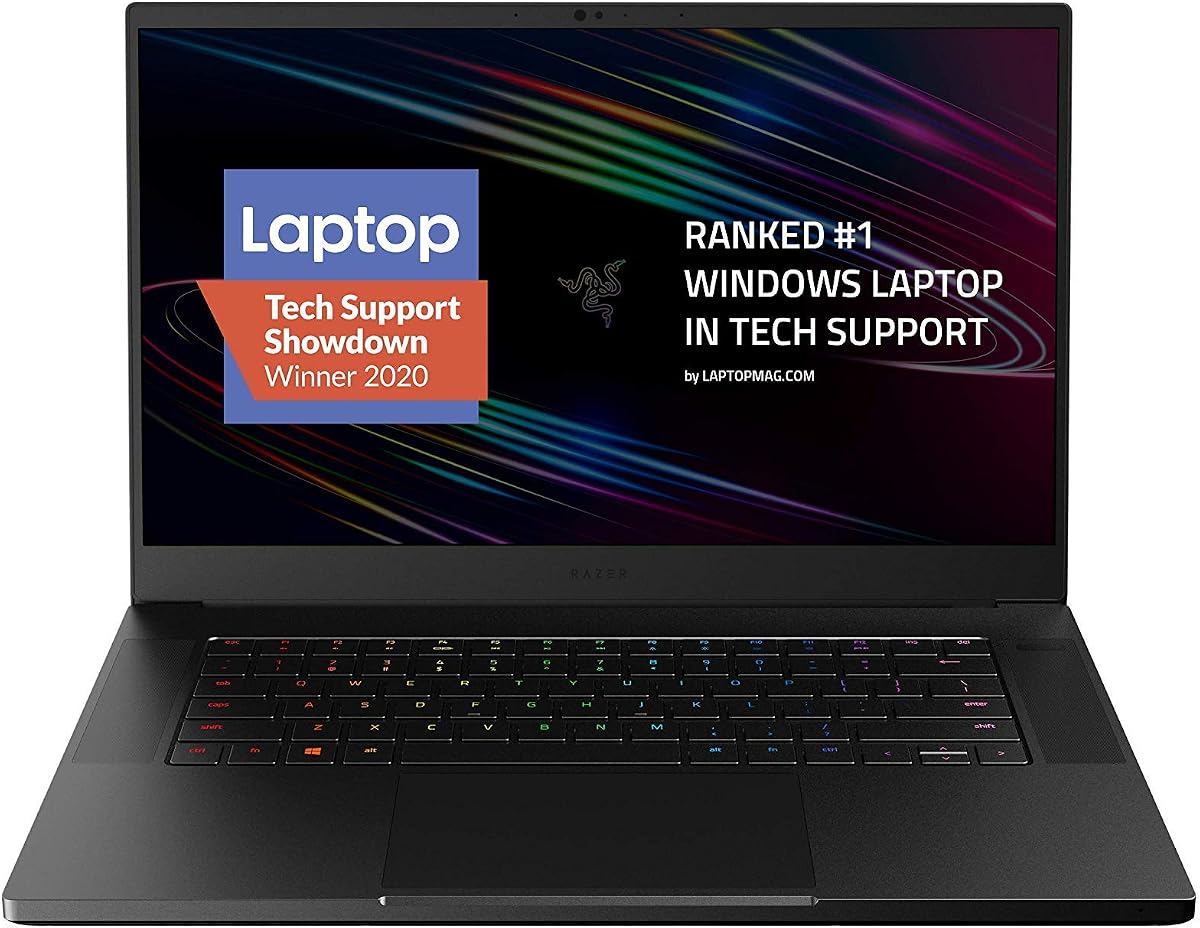
This laptop is engineered for high performance with a powerful processor and dedicated graphics capable of handling demanding Fusion 360 tasks. The build quality is exceptional, featuring a CNC aluminum chassis that adds durability and a premium feel.
We may earn a commission when you buy through this link, at no additional cost to you.
The RTX 2070 graphics card supports accelerated rendering, reducing wait times when creating visualizations. With 16GB RAM, it manages moderate project sizes efficiently, though upgrades may be necessary for very large assemblies.
While the price point is higher, the machine offers a premium experience that stands up to professional requirements. The high refresh rate display ensures smooth visual feedback during navigation, which enhances the overall modeling experience.
Suitable for users who value build quality and performance in equal measure. It serves well as a primary workstation for those who need reliable power for complex designs and multimedia projects.
The dedicated GPU enables faster rendering of complex scenes, significantly reducing the time needed to produce high-quality visual outputs.
Thunderbolt 3 support allows for high-speed data transfer and connection to external displays or docking stations.
We may earn a commission when you buy through this link, at no additional cost to you.
This rugged laptop delivers dependable performance for design work with its solid processor and graphics capabilities. The military-grade construction ensures it withstands daily wear and tear, making it ideal for students or field work.
We may earn a commission when you buy through this link, at no additional cost to you.
The 144Hz screen provides smooth visual feedback, which is helpful when rotating 3D models. While 8GB RAM may limit simultaneous multitasking, it is sufficient for running Fusion 360 with a few supporting applications.
The GTX 1650 graphics card handles moderate rendering tasks effectively, balancing cost and performance. It is a practical choice for users who need a reliable machine without paying for premium features they may not use.
Consider this model for its balance of durability and performance. It is well-suited for educational environments or professionals who require a sturdy machine for regular use.
Military standard construction protects against drops and spills, ensuring longevity in demanding environments.
The high refresh rate reduces motion blur, making it easier to track details during interactive modeling sessions.
We may earn a commission when you buy through this link, at no additional cost to you.
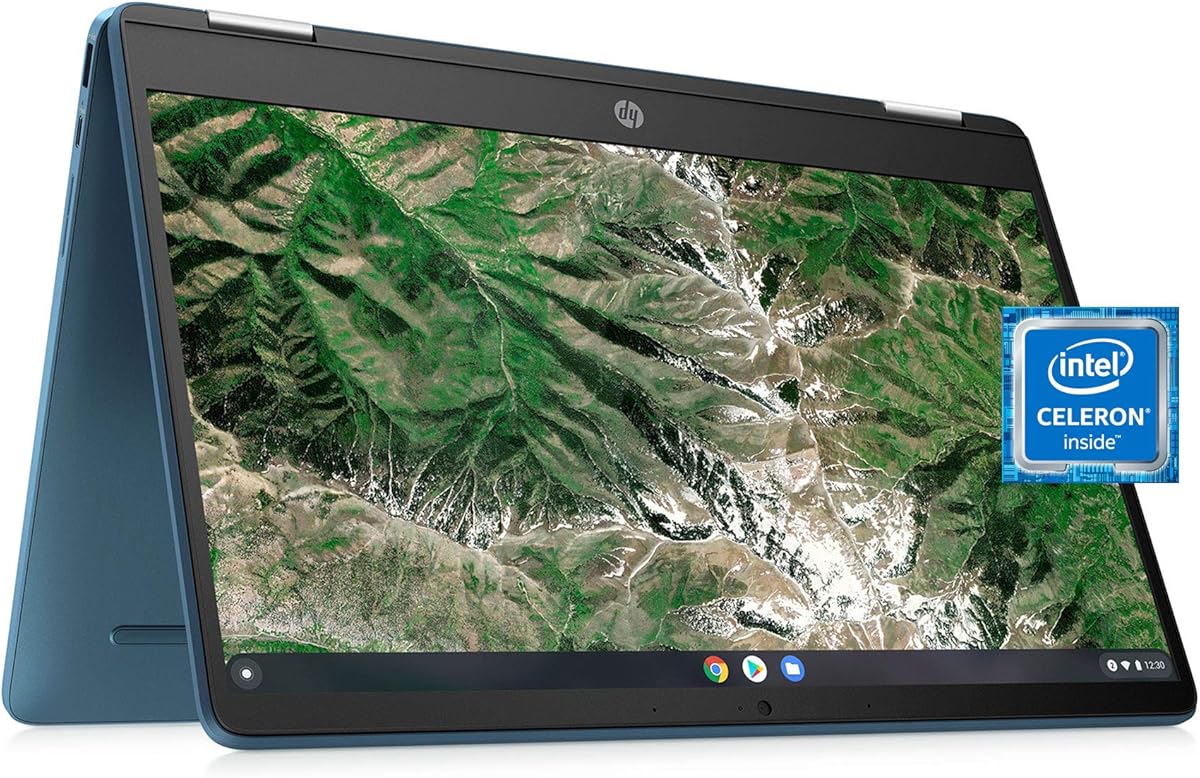
This convertible device offers a unique mix of tablet and laptop modes, perfect for collaborative reviews and portable work. The Gorilla Glass screen adds protection, making it durable for active use environments.
We may earn a commission when you buy through this link, at no additional cost to you.
As a Chromebook, it relies on web-based tools, which limits native Fusion 360 usage but allows access to cloud interfaces. The lightweight design ensures it fits easily into backpacks, making it a strong companion for travel.
The battery life supports all-day use, reducing the need to carry chargers during busy schedules. While not suitable for heavy local processing, it provides essential connectivity and review capabilities for design teams.
Best for users who prioritize mobility and cloud workflows over local processing power. It works well for presenting designs or accessing project management tools on the go.
The 360-degree hinge allows the device to fold into a stand mode, ideal for viewing or presenting content to others.
Corning Gorilla Glass protects the display from scratches and minor impacts, maintaining visual clarity over time.
We may earn a commission when you buy through this link, at no additional cost to you.
This device serves as a versatile tool for viewing and discussing design files rather than creating them locally. The touchscreen functionality enhances interaction, making it easier to highlight features during collaborative sessions.
We may earn a commission when you buy through this link, at no additional cost to you.
The 13.3-inch screen balances portability with readability, ensuring that details are visible without making the device bulky. Its lightweight form factor makes it easy to carry around campus or the office for impromptu meetings.
While the hardware is not suited for intensive processing, it excels as a mobile display and communication tool. The fast startup time ensures that you can jump into work quickly when an opportunity arises.
Recommended for professionals who need a secondary device for meetings and file access. It supports the broader workflow by keeping you connected even when away from a primary workstation.
Touchscreen support allows for direct manipulation of UI elements, streamlining navigation through browser-based design tools.
The fast boot process ensures that you are ready to view documents or join calls within seconds of turning the device on.
We may earn a commission when you buy through this link, at no additional cost to you.
Selecting the right laptop involves weighing several technical factors that directly impact your ability to run Fusion 360 efficiently. Here are the key elements to consider to ensure your machine meets your professional or educational needs.
The CPU is the brain of your system, responsible for handling calculations during modeling and simulation. Look for processors with multiple cores and high clock speeds to ensure smooth multitasking and responsive interaction.
Prioritize modern Intel Core i5 or i7 chips that offer enough power to keep up with complex design workflows without slowing down.
RAM determines how many applications and browser tabs can run simultaneously without lag. Fusion 360 benefits significantly from higher memory capacities when working with large assemblies.
Aim for at least 16GB to ensure smooth performance. 32GB is recommended for users who work with very large files or run multiple engineering apps at once.
A dedicated graphics card accelerates rendering and smooth rotation of 3D models. Integrated graphics can work for basic tasks but may struggle with complex shading or simulation results.
Look for NVIDIA RTX series cards which are optimized for professional CAD workloads. This ensures you get the best visual performance and faster render times.
Storage speed affects how quickly you can open files and load the software. Solid State Drives are much faster than traditional hard drives for these operations.
Choose a device with at least 512GB of SSD storage to accommodate your software and project files. This also reduces load times significantly during daily work.
A clear and high-resolution screen is essential for spotting details in your designs. Look for displays with good color accuracy and sufficient brightness.
IPS panels provide wide viewing angles which are useful during collaborative work. A 1920×1080 resolution or higher ensures text and lines appear sharp.
Durability ensures that your investment lasts through daily use and transport. Business class or gaming laptops often have better chassis materials and cooling systems.
Check for sturdy hinges and keyboard durability. A solid build protects your device from wear and tear over time.
Battery life determines how long you can work away from a power source. CAD tasks can drain batteries quickly, so look for efficient models.
Consider models that offer at least 6 hours of life for standard use. Ensure you have access to a charger for heavy rendering sessions.
Ports allow you to connect external monitors, mice, and storage drives. Having a variety of ports increases flexibility for different work setups.
Look for USB-C, HDMI, and USB-A ports. Fast Wi-Fi support helps when transferring large design files to cloud storage.
Keep your system cool by ensuring vents are clear of dust and debris. Proper airflow prevents throttling which can slow down performance during intense tasks. Using a laptop stand can also improve ventilation and ergonomics.
Update your drivers regularly to ensure maximum compatibility with Fusion 360. Manufacturers release patches that improve stability and graphics performance. Check the support website periodically to stay current with the latest updates.
Backup your project files to the cloud or an external drive to prevent data loss. Fusion 360 offers cloud capabilities but local backups add a layer of security. Schedule regular automatic backups to protect your hard work.
To run Fusion 360 smoothly, you should aim for a modern processor, at least 8GB of RAM, and a dedicated graphics card. While 8GB is the minimum, upgrading to 16GB or more significantly improves performance with larger files.
Gaming laptops often have the best hardware for CAD software like dedicated graphics and high clock speed processors. However, many business laptops with similar specs can also handle Fusion 360 effectively if they have a good GPU.
Standard Chromebooks cannot run the native desktop version of Fusion 360. However, you can use the web interface for basic viewing and editing. For full features, a Windows or macOS machine is recommended.
RAM is crucial because it holds active project data for quick access. More RAM allows you to work with larger assemblies without slowdowns. 16GB is recommended for general work, while 32GB suits complex projects.
A 15-inch or larger screen is generally best for CAD work as it provides enough space for toolbars and detail views. If you need portability, a 14-inch screen can work but may require a monitor for full productivity.
Avoid exposing the laptop to extreme heat or cold and clean the vents regularly to prevent dust buildup. Use a surge protector to guard against power spikes and handle the device gently to prevent physical damage.
Yes, SSD storage is highly recommended for faster boot times and quicker file access. It improves overall system responsiveness which is essential when switching between engineering applications and loading large designs.
Battery life matters if you work away from power outlets frequently. However, most laptops throttle performance on battery to save power, so for heavy tasks it is best to keep the device plugged in for best results.
We reviewed ten laptops offering different balances of power and price to suit various needs. The HP Victus offers great all around performance while premium options like the ASUS TUF F16 provide top tier speeds for complex work.
Prioritize processor speed and RAM if you work with large assemblies regularly. Graphics power is also key for rendering and visualization tasks so do not overlook the GPU specs when comparing models.
Always check current prices and availability before buying as specs change and new models arrive frequently. Investing in the right tool ensures you can focus on design rather than waiting for software to keep up.