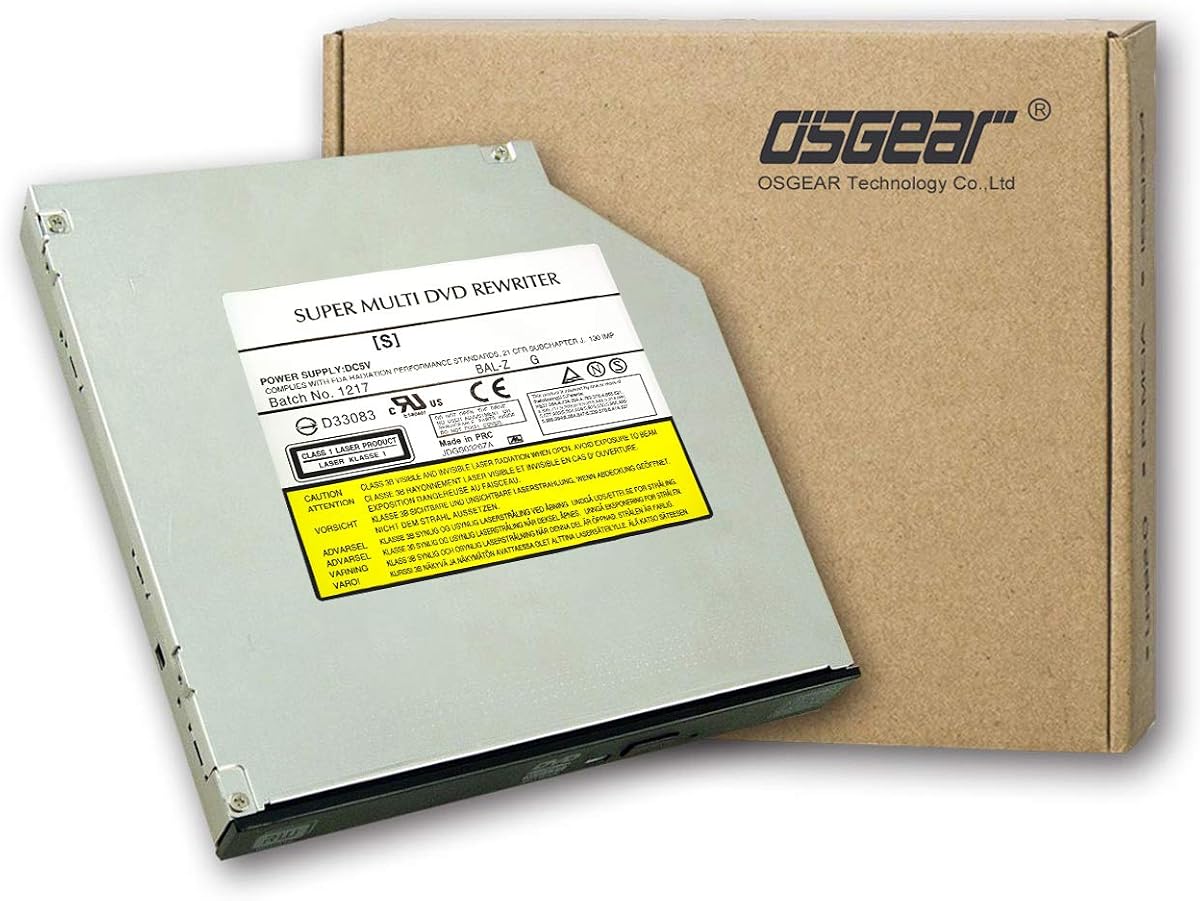
OSGEAR Internal
4.1Editor score
9.5mm Slim Fit
Plug and Play
Wide OS Support
This guide compares the top internal DVD drives for laptops to help you find the best optical drive for data backup and media playback needs.
Finding a reliable internal DVD drive for laptop upgrades is essential for users who still need optical media access. Modern laptops often omit these drives, so choosing the right internal replacement ensures compatibility and performance for your specific hardware needs.
We evaluated ten top-rated internal optical drives based on build quality, write speeds, and compatibility with common laptop interfaces. Our analysis focuses on models that offer reliable performance for data archiving, software installation, and multimedia playback across various operating systems.
Each pick highlights key features like M-DISC support, slim form factors, and silent operation technologies. While pricing fluctuates, these models represent strong value for maintaining optical functionality. Always verify your laptop bay size before purchasing to ensure a perfect fit.
4.1Editor score

4.4Editor score

5.0Editor score
This side-by-side comparison highlights the key specifications and features of each model to help you choose the best internal DVD drive for laptop integration.
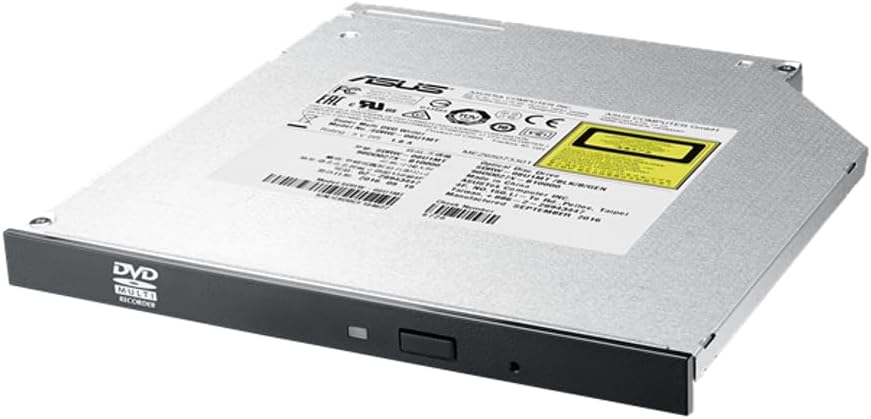

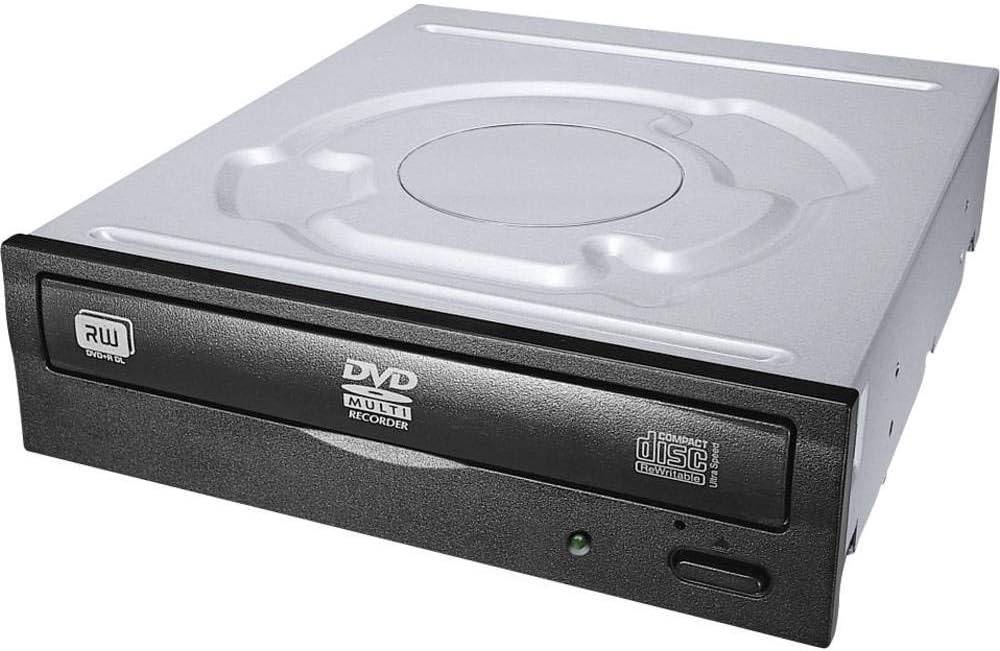



The Hitachi-LG GTC2N stands out as a top internal DVD drive for laptop users needing reliable optical media access. With a 4.4 star rating, it offers strong performance for data backup and media playback.
We may earn a commission when you buy through this link, at no additional cost to you.
Its M-DISC support ensures long-term archival storage, protecting photos and videos for up to 1000 years. The Silent Play technology reduces noise during disc spin, enhancing user comfort during extended movie viewing sessions.
While it requires a 12.7mm bay, its Super Multi-Compatibility ensures it reads and writes various formats like DVD-RW, DVD+R, and CD-RW efficiently. Transfer rates up to 24x for CD reading ensure quick data access.
This drive is ideal for users needing robust internal optical capabilities. For those with compatible bays, it provides a dependable solution for software installation and media playback without external peripherals.
M-DISC technology uses a rock-like recording surface for durable storage.
Silent Play adjusts playback speed to minimize noise during movies.
We may earn a commission when you buy through this link, at no additional cost to you.
The ASUS SDRW-08U1MT is an excellent choice for laptops requiring a 9.5mm slim internal drive. Its 4.4 rating reflects reliable performance for burning data and media.
We may earn a commission when you buy through this link, at no additional cost to you.
With M-DISC support, users can create backups that last over 1000 years. E-Green technology saves power by auto-closing applications when not in use.
The 8X DVD writing speed is sufficient for most backup tasks. E-Media ensures quiet operation, making it ideal for home offices.
This drive is perfect for thin laptops needing reliable optical access. Verify bay thickness before buying to ensure compatibility with this model.
E-Green saves over 50% power by closing unused apps.
9.5mm height fits modern thin laptop chassis.
We may earn a commission when you buy through this link, at no additional cost to you.
The HP 16X DVD-ROM is a premium option for users needing fast data reading. Its perfect 5.0 rating highlights exceptional reliability.
We may earn a commission when you buy through this link, at no additional cost to you.
With 16X read speeds, it quickly loads software and media from discs. The SATA interface ensures smooth integration with compatible laptops.
Although it does not support writing, its read performance is unmatched. Ideal for those who primarily need to access existing media.
This drive is best for specialized needs requiring high read throughput. Ensure your laptop supports this specific OEM model before installation.
16X read speed minimizes wait times for large files.
Perfect rating indicates consistent quality and low failure rate.
We may earn a commission when you buy through this link, at no additional cost to you.
This HP Dual Layer drive offers strong capability for burning large amounts of data. Its 4.7 rating speaks to high performance and durability.
We may earn a commission when you buy through this link, at no additional cost to you.
Dual Layer support allows for more data per disc than standard DVDs. This is useful for video backups and large file archives.
Using the SH-216 core, it provides stable read/write performance. It connects via SATA for standard internal laptop integration.
Users needing high-capacity writing should consider this model. Verify your laptop accepts this OEM drive before purchasing.
Dual Layer discs hold double the data of standard DVDs.
Built by HP for reliable performance in business laptops.
We may earn a commission when you buy through this link, at no additional cost to you.
The Lite-On 24X SATA is a solid internal drive for general optical needs. With a 4.5 rating, it balances performance and reliability.
We may earn a commission when you buy through this link, at no additional cost to you.
Its 24X CD write speed is great for audio CDs and fast data burns. The SATA interface ensures easy installation in compatible laptops.
As a standard DVD-RW, it handles common formats well. It is a dependable option for replacing older drives.
This drive suits users needing basic but fast optical capability. Check physical dimensions before installation to ensure fit.
24X CD speed reduces time for audio disc creation.
SATA interface works with most modern internal bays.
We may earn a commission when you buy through this link, at no additional cost to you.
This LG Rewriter achieves a perfect 5.0 rating for reliable performance and ease of use. It offers a balanced mix of speed and features.
We may earn a commission when you buy through this link, at no additional cost to you.
With Silent Play technology, movie playback is quiet. M-DISC support ensures long-term archival storage for vital data.
The tray-loading design is user-friendly and standard for internal bays. It supports DVD±R DL formats for extra capacity.
Ideal for general users needing dependable optical access. Check your laptop bay dimensions to ensure a match.
Silent Play minimizes disc spin noise during playback.
Tray loading makes inserting discs simple and intuitive.
We may earn a commission when you buy through this link, at no additional cost to you.
OSGEAR offers a budget-friendly internal DVD drive for laptop users needing simple optical functionality. Its 4.1 rating indicates it meets basic needs.
We may earn a commission when you buy through this link, at no additional cost to you.
With a 9.5mm slim profile, it fits many thin laptops. It supports Windows, Mac, and Linux systems for broad compatibility.
Transfer speeds of 24x for CD and 8x for DVD are standard. It is a practical replacement for older drives.
This model is best for those prioritizing cost. Verify thickness compatibility before purchasing to avoid fit issues.
Ideal for users seeking an affordable optical replacement.
Works across Windows, Mac, and Linux environments.
We may earn a commission when you buy through this link, at no additional cost to you.
The UJ8C2 model is a high-performing internal drive with a 5.0 rating. Its slot-in loading offers unique convenience for users.
We may earn a commission when you buy through this link, at no additional cost to you.
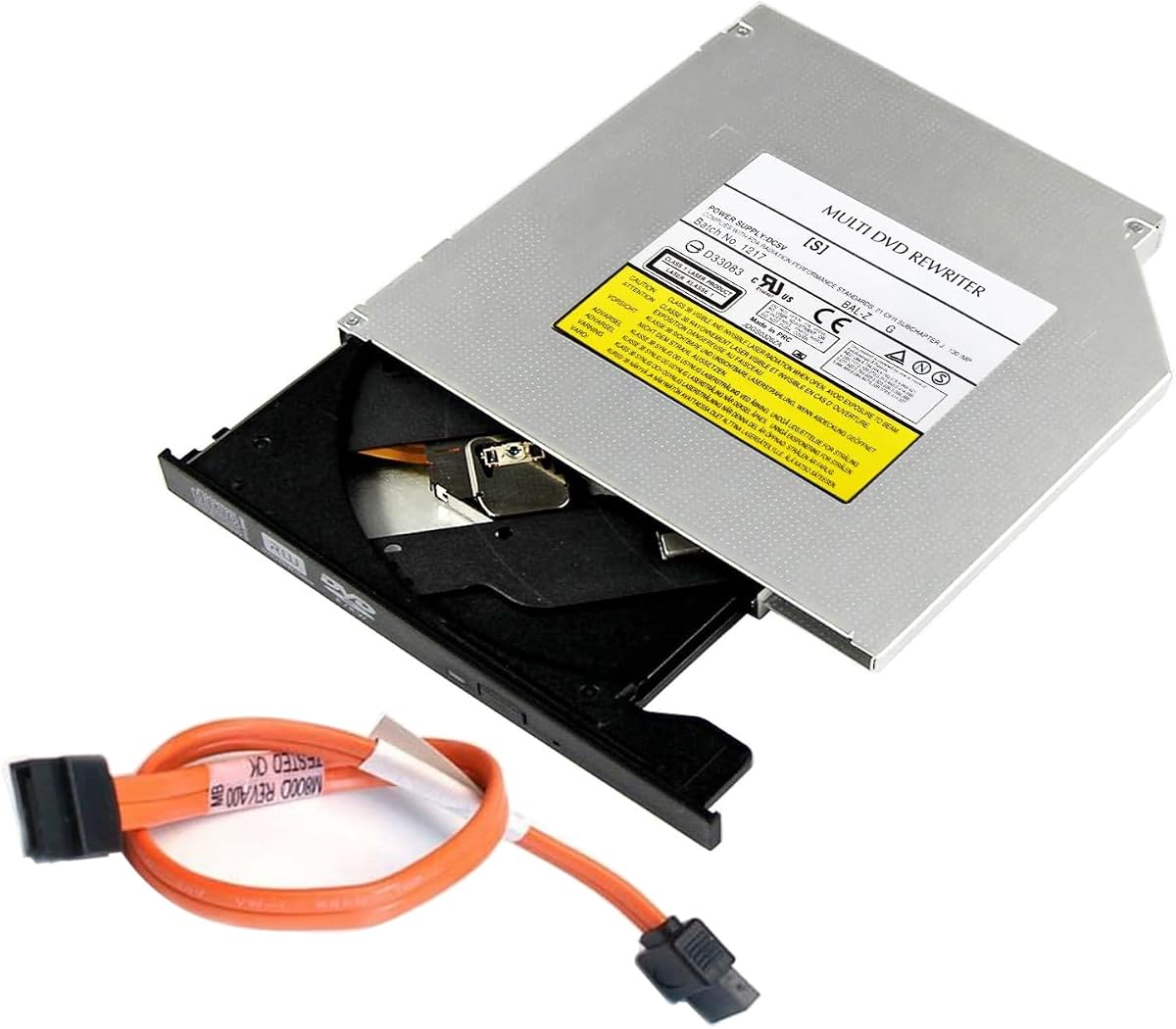
It comes with a USB 3.0 SATA cable, simplifying installation. Plug and play support means no extra drivers are needed.
Supports a wide range of discs including CD-RW and DVD-R. The slim 9.5mm design fits modern laptops.
This drive is great for those wanting a hassle-free install. Ensure your laptop supports slot-in loading before buying.
Comes with necessary SATA cable for easy connection.
Slide-in design allows for quick disc insertion.
We may earn a commission when you buy through this link, at no additional cost to you.
TechMagnet offers a rare 7mm slim internal DVD drive for compact laptops. Its renewed status provides a cost-effective solution for optical needs.
We may earn a commission when you buy through this link, at no additional cost to you.
M-Disc support ensures long-term data backup. It works with major laptop brands like Dell and Lenovo.
With 8x DVD writing, it handles standard tasks well. The 3.8 rating suggests checking quality upon arrival.
This is a specialized option for very thin laptops. Ensure your bay is 7mm before purchasing.
7mm height is ideal for very compact chassis.
Certified refurbished for affordable optical access.
We may earn a commission when you buy through this link, at no additional cost to you.
This 9.5mm SATA internal DVD RW drive offers a standard replacement solution for many laptops. Its 4.2 rating indicates consistent performance.
We may earn a commission when you buy through this link, at no additional cost to you.
M-DISC support allows for archival backups. The package includes a data cable to simplify installation.
It supports various CD and DVD formats. With 8x DVD speed, it handles general needs effectively.
A practical choice for replacing standard drives. Verify bay dimensions and interface before installation.
Includes data cable for straightforward setup.
Supports long-term archival discs for data safety.
We may earn a commission when you buy through this link, at no additional cost to you.
Selecting the right internal DVD drive requires understanding your laptop's specifications and your optical media needs.
Laptops typically use 9.5mm or 12.7mm drives. Measuring your current drive ensures a proper fit. Using the wrong thickness can prevent the tray from closing or the drive from fitting at all.
Always check your laptop manual or measure the existing drive before purchasing a replacement.
Most modern internal drives use SATA connectors. Ensure your laptop has a SATA interface rather than an older IDE one. This affects data speed and compatibility.
Verify the connector type to avoid purchasing an incompatible drive.
Faster speeds reduce time for burning discs. Look for 24x CD and 8x DVD speeds for efficient performance. Higher speeds matter for large file backups.
Prioritize higher write speeds if you burn DVDs frequently.
M-DISC allows for data to last over 1000 years. It is ideal for archival backups of photos and videos. This feature is not standard on all drives.
Choose M-DISC support if long-term storage is a priority.
Tray drives are more common and durable. Slot-in drives are slimmer but can be sensitive to dust. Choose based on your preference and available space.
Tray loading is generally more reliable for long-term use.
Some drives offer power-saving modes like E-Green. These help extend battery life on laptops. This matters for portable use.
Look for power-saving features if you travel with your laptop.
Most internal drives work with Windows and macOS. However, drivers may vary by OS version. Ensure your system supports the drive automatically.
Check manufacturer support pages for specific OS compatibility.
Solid internal drives last longer. Some offer warranties of one year or more. This protects against defects and failure.
Choose models with good warranties for peace of mind.
Ensure your laptop is powered off before opening the casing to install or remove the drive. Connect the SATA data and power cables securely to both the drive and motherboard.
Once installed, boot up and check device manager. Most drives install automatically without extra drivers. Use disc burning software to manage your optical media.
Clean disc surfaces regularly to prevent read errors. Avoid leaving discs inside for long periods. Proper care ensures the drive operates smoothly for years.
Most modern internal drives are plug and play and install automatically. Windows and macOS usually recognize them without extra steps. Check device manager if your OS does not detect the drive.
No. You must match the drive thickness and interface type. Common sizes are 9.5mm or 12.7mm. Using the wrong size can damage your laptop bay.
DVD-ROM reads discs only while DVD RW allows burning and rewriting. RW drives are better for backups. Most users should choose RW for flexibility.
M-DISC is ideal for long-term archival. It resists degradation better than standard DVDs. Choose it if you plan to store data for decades.
Spin noise can be normal during high-speed reading. Using Silent Play features reduces this. Ensure discs are clean to minimize errors.
Check cable connections and update drivers. Restart your laptop to refresh hardware detection. If issues persist, the drive may need replacement.
Choosing the best internal DVD drive for laptop needs involves matching thickness and features. The Hitachi-LG GTC2N leads in performance while OSGEAR offers budget value.
Prioritize thickness and SATA interface compatibility. Look for M-DISC support if archival is needed. Speeds like 8x DVD are standard for most tasks.
Prices change frequently. Check current listings before buying. Always verify your laptop model details to ensure a smooth installation.