
Dell Optiplex 3050 SFF
4.2Editor score
16GB DDR4 RAM
256GB SSD Storage
4K Dual Display Support
Discover the best desktop PC for teens in 2026. We compare performance, storage, and connectivity to help you choose the ideal computer for school and gaming.
Finding the right computer for a teenager requires balancing performance with affordability. A good desktop PC for teens should handle homework, creative projects, and casual gaming without breaking the bank.
We evaluated ten top-rated models based on processor speed, memory capacity, and storage options. Our comparison focuses on reliability and expandability to ensure long-term value for growing users.
Each pick highlights specific strengths like Wi-Fi 6 support or large SSDs. Note that prices fluctuate frequently, so always check current listings before making your final purchasing decision today.
4.2Editor score

4.1Editor score
4.3Editor score
This side-by-side comparison highlights key specifications across all ten selected models. Use this table to quickly identify which system offers the memory performance and storage capacity for your specific needs.





The Dell Optiplex 7060 SFF earns top honors with its powerful i7 processor and massive 32GB of RAM. Rated 4.0 stars by users, this system handles heavy multitasking and virtual machines effortlessly.
We may earn a commission when you buy through this link, at no additional cost to you.
Its 512GB NVMe SSD ensures rapid boot times and application loading. The included wireless keyboard and mouse provide immediate convenience while the small case saves valuable desk space.
While it lacks a dedicated graphics card, integrated graphics manage casual gaming well. The renewed status means it arrives refurbished but tested for reliable daily performance.
This machine is perfect for teens needing robust performance for engineering or video editing. It offers the best balance of power and reliability for academic and creative work.
The 8th Gen i7 provides six cores for smooth multitasking across multiple browser tabs and productivity apps simultaneously.
32GB of RAM allows you to run demanding software like Adobe Creative Cloud without slowing down system performance.
We may earn a commission when you buy through this link, at no additional cost to you.
This bundle includes a 20-inch monitor making it an all-in-one solution. While rated 3.6 stars it offers immediate usability for basic tasks and web browsing.
We may earn a commission when you buy through this link, at no additional cost to you.
The quad-core processor handles standard office work efficiently. Included RGB productivity accessories add a touch of style to the setup without extra cost.
However the 8GB RAM and traditional HDD limit performance for modern applications. Upgrading might be necessary as your teens needs grow beyond simple word processing.
Ideal for younger students or homework stations where cost and setup simplicity matter. It provides a complete starting point without needing separate display purchases.
Coming with a monitor ensures you have everything needed to start working right out of the box.
RGB lighting elements make the system more appealing to teens who value aesthetics in their workspace.
We may earn a commission when you buy through this link, at no additional cost to you.
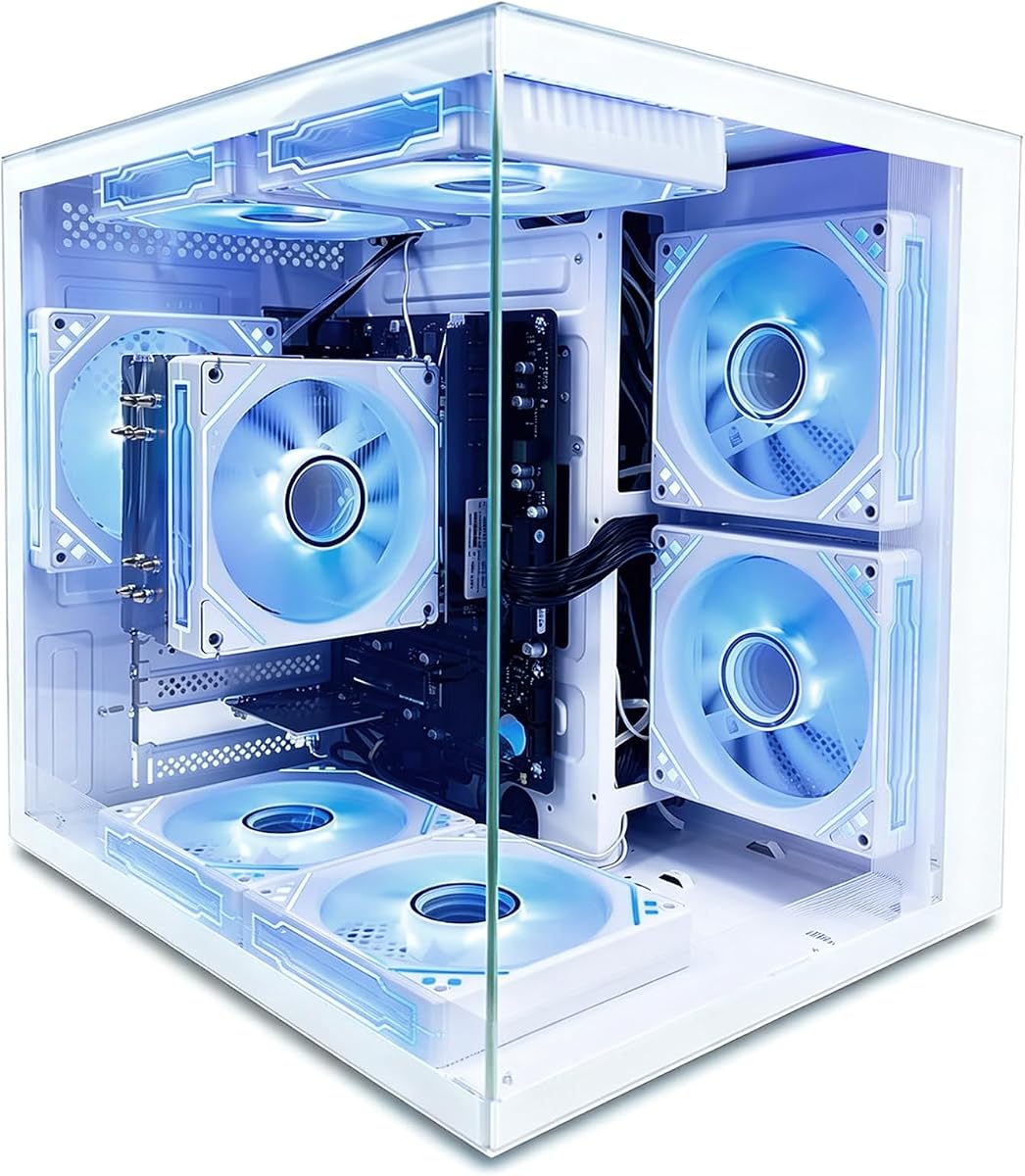
The suevery Prebuilt boasts a Ryzen 5 APU with Vega graphics suitable for casual gaming. With a 4.3 star rating it stands out for its aesthetic appeal and connectivity.
We may earn a commission when you buy through this link, at no additional cost to you.
Its RGB fans and tower design look like a custom gaming rig. Wi-Fi 6 ensures fast and stable wireless internet for streaming or online classes.
The 256GB SSD is fast but limited in space. You can expand memory and storage later thanks to accessible internal slots for future growth.
Perfect for teens who want a stylish desk centerpiece without buying a full tower. It balances performance for light gaming with the latest wireless standards.
The integrated Radeon RX Vega 11 handles popular titles at 1080p without needing a dedicated graphics card.
Built-in Wi-Fi 6 provides faster speeds and lower latency compared to older wireless standards.
We may earn a commission when you buy through this link, at no additional cost to you.
This small form factor unit fits on small desks while delivering i7 power. With a 4.2 star rating it remains a reliable choice for general computing tasks.
We may earn a commission when you buy through this link, at no additional cost to you.
The NVMe SSD ensures speed despite the older processor generation. It includes a keyboard and mouse to get you started immediately upon arrival.
Limited internal space means you cannot easily add graphics cards. It is strictly for those who prioritize speed and footprint over heavy visual processing tasks.
Great for students with limited desk space needing a quiet efficient machine. Its reliability makes it suitable for daily schoolwork and media consumption.
The slim SFF chassis reduces footprint significantly compared to standard desktop towers.
NVMe technology provides read write speeds that make system boot and program launch incredibly fast.
We may earn a commission when you buy through this link, at no additional cost to you.
This bundle offers a full ecosystem with a monitor headset and RGB accessories. Although rated 3.6 stars the included peripherals make it convenient out of the box.
We may earn a commission when you buy through this link, at no additional cost to you.
The i7 processor supports smooth multitasking for research and document creation. The RGB lighting adds a gaming vibe even if the machine is not a dedicated gaming rig.
Integrated graphics are sufficient for casual play but not heavy 3D titles. Ensure you update the OS manually for the latest security patches and features.
An excellent choice for teens who want a complete setup without hunting for extras. It combines productivity power with the fun elements teens appreciate.
Includes a keyboard mouse and headset so you can communicate and work immediately.
The 24-inch HDMI monitor provides ample screen real estate for multitasking and media watching.
We may earn a commission when you buy through this link, at no additional cost to you.
Affordable and powerful this unit supports 4K dual displays for productivity. A 4.2 star rating confirms users trust it for basic daily operations.
We may earn a commission when you buy through this link, at no additional cost to you.
16GB of RAM ensures it runs multiple applications without lag. The included WiFi adapter keeps you connected without needing an Ethernet cable.
Storage is smaller but fast due to SSD technology. For general schoolwork this machine handles tasks easily without breaking the bank or consuming much space.
Ideal for families on a strict budget needing reliable homework stations. It delivers essential performance for browsing and writing at a minimal cost.
Supporting dual displays helps users organize research and writing screens side by side.
This model proves you do not need to spend a fortune to get a capable and fast PC.
We may earn a commission when you buy through this link, at no additional cost to you.
Massive storage defines this model with 1TB of SSD space. It scores 4.0 stars because users appreciate the speed and capacity for media files.
We may earn a commission when you buy through this link, at no additional cost to you.
32GB of RAM handles heavy multitasking while the SSD loads files instantly. This makes it great for storing large video projects or extensive game libraries.
The processor is slightly older but still capable of standard tasks. Bluetooth support helps you connect peripherals like mice without using extra USB ports.
Perfect for teens who download lots of media or use heavy storage apps. It offers a rare combination of large storage and high RAM at this price.
One terabyte of storage allows you to keep all your photos games and projects on one drive.
High RAM ensures you can switch between heavy applications without losing your work or speed.
We may earn a commission when you buy through this link, at no additional cost to you.
This unit stands out with a dedicated GT 1030 graphics card for gaming. While rated 3.6 stars it handles entry level games like CS GO or Dota 2.
We may earn a commission when you buy through this link, at no additional cost to you.
The RGB lighting and 24-inch monitor create a fun setup for teens. You get keyboard mouse and headset so everything is ready for entertainment.
Graphics performance is limited to medium settings on older titles. It is a bridge between office PC and gaming rig for casual play.
Choose this if your teen wants to play games occasionally. It offers a fun visual experience without requiring a massive investment.
The GT 1030 GPU provides dedicated video memory for better performance than integrated graphics.
RGB panels and included headset create a ready to play atmosphere for entertainment.
We may earn a commission when you buy through this link, at no additional cost to you.
This model offers 9th gen power with the latest WiFi 6E standard. Rated 4.1 stars it represents high end performance in a small package.
We may earn a commission when you buy through this link, at no additional cost to you.
The 8 core processor and 32GB RAM handle professional software and heavy multitasking easily. NVMe storage ensures everything loads in seconds without delay.
WiFi 6E provides faster connections for online gaming or video calls. It is a future proof option for households with many connected devices.
Ideal for teens needing maximum speed and connectivity. It is the best choice for performance without needing a full tower chassis.
Built-in WiFi 6E ensures you get the fastest possible wireless speeds available today.
High end CPU cores allow you to run complex editing or development software smoothly.
We may earn a commission when you buy through this link, at no additional cost to you.
Known for stability this unit delivers solid daily performance. With a 4.2 star rating it is a trusted choice for students who need a machine that works.
We may earn a commission when you buy through this link, at no additional cost to you.
The i5 processor supports smooth browsing and document editing. Wi-Fi and Bluetooth are built in for easy connection to wireless devices and routers.
Lack of TPM 2.0 means some security features might differ but it still runs Win 11. It is a reliable workhorse for essential school and home tasks.
Best for teens who prioritize reliability over raw speed. It keeps you productive with a stable environment for homework and study.
This model is built for long term reliability and consistent daily use without crashes.
Integrated Bluetooth and Wi-Fi keep your desk clean and connected to devices easily.
We may earn a commission when you buy through this link, at no additional cost to you.
Selecting a desktop requires balancing performance with future needs. We break down the essential factors to ensure you pick a machine that lasts.
The CPU determines how fast the computer runs apps. For teens, an Intel Core i5 or i7 is recommended to handle video editing and coding.
Look for processors from 8th generation or newer to ensure compatibility with Windows 11 and modern software requirements.
RAM affects multitasking ability. 16GB is the sweet spot for running multiple browser tabs and programs simultaneously without slowdown.
Solid State Drives (SSDs) are essential for fast boot times. Aim for at least 512GB to store school files and media comfortably.
Integrated graphics suffice for schoolwork but gaming requires a dedicated card. If your teen plays games, check for a GPU like the GT 1030 or better.
Many business PCs lack discrete GPUs. Decide if you need gaming power or just standard display output for productivity.
Modern teens need wireless access. Ensure the PC has built-in Wi-Fi 6 or 6E for fast internet and Bluetooth for peripherals.
Check for enough USB ports to connect external drives and controllers. Multiple display ports allow for dual monitor setups.
Small Form Factor cases save space on desks. These are ideal for bedrooms where space is limited.
Traditional towers offer easier internal upgrades. Consider your space constraints and future expansion needs.
Renewed business PCs offer high performance at lower prices. They are rigorously tested and often come with warranties.
Compare the total cost of ownership including potential upgrades. A slightly more expensive unit might save money on accessories.
Windows 11 is the current standard. Ensure the PC supports it officially for security updates.
Look for systems that come with Pro versions for better management and security features for home use.
Connect your desktop properly by ensuring all cables are secure. Plug in the power cord and monitor first, then attach the keyboard and mouse to USB ports.
Keep the system cool by placing it in a well-ventilated area. Dust buildup can cause overheating so clean vents periodically with compressed air.
Update your software regularly to protect against security risks. Enable automatic updates for Windows and antivirus tools to keep your system safe.
Yes, certified refurbished PCs undergo strict testing to ensure they work like new. They often come with warranties and can save money while providing high performance for everyday tasks.
Most business desktops allow RAM upgrades. Check the specific model's documentation to find the maximum memory limit and the type of RAM slots available.
Most listings do not include a monitor unless specified as a bundle. Check the product details carefully to see if a display and peripherals are part of the package.
These systems generally come with Windows 11 Pro installed. This ensures you have the latest features and security updates right from the start.
No, integrated graphics are sufficient for standard schoolwork like browsing and word processing. You only need a dedicated card if your teen plays modern video games.
512GB is a good starting point for most students. If they plan on storing large video projects or gaming libraries consider a model with 1TB of SSD space.
Our top three picks cover different needs from budget-friendly bundles to high-performance workstations. Whether you want raw power or just a reliable machine this list has you covered.
Prioritize storage speed and RAM capacity to ensure the PC stays relevant as software requirements increase. A system with 16GB RAM and an SSD will serve a teen well for years.
Always verify current availability and warranty details before purchasing. These prices and specs are subject to change so check the latest listings on Amazon for the best deal today.