
65W Universal USB C Laptop Charger
4.7Editor score
Affordable price point
High power output range
Compact and portable design
This guide compares ten top rated chargers for Lenovo Chromebook to help you find the most reliable and efficient power adapter for your device today.
Finding the right power source for your laptop is essential for uninterrupted productivity. A quality charger ensures your device runs efficiently without risking damage to the battery or internal components.
We evaluated ten highly rated options based on compatibility, safety features, and user feedback. Our analysis covers universal adapters and brand specific models to help you make an informed decision.
Each pick includes detailed specifications and real world performance notes. Please note that availability and pricing may change frequently on the retailer site so verify details before purchasing.
4.7Editor score

4.3Editor score

4.5Editor score
This table provides a side-by-side look at the key specifications and compatibility details for each of the ten selected chargers to simplify your comparison process.


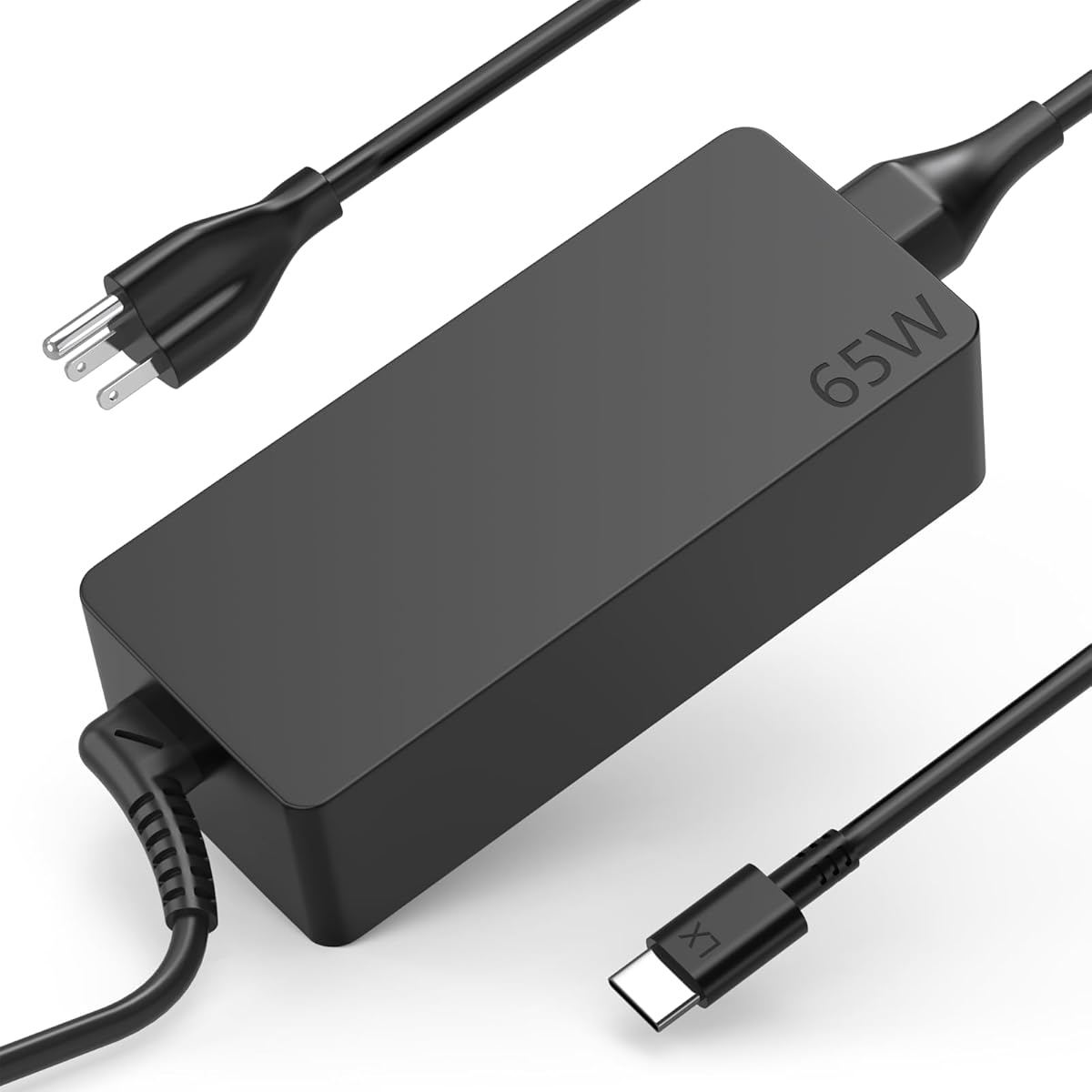

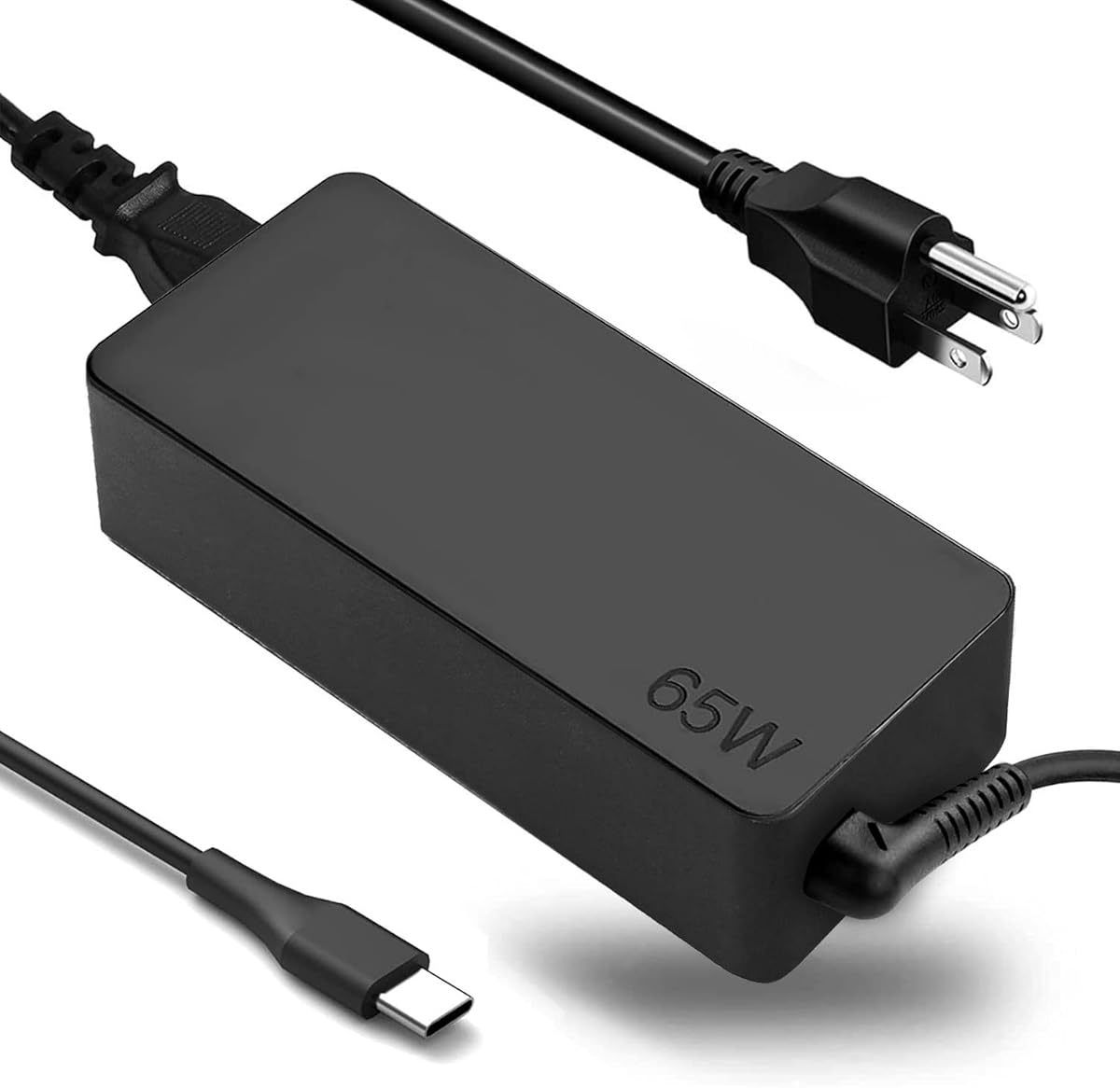
This universal adapter stands out for its broad compatibility across many brands including Lenovo. It delivers a solid 65W output that keeps your Chromebook running smoothly without interruption.
We may earn a commission when you buy through this link, at no additional cost to you.
The charger supports multiple voltage profiles allowing it to adjust based on device needs. This flexibility makes it a great choice for households with multiple laptops or mixed device setups.
While it is not an official Lenovo part users report reliable performance over time. The build quality feels robust enough for daily use in offices or schools.
If you need a dependable replacement that works with various devices this is a top recommendation. It balances performance and value effectively for most users.
Works with ThinkPad Yoga and Chromebook series plus other major brands for maximum flexibility.
Built-in safeguards prevent overheating and short circuits to protect your laptop battery.
We may earn a commission when you buy through this link, at no additional cost to you.
This adapter offers dual wattage support which is useful for different Lenovo Chromebook models. It handles both 45W and 65W requirements seamlessly depending on your device.
We may earn a commission when you buy through this link, at no additional cost to you.
Users appreciate the straightforward design that plugs in easily without hassle. The compact size makes it easy to carry in a backpack or briefcase.
Some feedback notes the cord length is standard but not extended. This is acceptable for most desk setups but might limit reach in larger spaces.
For those needing a versatile charger that handles multiple wattages this is a strong candidate. It ensures your laptop stays powered up efficiently.
Adjusts output to match either 45W or 65W needs for various Chromebook generations.
Lightweight and compact for easy travel and storage in small bags.
We may earn a commission when you buy through this link, at no additional cost to you.
With a high rating and low cost this charger delivers exceptional value for money. It supports Power Delivery which ensures fast and efficient charging for compatible devices.
We may earn a commission when you buy through this link, at no additional cost to you.
The charger works with a wide range of laptops including Lenovo Chromebooks. Users report it charges their devices quickly without overheating issues.
It is a basic unit without extra features but performs its core function well. This makes it ideal for budget conscious shoppers who need reliability.
If you want a simple effective charger without breaking the bank this is a top choice. It consistently meets expectations for everyday use.
Uses PD protocol for optimized charging speed on supported laptops.
Offers high performance at one of the lowest price points in the category.
We may earn a commission when you buy through this link, at no additional cost to you.
This charger is notable for its 10 foot power cord which provides significant flexibility in placement. It is designed specifically for Lenovo devices that require 45W input.
We may earn a commission when you buy through this link, at no additional cost to you.
Users find the long cable helpful for reaching outlets behind desks or in cramped spaces. The build quality meets safety standards to ensure reliable operation.
It is important to note this is a 45W model so it may not suit higher power laptops. Check your device requirements before purchasing to avoid underpowering.
For Lenovo Chromebook users needing extra reach this is an excellent solution. It combines practicality with safety for daily charging needs.
10 foot cable allows convenient placement away from power sources.
Built to meet national electronic safety standards for peace of mind.
We may earn a commission when you buy through this link, at no additional cost to you.
This adapter supports fast charging which helps reduce downtime when you need to recharge quickly. It is compatible with both 65W and 45W devices depending on your model.
We may earn a commission when you buy through this link, at no additional cost to you.
The charger includes multiple safety mechanisms to protect against overvoltage and short circuits. Users appreciate the added layer of protection for their expensive laptops.
While it does not have an LED indicator it performs its charging function reliably. The cable quality is standard but sufficient for most users.
For those prioritizing charging speed and safety this is a solid option. It ensures your device powers up efficiently without risk.
Delivers higher power quickly to get your device back to full charge faster.
Built-in protections guard against electrical issues to extend device life.
We may earn a commission when you buy through this link, at no additional cost to you.
This charger stands out for being tested by an American consumer product testing laboratory. This provides extra confidence in its electrical safety and design quality.
We may earn a commission when you buy through this link, at no additional cost to you.
It is lightweight and portable making it easy to carry on trips or commutes. The design fits neatly in bags without adding bulk to your setup.
The user rating is moderate but many appreciate the safety certification. The return policy offers a safety net if the unit does not meet expectations.
For buyers who prioritize verified safety standards this is a worthwhile choice. It ensures your device charges securely with minimal risk.
Passed independent lab testing for electrical safety in US and Canada.
Small footprint and light weight make it ideal for travel.
We may earn a commission when you buy through this link, at no additional cost to you.
This replacement charger offers efficient power delivery that keeps your laptop running without interruptions. It is designed to work with various Lenovo models including ThinkPad and Yoga series.
We may earn a commission when you buy through this link, at no additional cost to you.
Users find it to be a direct replacement for original chargers with comparable performance. The fast charging capability helps get you back to work quickly after a recharge.
It does not come with extra accessories but the core adapter is robust. The price point makes it accessible for many users needing a spare or backup.
For those seeking a reliable OEM alternative this is a good fit. It delivers consistent power without premium costs.
Optimized circuits ensure minimal energy waste during charging cycles.
Matches original specifications closely for seamless replacement.
We may earn a commission when you buy through this link, at no additional cost to you.
This charger is designed for broad compatibility across multiple major laptop brands. It ensures you can use one adapter for Lenovo HP Dell and Acer devices.
We may earn a commission when you buy through this link, at no additional cost to you.
The 65W output provides ample power for most Chromebooks and ultrabooks. Users report stable charging even during heavy usage like video editing.
The cable quality is standard but functional for daily needs. Packaging is basic but protects the unit during shipping effectively.
For households with mixed laptop brands this adapter simplifies your power setup. It reduces the need for multiple different chargers.
Designed to work seamlessly with HP Lenovo Dell and Acer models.
Delivers consistent 65W output without voltage fluctuations.
We may earn a commission when you buy through this link, at no additional cost to you.
This adapter is marketed as a replacement for specific Lenovo part numbers which helps confirm compatibility. It supports both ThinkPad and Yoga series with USB C ports.
We may earn a commission when you buy through this link, at no additional cost to you.
Users find it charges their devices reliably without errors or disconnects. The included warranty offers additional assurance for the purchase.
The cable length is standard which is fine for most desk setups. The design is functional without extra flair but gets the job done.
For Lenovo users needing a direct replacement with known part compatibility this is a good choice. It ensures your laptop gets the exact power it needs.
Designed to replace specific ADLX series adapters for exact fit.
Comes with manufacturer warranty for added purchase security.
We may earn a commission when you buy through this link, at no additional cost to you.
This replacement charger boasts a high user rating which reflects consistent performance in real world use. It is built to support a wide range of Lenovo ThinkPad and Yoga devices.
We may earn a commission when you buy through this link, at no additional cost to you.
Users appreciate the durable construction that holds up to daily use and travel. The charger delivers stable power without overheating issues during long sessions.
It is a straightforward adapter without extra bells or whistles. This simplicity often translates to better reliability and fewer failure points.
For those wanting a proven reliable charger for Lenovo laptops this is a strong pick. It delivers what you need without compromise.
Built to withstand daily wear and tear for long term use.
Consistent positive reviews confirm steady performance over time.
We may earn a commission when you buy through this link, at no additional cost to you.
Selecting the right charger involves understanding your device's power needs and safety requirements. This section outlines key factors to consider before purchasing.
Check your original charger's wattage to ensure the replacement provides enough power. Most Lenovo Chromebooks use 45W or 65W adapters so matching this is essential.
Choose a charger with at least the same wattage as your original to avoid slow charging or performance issues.
Ensure the connector matches your laptop's port which is typically USB Type-C for newer models. Using the wrong connector can damage the port or fail to charge.
Look for USB-C adapters with the correct pin layout and size for your specific device.
Opt for chargers that meet recognized safety standards to protect against electrical hazards. Safety features like overvoltage and short circuit protection are critical.
Check for third party testing or compliance labels on the product description.
Review the manufacturer's compatibility list to confirm your exact model is supported. Many chargers list multiple series but specific model numbers matter.
Verify against your device's model number to avoid purchasing an incompatible unit.
Consider the length of the power cord based on your workspace setup. Longer cables provide more flexibility for reaching outlets behind desks.
If you need extra reach look for options with extended cords like 10 feet or more.
Look for durable materials and solid construction to ensure the charger lasts. High quality plastics and reinforced joints reduce the risk of fraying.
Read user feedback on durability to gauge long term reliability.
A good warranty protects your investment in case the unit fails prematurely. Customer support availability is also important for troubleshooting issues.
Prioritize brands that offer at least a one year warranty and responsive service.
If your Chromebook supports Power Delivery choose a charger with PD compatibility. This ensures faster charging speeds and better energy efficiency.
Check for PD specifications in the product details to confirm fast charging capability.
Always connect the charger to a power outlet before plugging it into your laptop to avoid power surges. This ensures a stable connection and protects your device.
Store the charger in a cool dry place when not in use to prevent overheating or moisture damage. Avoid wrapping the cable tightly around the adapter as it can cause internal wire damage.
Inspect the cable and plug regularly for signs of wear or fraying. Replace the charger immediately if you notice any exposed wires or damage to ensure safety.
Yes you can use a 65W charger for a 45W device as long as the voltage matches. The laptop will draw only the power it needs so it remains safe.
OEM chargers are made by the laptop manufacturer while third party ones are made by other companies. Third party options often cost less but check compatibility carefully.
Compare the output voltage and wattage on the charger with your original adapter. Also check if your laptop model is listed in the compatibility section of the product.
It is generally safe if the charger has proper safety features but it is best to unplug it when not in use. This reduces energy consumption and heat buildup.
Slow charging can happen if the wattage is lower than required or the cable is damaged. Ensure the charger meets your device's minimum power specifications.
Most third party chargers come with a one year warranty but check the product details. Some offer lifetime exchange policies so verify before purchasing.
We explored ten reliable chargers that offer strong performance and compatibility for Lenovo Chromebook users. Each option was evaluated for safety efficiency and value.
When choosing prioritize wattage and connector match to ensure your device gets the right power. Safety features and warranty support are also important for long term peace of mind.
Remember to verify current availability and details before buying as product info can change. We hope this guide helps you find the perfect charger for your needs.