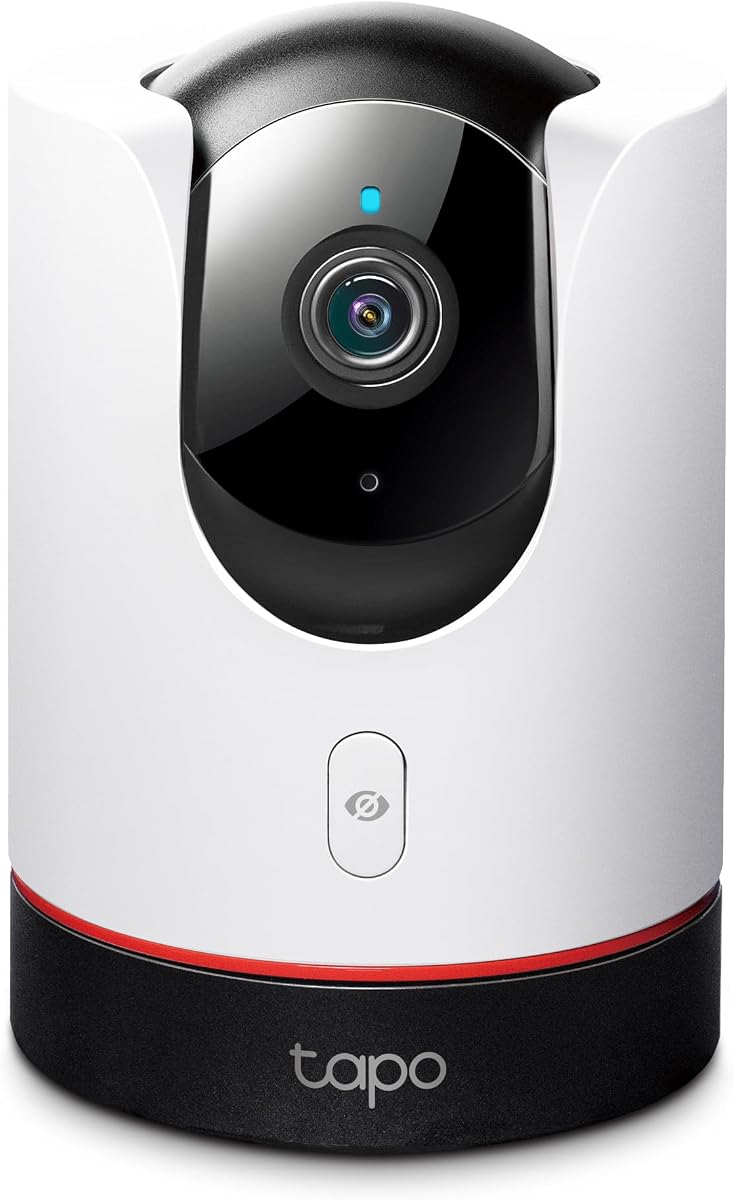
TP-Link Tapo 2K+ Pan/Tilt Security Camera C225
4.5Editor score
360 degree panoramic view
Physical privacy mode included
Smart AI detection features
Compare the top Apple Homekit Security Cameras for October 2026. This guide reviews features, privacy, and integration to help you choose the right home camera.
Finding the right security camera for your home is essential for peace of mind. Apple Homekit Security Cameras offer seamless integration with your iPhone and iPad. They provide robust encryption and easy access through the Home app.
We compared ten leading models based on resolution, smart detection, and ecosystem support. Our analysis focuses on privacy features and compatibility with Apple devices. We also considered ease of installation and storage options available.
Each pick highlights specific strengths like night vision or dual lens systems. We note important limitations such as subscription requirements for cloud storage. Prices and availability may change, so check the latest details before buying.
4.5Editor score
4.2Editor score

4.5Editor score
This table provides a side-by-side look at the key specifications of each camera. It helps you quickly compare resolution, view angle, and smart features across all ten models.



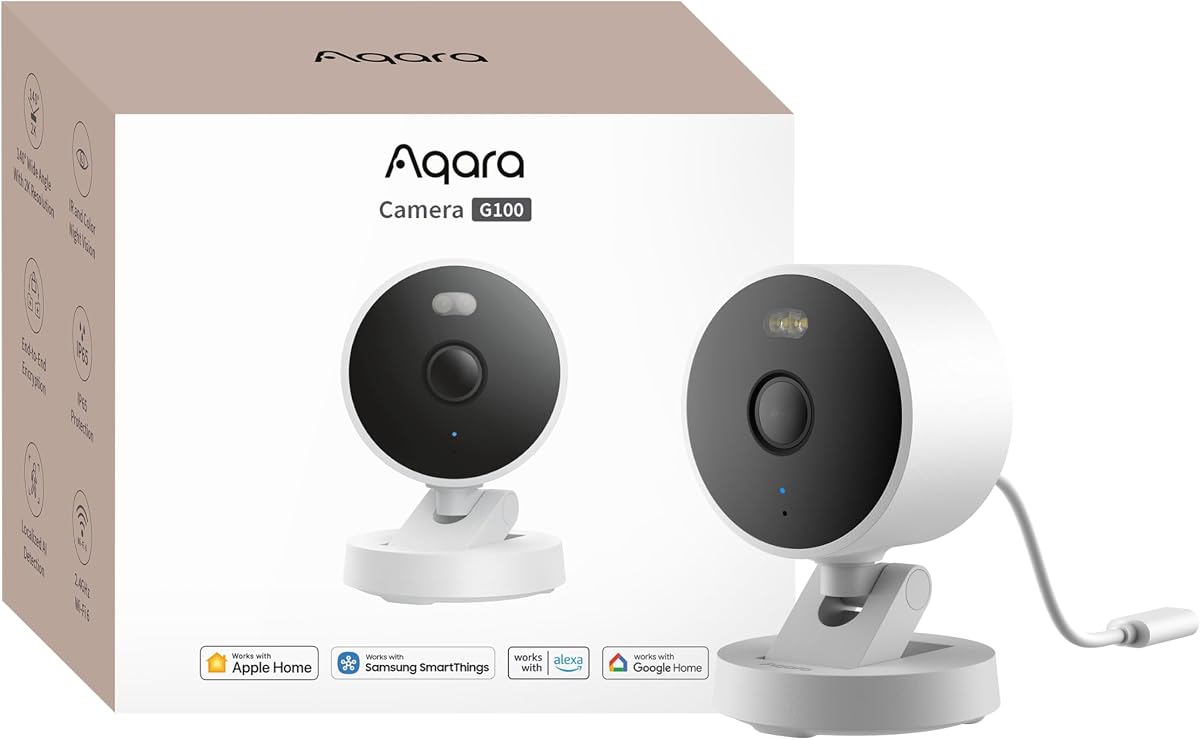
The Aqara G100 stands out as a top choice for Homekit Secure Video users. It offers impressive 2K clarity with a 140 degree field of view. The camera is designed to handle both indoor and outdoor environments with ease.
We may earn a commission when you buy through this link, at no additional cost to you.
Its standout feature is the dual night vision mode. You can choose between infrared for covert monitoring or a spotlight for color recording at night. This flexibility allows you to adapt the camera to different security needs without buying multiple devices.
While the camera supports HomeKit, it limits resolution to 1080p within the Apple ecosystem. This is a trade-off for the seamless integration and privacy benefits of HomeKit Secure Video. The Aqara Home app retains full 2K resolution if you use it separately.
This camera is ideal for those wanting a versatile security solution. It works well for monitoring entryways or gardens. Just ensure you have the required home hub and iCloud subscription for full functionality.
The IP65 rating ensures the camera withstands rain and dust reliably.
Cloud based AI can tag events like packages or pets with a subscription.
We may earn a commission when you buy through this link, at no additional cost to you.
The Eve Cam is built exclusively for Apple Homekit Secure Video. It focuses heavily on privacy with end to end encryption for all video data. You can rest assured that only you can view live and recorded video.
We may earn a commission when you buy through this link, at no additional cost to you.
Smart motion detection helps distinguish between people and pets. This reduces false alerts significantly. The camera automatically deactivates when someone is home to respect privacy while you are present.
However, this privacy comes with specific system requirements. You need a HomeHub and an iCloud+ plan to use it fully. It is also limited to indoor use which might not suit all security setups.
Choose this if privacy is your top priority. It is a solid choice for monitoring living spaces or nurseries without sending data to third party clouds.
Video analysis happens securely in your home keeping data under your control.
Seamless integration with iPhone iPad and Apple Watch notifications.
We may earn a commission when you buy through this link, at no additional cost to you.
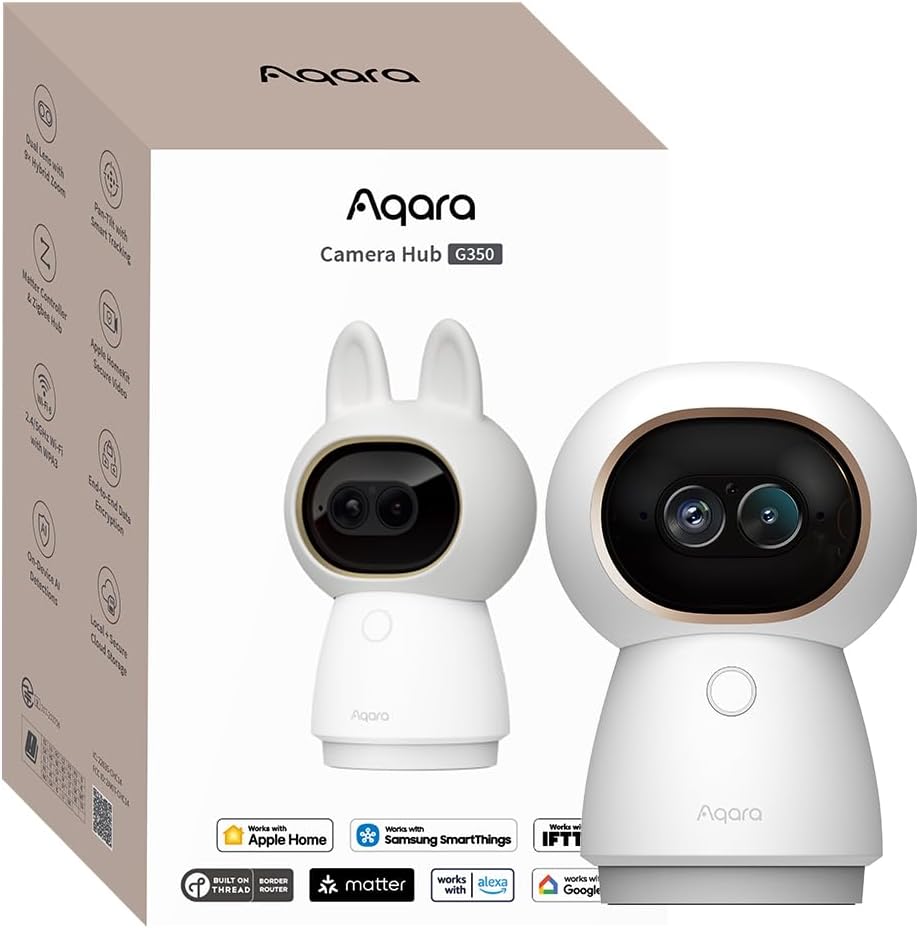
The G350 offers a unique dual lens system for indoor monitoring. It combines a wide angle 4K lens with a telephoto lens for detailed zooms. You can capture sweeping views or specific details without losing clarity.
We may earn a commission when you buy through this link, at no additional cost to you.
AI tracking keeps people or pets centered in the frame. The close up tracking feature allows for precise framing even when zoomed in. This is particularly useful for keeping an eye on children or pets in large rooms.
It also acts as a Matter bridge for other smart home devices. This makes it a central hub for your automation needs. However, Matter adoption is still growing and support may vary by ecosystem.
This camera is perfect for users wanting detail and automation. It is a strong choice for nurseries or living rooms where high resolution is key.
Trigger scenes with a simple wave or OK sign using gesture recognition.
Face pet and sound recognition happen locally for better privacy.
We may earn a commission when you buy through this link, at no additional cost to you.
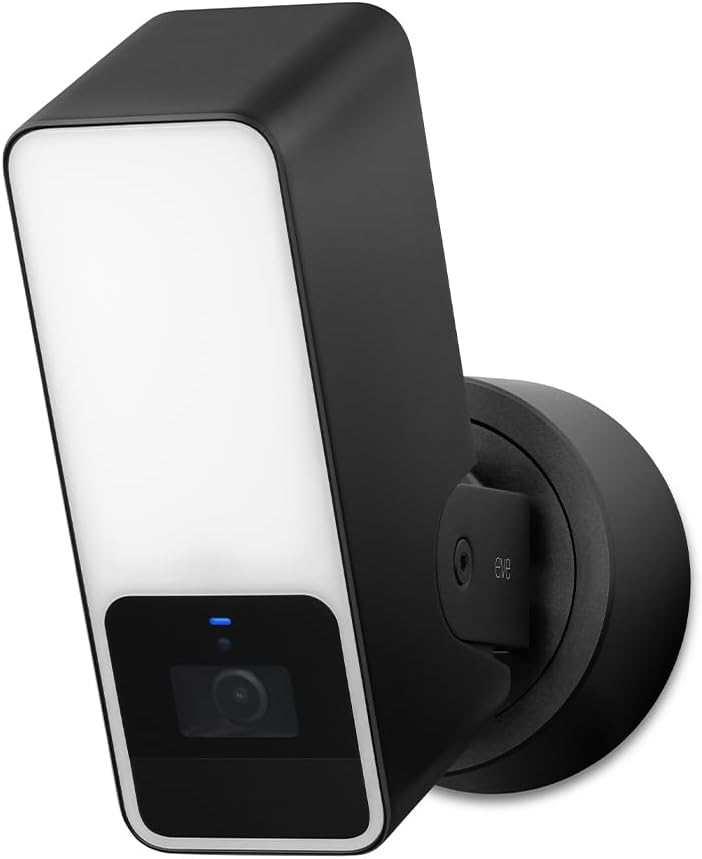
The Eve Outdoor Cam combines a camera with a powerful dimmable floodlight. It is designed to be installed where a security light might already be. The built-in light serves as an active deterrent to intruders.
We may earn a commission when you buy through this link, at no additional cost to you.
It operates exclusively with HomeKit Secure Video. This ensures no data is stored on Eve servers. All video analysis and encryption happen locally or within your iCloud account securely.
Installation requires a neutral wire and ground connection. This might be challenging if your existing wiring is old. Professional installation may be recommended to ensure safe setup.
Choose this if you want lighting and monitoring in one. It is a great solution for driveways or back doors where light is needed.
No registration or tracking means your data won't get exposed.
Powerful light boost works with motion sensor to detect activity.
We may earn a commission when you buy through this link, at no additional cost to you.
The Tapo C225 is a top budget option with 360 degree pan and tilt. It delivers 2K QHD resolution for clear images across the whole room. Its design has been recognized with a Red Dot Award for quality.
We may earn a commission when you buy through this link, at no additional cost to you.
It includes a starlight sensor for better low light performance. You can choose between infrared or color night vision based on your needs. The housing blocks the lens physically when privacy mode is on.
While it supports HomeKit, advanced settings often require the Tapo app. This might be a minor inconvenience for pure Apple users. However, the price and performance make it a strong contender.
This is the best choice for budget conscious buyers. It offers premium features like 360 view at a very accessible price.
The housing blocks the lens physically ensuring you have control over privacy.
Supports up to 512 GB microSD card for local recording.
We may earn a commission when you buy through this link, at no additional cost to you.
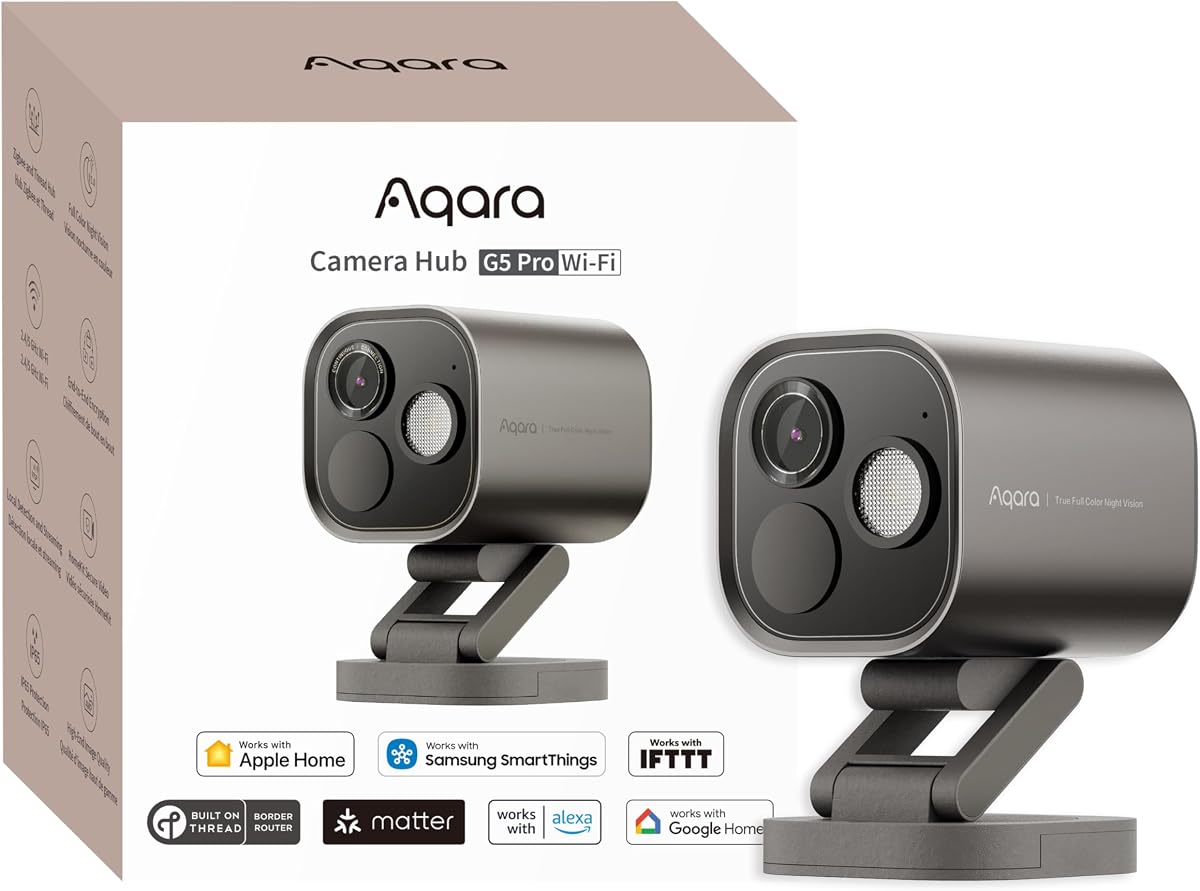
The G5 Pro WiFi offers true color night vision with a large aperture. It can identify intruders clearly even in low light without switching to infrared. This helps in identifying clothing or vehicle colors at night.
We may earn a commission when you buy through this link, at no additional cost to you.
It acts as a bridge for both Zigbee and Thread devices. You can connect up to 80 Zigbee sub-devices or mix them with Thread devices. This makes it a powerful hub for automations even during an outage.
Local AI detection for abnormal sounds adds another layer of security. It can detect alarms or alarms sounds to trigger automation. This works independently of internet connectivity for better reliability.
Choose this for better low light performance and hub features. It is ideal for garages or entryways where color detail matters at night.
Visual and sound detection happen locally on the device for fast response.
Choose 2.4GHz for coverage or 5GHz for faster data transfer.
We may earn a commission when you buy through this link, at no additional cost to you.
The Logitech Circle View is a motion detection based camera for HomeKit. It offers best-in-class TrueView video with 180 degree optics. This wide view captures more of the area without needing multiple cameras.
We may earn a commission when you buy through this link, at no additional cost to you.
It is built with a durable weatherproof body. You can mount it outside to monitor driveways or gates. The metal base and matte finish look premium in any outdoor setting.
It relies on motion detection rather than continuous recording. This saves storage space but might miss events between motions. It is a simple solution for checking on activity periodically.
This is a great fit for basic outdoor monitoring. It works best if you want reliable detection without complex setups.
You can press a rear button to tilt the camera down for privacy.
Wide dynamic range lets you see detail in high contrast shadows.
We may earn a commission when you buy through this link, at no additional cost to you.
The Aqara E1 is a solid indoor option with pan and tilt motor. It provides a full 360 degree viewing angle for complete room coverage. The 2K resolution sensor ensures crisp images in standard lighting.
We may earn a commission when you buy through this link, at no additional cost to you.
It includes automated privacy mode that pivots the lens when you are home. You can also disable the microphone through the app. These features show a strong focus on user control and privacy.
Local automation support means you can trigger actions when motion is detected. It works well with other HomeKit devices for smart responses. Wi-Fi 6 ensures smooth live views in busy networks.
This camera is great for nurseries or living rooms. It offers robust features at a mid-range price point.
The built-in NPU supports filtering motion events and triggering automations.
Supports microSD cards up to 512 GB for continuous recording.
We may earn a commission when you buy through this link, at no additional cost to you.
The eufy E30 captures 4K Ultra Clear video day and night. It is designed for families and pet owners who need high detail. The camera tracks movement automatically so you never miss a pet moving across the room.
We may earn a commission when you buy through this link, at no additional cost to you.
It includes a spotlight for color night vision. This helps distinguish details in the dark better than standard infrared. You can store footage locally without monthly fees which saves money.
However Apple HomeKit limits this camera to 1080p. To get full 4K you need to use the eufy app directly. This might be a trade-off depending on how much you use Apple devices.
This is an excellent choice for pet monitoring. It offers high quality and no subscription pressure for basic local storage.
Navigate your home view quickly with quick focus tap features.
Store footage locally with SD card without monthly fees.
We may earn a commission when you buy through this link, at no additional cost to you.
The G5 Pro PoE is a premium choice for structured network installations. It uses Power over Ethernet so you only need one cable for power and data. This reduces clutter and improves stability for outdoor locations.
We may earn a commission when you buy through this link, at no additional cost to you.
It features true color night vision and local AI detection. You can identify faces vehicles and sounds accurately. This is powerful for areas where internet reliability might be an issue.
Installation requires a PoE switch which is sold separately. This might add to the initial cost but ensures a professional setup. The camera can also use USB-C for flexible setups if needed.
Choose this for a reliable professional installation. It is a top tier option for serious security needs.
Transmit videos and receive power via only a single network cable.
Detect crying alarms or barking sounds during an internet outage.
We may earn a commission when you buy through this link, at no additional cost to you.
Choosing a security camera involves looking at several key factors. This guide helps you understand what matters most for your specific needs.
Ensure the camera supports HomeKit Secure Video for seamless Apple integration. This requires an Apple Home Hub and an iCloud subscription for storage. The app will show you alerts and clips directly in your Home app.
Look for 2K or 4K resolution for clearer images. Note that HomeKit often limits video to 1080p for privacy. If you want higher resolution check if the camera has a companion app.
Check if the camera has a weather-resistant rating like IP65. Indoor cameras may not survive rain or extreme temperatures. Outdoor models often have better lighting and shielding for harsh conditions.
Night vision is crucial for security in the dark. Some cameras offer color night vision with spotlights. Others use infrared for covert monitoring. Choose based on whether you need to see colors or stay hidden.
Most cameras need a wired power source. PoE models use network cables for power and data. Wi-Fi 6 offers faster speeds but requires compatible routers. Ensure your network can support multiple devices.
HomeKit Secure Video uses iCloud storage which costs money. Local storage like microSD cards saves on subscriptions. Some cameras support NAS for network attached storage. Decide what fits your budget.
AI features like person or pet detection reduce false alerts. Some cameras act as hubs for other smart devices. Look for support for automations like turning on lights when motion is detected.
Privacy is key with security cameras. Look for end-to-end encryption and local processing. Cameras with physical privacy shutters offer peace of mind when you are at home. Review policies for data usage.
Start by installing the camera in a high-traffic area with Wi-Fi access. Use a level to mount it securely on the wall. Connect the power source and wait for the LED to indicate it is ready.
HomeKit Secure Video is a feature that encrypts video data before it leaves your home. It stores clips in your iCloud storage without using extra space limits. Apple analyzes events locally to protect your privacy while keeping you safe.
Yes you need an Apple Home Hub like HomePod or Apple TV to view footage remotely. The hub allows your iPhone or iPad to access video when you are away from home. It also enables automations based on camera triggers.
Most Apple Homekit cameras have limited Android support. You may need a companion app like Aqara Home to view live feeds on Android. Full HomeKit integration requires an iPhone or iPad.
Most HomeKit cameras record only when motion is detected. Some models support continuous recording via microSD or RTSP. Check product specs if you need non-stop video logging.
HomeKit Secure Video typically limits resolution to 1080p. Some cameras offer higher resolution in their own apps. Review the specs to see if full resolution works in HomeKit.
You can use iCloud storage via HomeKit Secure Video or local storage like microSD cards. Some cameras support NAS or RTSP streams. This gives you flexibility on how you save clips.
We have reviewed ten top choices for Apple Homekit Security Cameras today. The Aqara G100 offers great all-around features for most users. The TP-Link Tapo C225 stands out for its budget friendly value.