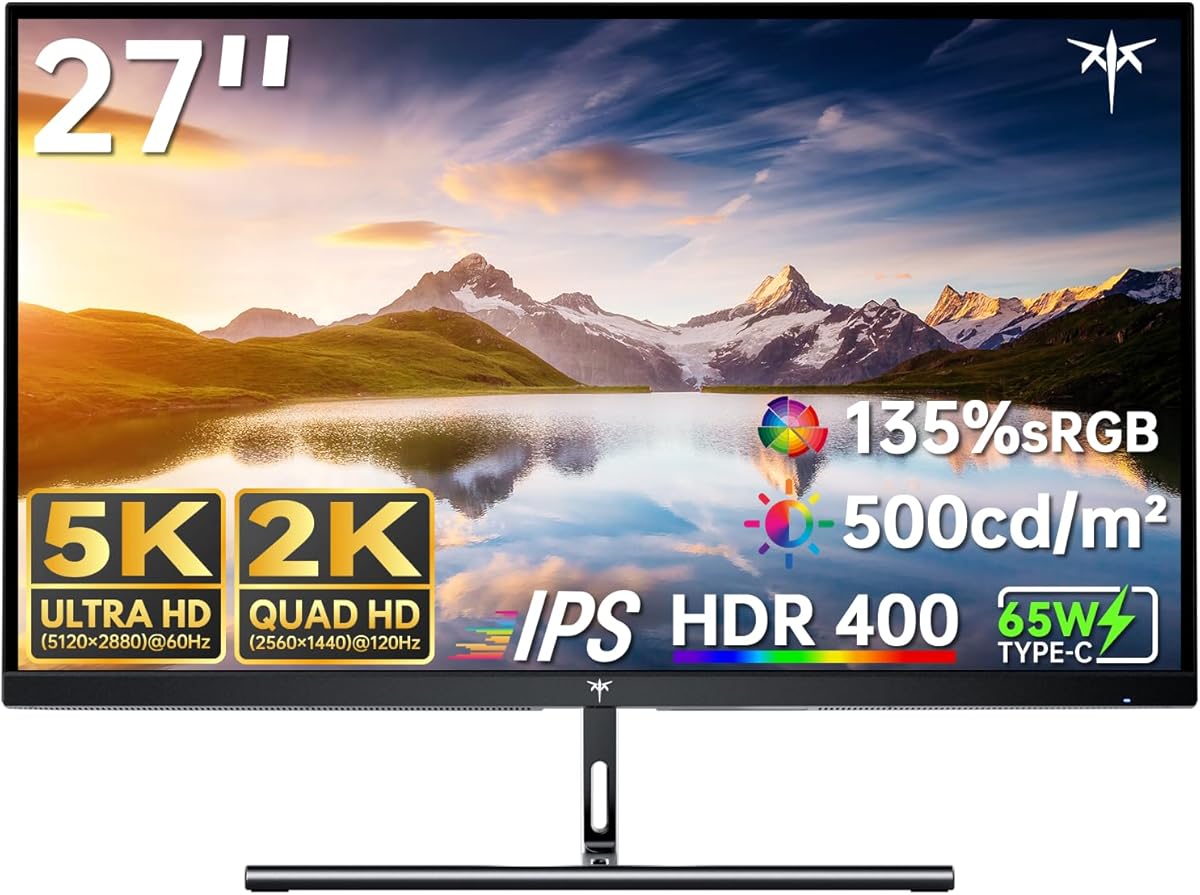
KTC 5K Monitor 27 Inch
4.4Editor score
Dual mode 5K and 2K
65W USB-C power delivery
100 percent sRGB coverage
Finding the right display for high-resolution work requires careful consideration of panel technology and connectivity options. A 27 inch 5K monitor offers immense pixel density that sharpens text and details for creative professionals who need precision in their daily workflows.
We analyzed ten leading models based on their color gamut coverage, refresh rates, and port selections. Our comparison includes monitors designed for creative suites, competitive gaming, and general productivity to help you find the perfect fit for your specific needs.
Each pick highlights unique strengths ranging from factory calibration to dual mode switching capabilities. Please note that product prices and availability fluctuate frequently, so we recommend checking the latest offers before making your final purchasing decision today.
4.4Editor score

3.6Editor score
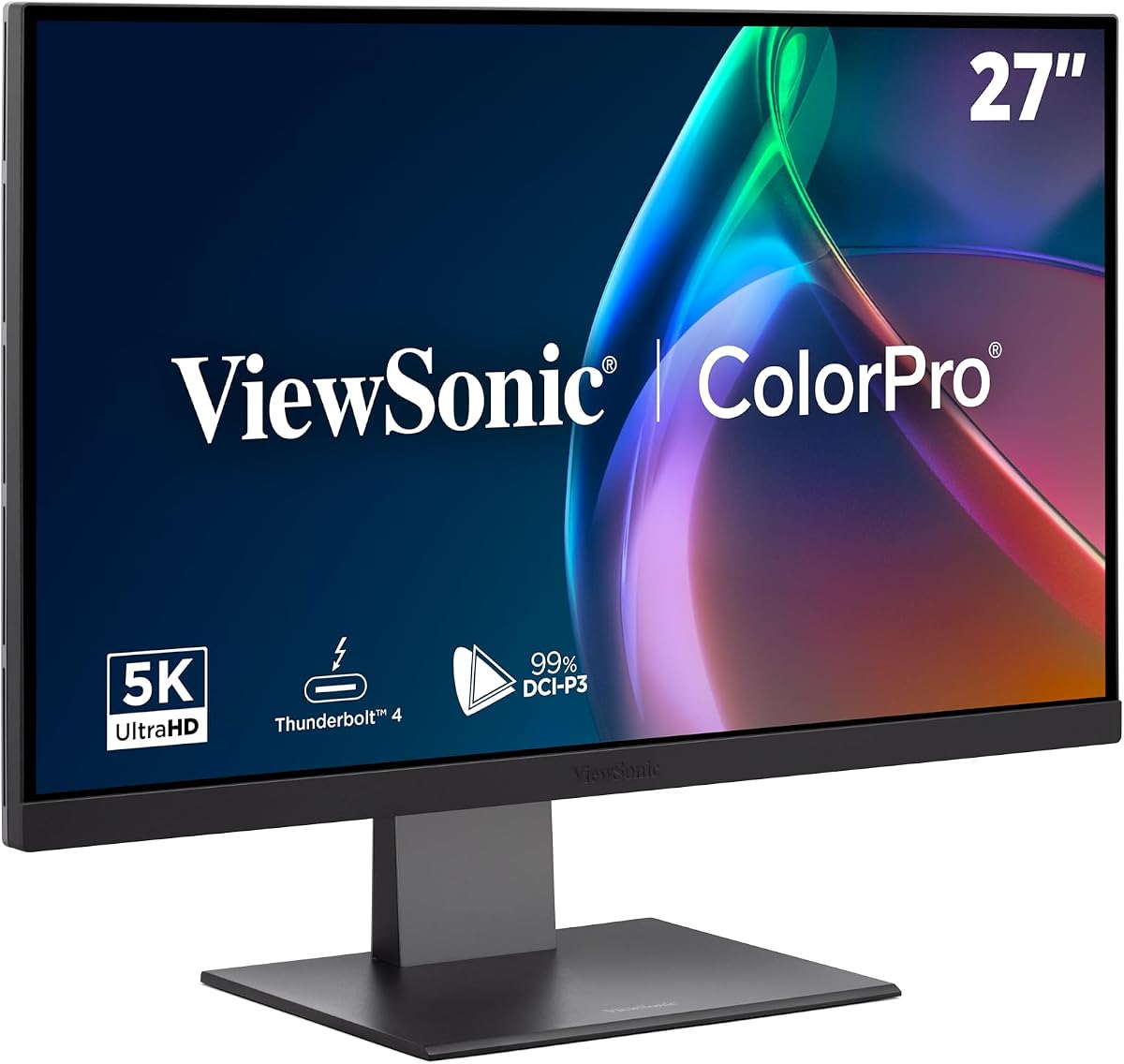
3.7Editor score
As an Amazon Associate we earn from qualifying purchases.
The following table provides a side-by-side comparison of the ten selected monitors. It highlights key specifications such as resolution, refresh rates, color gamuts, and connectivity options to help you quickly identify the best option for your workflow.




This monitor stands out as a top choice for professionals who prioritize color accuracy and reliability. With its high-resolution 5K panel, it delivers sharp visuals that are essential for detailed design work and professional photo editing tasks.
We may earn a commission when you buy through this link, at no additional cost to you.
The display features factory pre-calibration to ensure Delta E less than two accuracy right out of the box. It covers 99 percent of DCI-P3 and 100 percent of sRGB, providing a wide gamut for vibrant and precise color reproduction across various media.
Users may find the refresh rate limited to sixty hertz which is standard for creative work but not ideal for high-speed gaming. However, the intelligent brightness adjustment and ambient light sensors help maintain consistent visuals in changing environments.
This monitor is perfect for graphic designers and video editors working within the Apple ecosystem. Its USB-C port supports power delivery and data transfer making it a powerful solution for streamlining your workstation setup today.
Calman Verified color calibration ensures that your work looks consistent across different devices and platforms.
Single cable connectivity with USB-C allows you to connect a laptop display data and power simultaneously.
We may earn a commission when you buy through this link, at no additional cost to you.
This Samsung monitor is a powerhouse for gamers who want stunning visuals and smooth performance. It combines a high-resolution 5K display with a fast refresh rate to offer an immersive experience for both single-player adventures and competitive matches.
We may earn a commission when you buy through this link, at no additional cost to you.
The Dual Mode feature allows you to toggle between 5K at 180Hz for detailed visuals and QHD at 360Hz for competitive speed. This flexibility ensures you always have the right settings for the specific game or task you are engaged in.
While the performance is excellent the monitor uses a Fast IPS panel which may have slightly lower contrast than OLED options. However, HDR10+ support and G-SYNC compatibility help mitigate these issues by improving brightness and reducing screen tearing.
Ideal for serious gamers who need high resolution and high frame rates this monitor delivers exceptional value. Its ergonomic stand and multiple inputs make it a versatile addition to any modern gaming desk setup.
Switch between resolutions effortlessly to prioritize clarity or speed depending on your current gaming session.
Compatible with NVIDIA G-SYNC and AMD FreeSync Premium to ensure smooth and tear-free gameplay.
We may earn a commission when you buy through this link, at no additional cost to you.
This gaming monitor brings professional-grade color accuracy and high dynamic range to competitive play. The 5K resolution ensures that every detail in your game is crisp while the HDR600 certification provides deep contrast and vibrant highlights.
We may earn a commission when you buy through this link, at no additional cost to you.
With a 0.3ms GTG response time and Extreme Low Motion Blur Sync this screen eliminates ghosting during fast action. The ROG Gaming A.I. features like Dynamic Shadow Boost help you spot enemies in dark corners without compromising image quality.
The monitor requires a powerful graphics card to drive 5K resolution at high refresh rates which may be a barrier for some users. Additionally the included subscription offer and specific software features may not appeal to all users equally.
Gamers seeking a high-end display with both clarity and speed will find this monitor outstanding. It bridges the gap between creative work and competitive play making it a versatile choice for enthusiasts.
Experience fluid gameplay with minimal input lag and motion blur thanks to the rapid panel technology.
Built-in artificial intelligence enhances visibility and targeting to give you a competitive edge.
We may earn a commission when you buy through this link, at no additional cost to you.
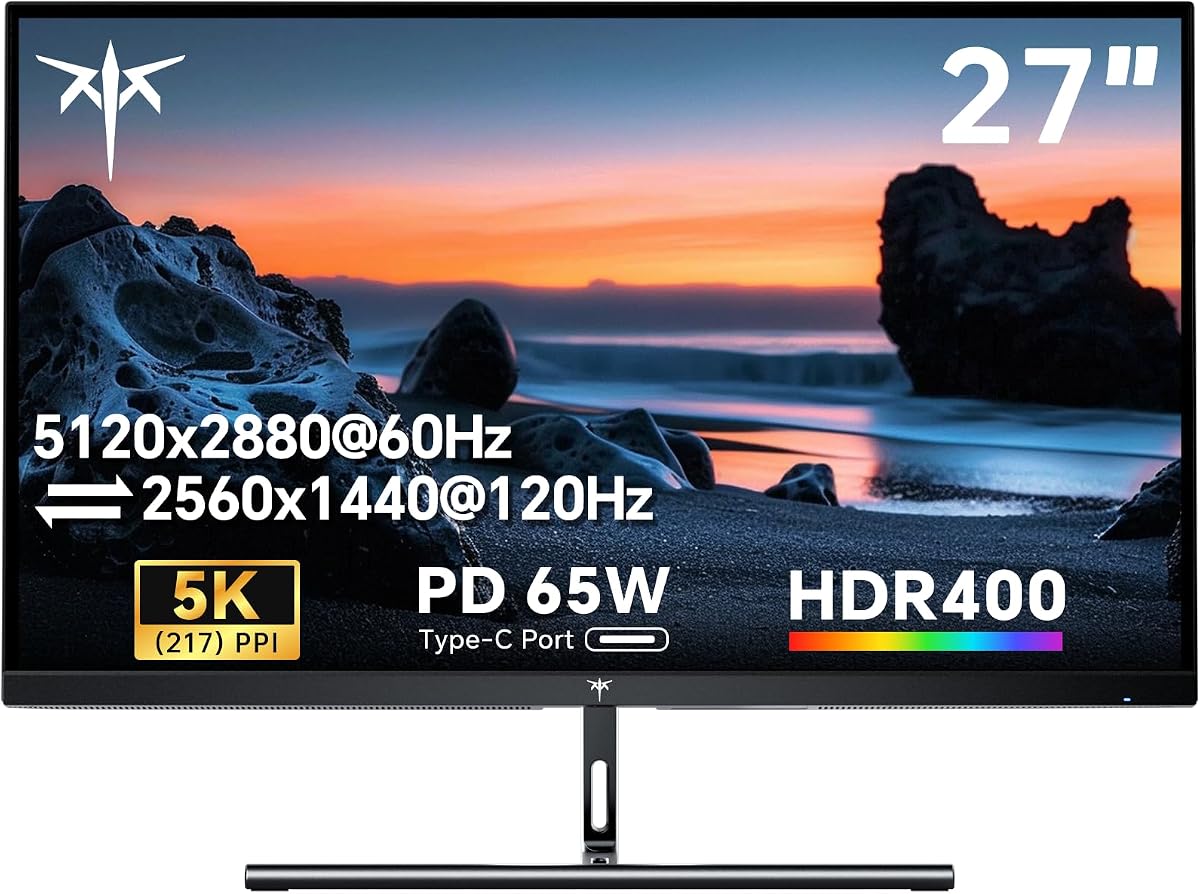
KTC has created a compelling option for those seeking a 5K experience without breaking the bank. This monitor offers a high pixel density that matches the sharpness of more expensive displays while maintaining a friendly price point.
We may earn a commission when you buy through this link, at no additional cost to you.
The display supports dual mode switching between 5K and 2K resolutions allowing you to choose based on your needs. Color accuracy is impressive with 135 percent sRGB coverage making it suitable for general design tasks and media consumption.
While the stand is less adjustable than premium models it still offers tilt functionality for ergonomic comfort. The blue light reduction features ensure that you can work for long periods without experiencing excessive eye strain.
This monitor is an excellent choice for students or small businesses looking for a Mac compatible display. It delivers the clarity of 5K at a budget-friendly price making high-resolution computing more accessible.
Specifically tuned to work seamlessly with Mac Mini and other Apple devices for a smooth user experience.
Flicker-free technology and blue light filters help protect your vision during extended work sessions.
We may earn a commission when you buy through this link, at no additional cost to you.
This budget-friendly model does not compromise on the essential features needed for a high-quality 5K experience. It delivers professional-grade color accuracy and flexible refresh rates at a price that undercuts many competitors.
We may earn a commission when you buy through this link, at no additional cost to you.
With 99 percent DCI-P3 and Delta E less than two it offers precise color representation for creative tasks. The dual mode feature allows switching to 2K for faster response times providing a versatile tool for work and play.
The build quality is functional rather than premium but it includes necessary eye care technologies like flicker-free and low blue light. These features ensure that the display remains comfortable to use throughout the day.
For those seeking the most affordable entry into 5K computing this monitor is a top recommendation. It balances performance and cost effectively making it an ideal choice for freelancers and home office setups.
Accurate color delivery ensures your designs look consistent and professional across different platforms.
Provides 5K resolution and high color gamut coverage without the steep price tag of other models.
We may earn a commission when you buy through this link, at no additional cost to you.
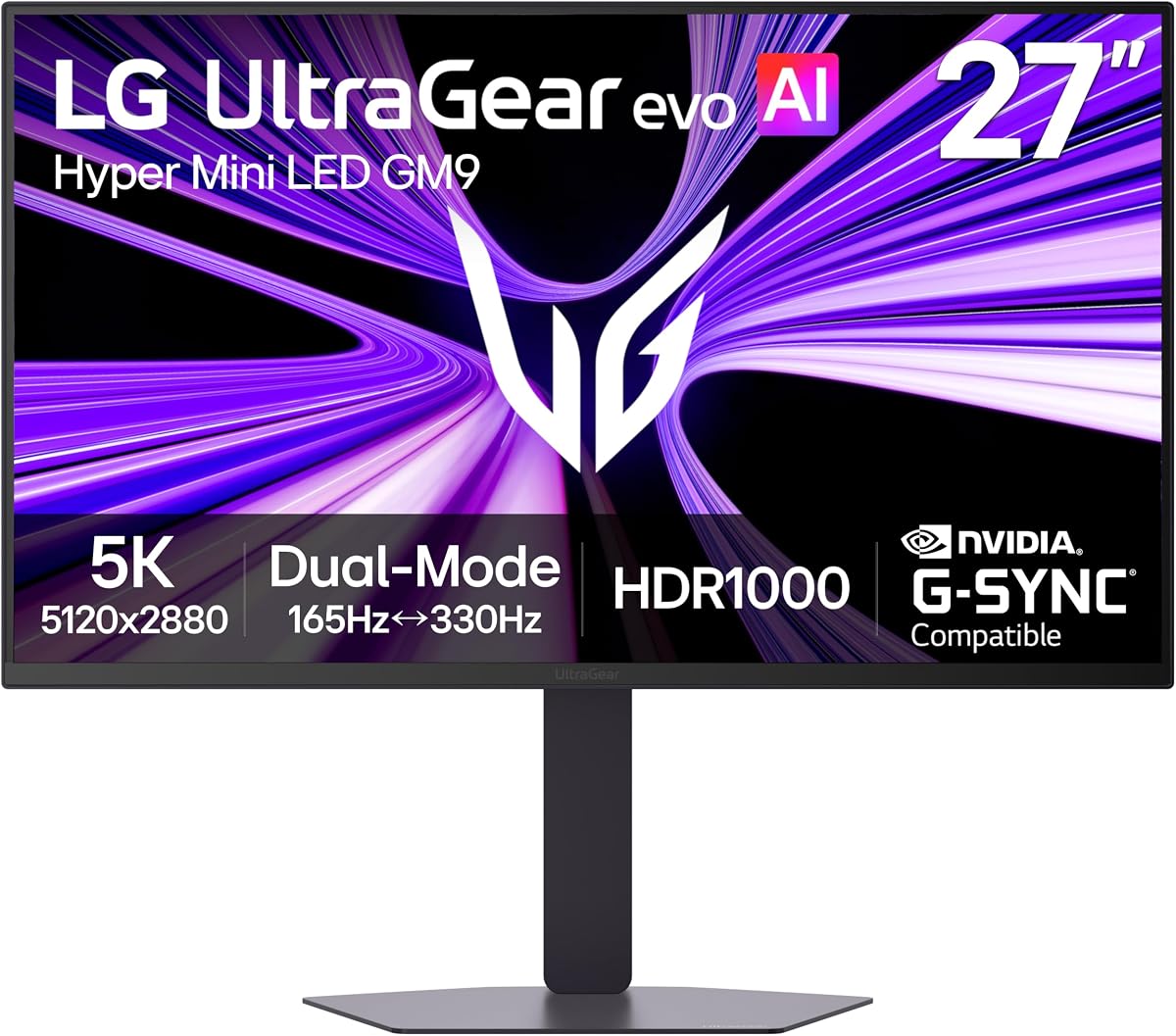
LG pushes the boundaries of display technology with this Mini-LED gaming monitor. It delivers exceptional brightness and contrast levels that make HDR content look truly spectacular on a 27-inch screen.
We may earn a commission when you buy through this link, at no additional cost to you.
The 1250 nits peak brightness ensures that details in bright scenes are visible even in well-lit rooms. Combined with up to 99 percent DCI-P3 color coverage this monitor provides a vivid and immersive visual experience.
While the high brightness and local dimming zones are impressive they can sometimes lead to blooming effects around bright objects. Additionally the advanced features may require firmware updates to reach their full potential.
This monitor is perfect for gamers who want the brightest and most detailed HDR visuals available. Its AI upscaling also helps older content look sharper making it a versatile addition to any high-end setup.
Thousands of LEDs provide precise local dimming for deep blacks and stunning highlights.
Enhance lower resolution content to look sharper without needing a powerful graphics card.
We may earn a commission when you buy through this link, at no additional cost to you.
This Dell monitor offers a reliable balance of performance and features for general productivity and light gaming. The 120Hz refresh rate at 4K provides smooth scrolling and motion which is often missing in standard office displays.
We may earn a commission when you buy through this link, at no additional cost to you.
ComfortView Plus reduces harmful blue light emissions without sacrificing color accuracy making it a great choice for long working hours. The display also includes re-engineered audio that is louder and richer than previous generations.
While it does not reach 5K resolution the 4K display still offers excellent sharpness for most tasks. The USB-C port simplifies connections to laptops allowing for data and power transfer with a single cable.
This is an excellent choice for office workers who want a modern screen with smooth motion and eye care. It delivers a high-quality experience at a reasonable price point for daily professional use.
Reduced blue light helps prevent eye fatigue during long sessions without changing color performance.
Built-in speakers provide better sound quality for calls and media without needing external speakers.
We may earn a commission when you buy through this link, at no additional cost to you.
This monitor combines professional color performance with consumer-friendly features like built-in streaming. It is an ideal solution for users who want a high-quality display for work and entertainment in one device.
We may earn a commission when you buy through this link, at no additional cost to you.
With 95 percent DCI-P3 coverage it provides vibrant colors that are accurate enough for light creative work. The USB-C port supports 90W power delivery which can charge most laptops while simultaneously displaying content.
The included webOS platform allows you to stream apps directly from the monitor without using your computer. This can be a great convenience for reducing desktop clutter or using the screen as a standalone media center.
It is a versatile choice for home office users who appreciate multimedia capabilities. The ergonomic stand and wide connectivity options ensure it fits well into various workspace layouts.
Access popular streaming services directly through the monitor using the built-in webOS platform.
Single cable solution provides both video and charging up to 90 watts for compatible devices.
We may earn a commission when you buy through this link, at no additional cost to you.
This BenQ monitor is designed specifically for professional artists who require precise color and minimal glare. The Nano Matte panel diffuses ambient light to protect your color accuracy in bright office environments.
We may earn a commission when you buy through this link, at no additional cost to you.
It features a Thunderbolt 4 connection that delivers up to 90W of power and supports high-speed data transfers. The ability to daisy chain multiple monitors makes it a strong choice for expanding a Mac workstation.
The contrast ratio of 2000 to one is significantly higher than standard IPS panels providing better black levels. However the premium price point means this is an investment best suited for professional workflows.
Creative professionals working with 3D or VFX will appreciate the precision and build quality. It ensures your work is represented accurately while reducing eye strain during long design sessions.
Reduces reflections to maintain color accuracy and comfort in various lighting conditions.
High bandwidth allows for fast data transfer and dual 5K support in a daisy chain.
We may earn a commission when you buy through this link, at no additional cost to you.
This ViewSonic monitor is built for professionals who need guaranteed color fidelity for their work. It comes with Pantone Validation which ensures that colors are consistent with industry standards for creative output.
We may earn a commission when you buy through this link, at no additional cost to you.
With Thunderbolt 4 and 100W power delivery it can fully charge a MacBook while displaying high-resolution content. The frameless design supports daisy chaining allowing you to expand your desktop with seamless visuals.
The color coverage of 100 percent sRGB and 99 percent DCI-P3 matches the visual performance of the Mac ecosystem. This ensures that what you see on screen is exactly what your clients will see on their devices.
Designers and editors who need absolute confidence in their color choices should consider this premium option. It represents the highest standard for display precision and professional workflow integration.
Certified color reproduction ensures your designs meet professional standards and brand guidelines.
Optimized for Mac systems to provide a seamless and native experience for creative professionals.
We may earn a commission when you buy through this link, at no additional cost to you.
Selecting the right monitor involves understanding your specific needs for color accuracy, refresh rate, and connectivity.
A 27 inch 5K monitor offers 5120 by 2880 pixels which provides over 14 million pixels. This high pixel density ensures text is sharp and images are detailed making it ideal for design work and reading.
Look for monitors with at least 218 PPI to ensure that the image quality meets professional standards for clarity.
For creative work it is crucial to check the color gamut coverage. Monitors with 99 percent DCI-P3 and 100 percent sRGB coverage ensure that your colors are vibrant and accurate.
Factory pre-calibration with Delta E less than two guarantees that the display is accurate out of the box without manual adjustment.
USB-C and Thunderbolt connections are essential for modern setups as they allow for single cable charging and data transfer. Ensure the monitor supports enough power delivery to charge your laptop while in use.
Check for DisplayPort and HDMI versions that match your current or future graphics card capabilities to avoid bottlenecks.
While 60Hz is standard for creative work gamers may need higher rates like 120Hz or 165Hz for smooth motion. Some monitors offer dual mode switching to change refresh rates based on your task.
Higher refresh rates can also improve the smoothness of scrolling and general desktop navigation making the experience feel more responsive.
IPS panels are generally preferred for their wide viewing angles and accurate color reproduction. Mini-LED panels offer superior contrast and brightness but may come at a higher price.
Consider if you need a matte finish to reduce glare in bright environments or if a glossy finish is better for vibrant media consumption.
A good stand should allow for height, tilt, swivel, and pivot adjustments. This ensures you can position the screen to reduce neck strain during long work sessions.
VESA mount compatibility is also important if you plan to use a monitor arm to save desk space.
HDR capabilities enhance the contrast and brightness of images making content look more realistic. Look for certifications like HDR400 or HDR600 to ensure a meaningful upgrade over standard displays.
Peak brightness levels are a key indicator of HDR quality with higher nits providing better detail in bright areas.
Professional monitors often come with longer warranties such as five years. This can provide peace of mind given the high cost of these displays.
Responsive customer support is also vital in case you encounter issues with the unit or need technical assistance.
To get the best performance from your monitor adjust the settings in your operating system to match the native resolution of the screen. For Mac users ensure that HiDPI scaling is enabled to utilize the full pixel density effectively.
Clean the screen regularly with a soft microfiber cloth to avoid scratches. Do not use harsh chemicals or paper towels as these can damage the anti-glare coating on the panel.
When not in use for long periods turn off the monitor to reduce heat and power consumption. Keeping the firmware updated also helps maintain compatibility with new graphics cards and software features.
A 5K resolution has 5120 by 2880 pixels which is significantly more than the 3840 by 2160 pixels of 4K. This extra resolution provides sharper text and more workspace which is critical for professional work.
Yes driving a 5K resolution requires a capable graphics card or integrated graphics like Apple Silicon. Without sufficient power you may experience lag when moving windows or playing games.
USB-C allows you to connect your laptop, transfer data, and charge your device with a single cable. This reduces cable clutter and simplifies your desktop setup significantly.
Yes some models like the Samsung Odyssey G8 offer high refresh rates suitable for gaming. However standard creative monitors usually have lower refresh rates which are not ideal for competitive play.
Dual Mode allows you to switch between 5K resolution for clarity and lower resolutions for faster refresh rates. This feature provides versatility for both design work and gaming.
Most of the monitors listed support Thunderbolt or USB-C which are standard on MacBooks. They provide the necessary power and video signal to work seamlessly with Apple devices.
Professional monitors often come with three to five year warranties. Standard models might have a one year warranty so check the coverage before purchasing.
Use a soft dry microfiber cloth to wipe away dust. Avoid spraying liquid directly on the screen as it can seep into the bezel and damage internal components.
The ASUS ProArt PA27JCV remains our top choice for professionals who need reliable color accuracy and connectivity. For gamers the Samsung Odyssey G8 offers a compelling mix of resolution and speed.
When making your decision consider whether you prioritize color precision or refresh rate. Your specific workflow will determine which feature is most important for your daily tasks and projects.
Prices for these monitors change frequently so be sure to check the latest offers before buying. We hope this guide helps you find the perfect display for your needs.