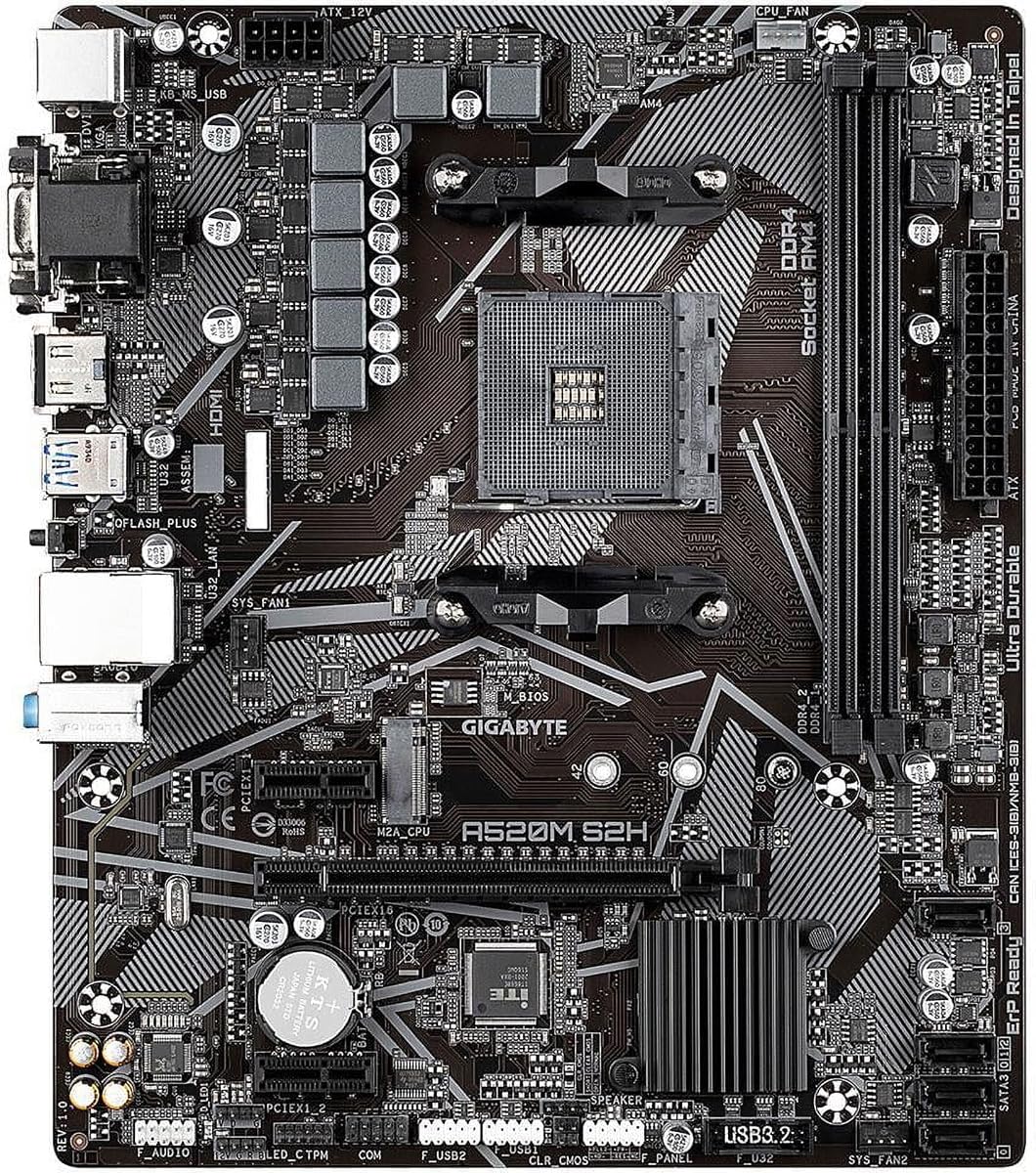
GIGABYTE A520M S2H
4.5Editor score
4+3 Digital PWM phases
Q-Flash Plus support
Dual display interfaces
This guide compares the top AMD B350 motherboards for Ryzen performance, features, and value to help you choose the right board for your build.
Finding the right AMD B350 motherboard is crucial for building a reliable system with Ryzen processors. These boards offer excellent value and support for modern features like M.2 slots and USB 3.1 connectivity.
We evaluated ten top-rated models based on their power delivery, thermal performance, connectivity options, and overall reliability. Our analysis focuses on real-world performance and user feedback to ensure you get the best value.
Each pick highlights specific strengths like budget friendliness, premium features, or gaming optimization. Please note that availability and pricing can change frequently, so verify details before purchasing your next motherboard.
4.5Editor score

4.4Editor score
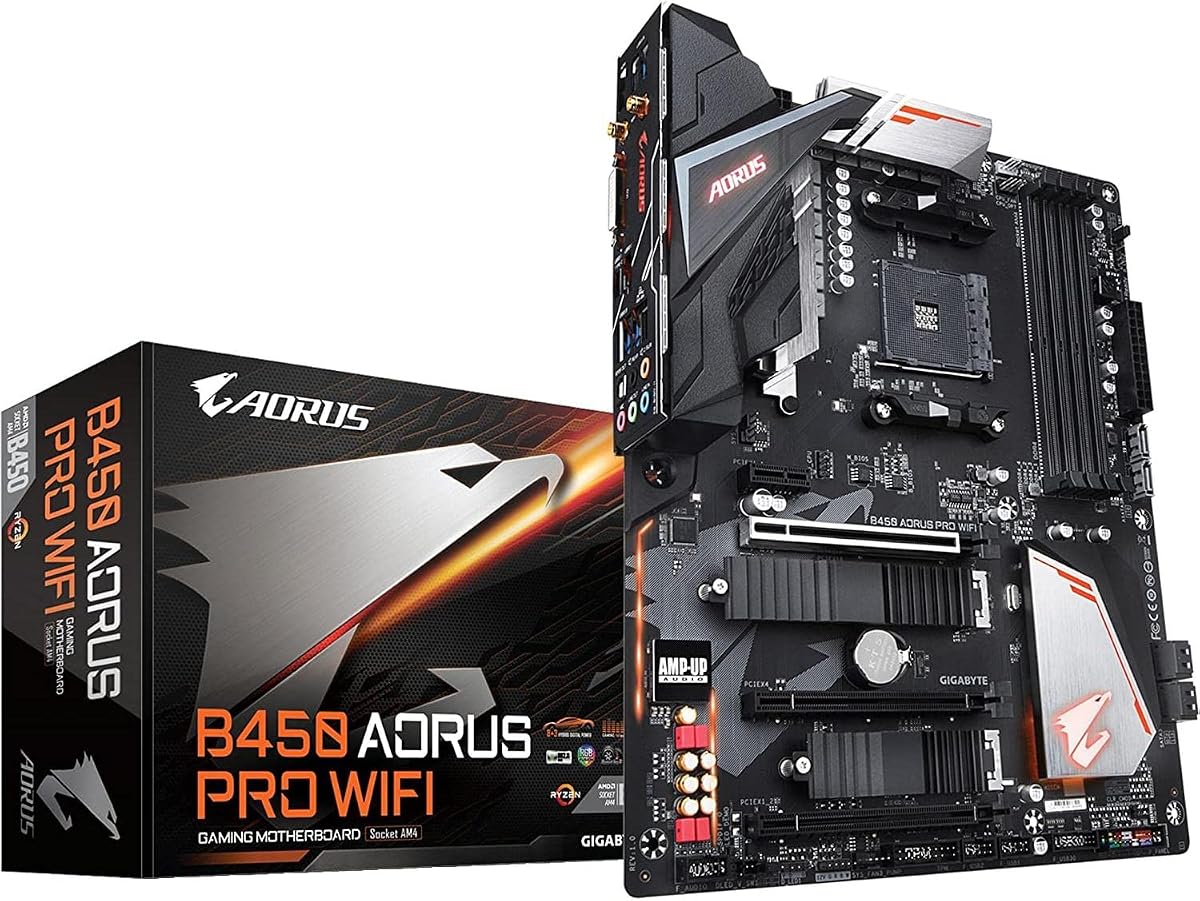
4.5Editor score
Here is a side-by-side look at the top ten AMD B350 and compatible motherboards to help you compare specs and features quickly.
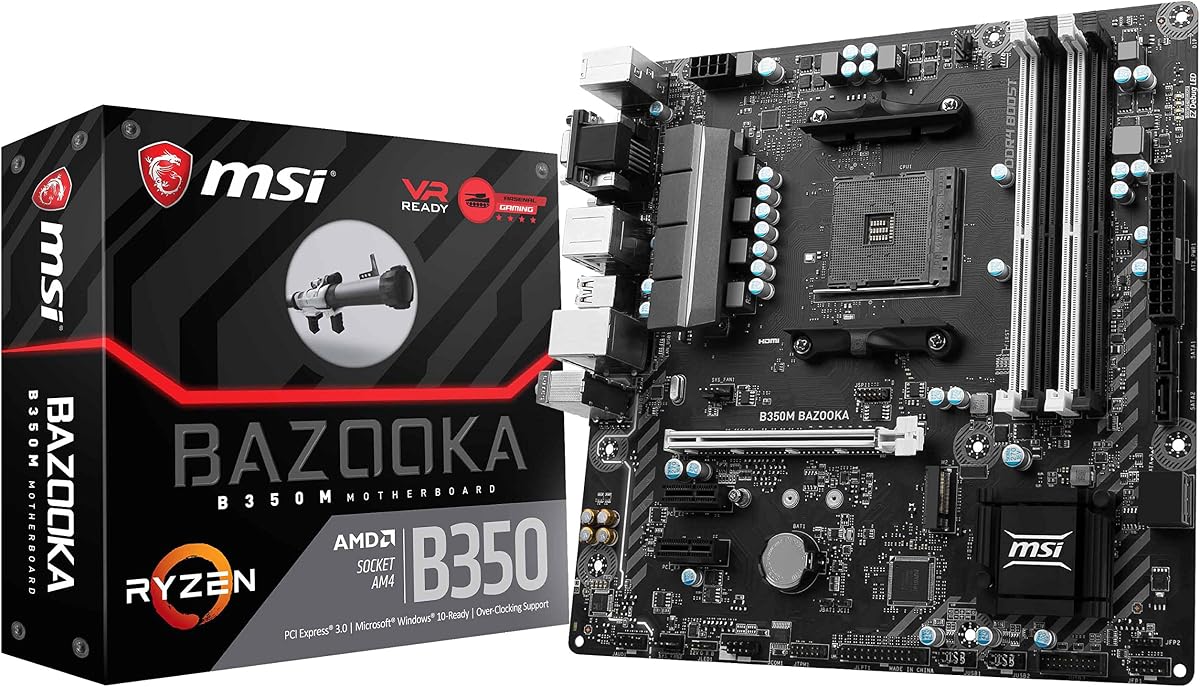



The MSI Gaming B350 is a solid choice for budget gaming builds. It offers essential features like VR readiness and HDMI support for a competitive price.
We may earn a commission when you buy through this link, at no additional cost to you.
Its studio grade sound quality stands out for a B350 board. The EZ Debug LED makes troubleshooting hardware issues significantly easier for new builders.
While it lacks modern Wi-Fi or advanced RGB, it delivers reliable performance for 1080p gaming. The in game weapons suite provides useful overlays for gamers.
Buy this if you want a no fuss board for AMD Ryzen that works well without breaking the bank. It is a great entry point for AM4 systems.
Game Boost and X-Boost tools help optimize performance for better frame rates during intense sessions.
High quality audio capacitors ensure immersive sound without needing an external sound card for most users.
We may earn a commission when you buy through this link, at no additional cost to you.
The ASUS Prime B350-Plus is known for its reliability and comprehensive protection features. It is a great fit for users who want a dependable daily driver.
We may earn a commission when you buy through this link, at no additional cost to you.
Its 5X Protection III hardware safeguards ensure longevity. The SafeSlot Core prevents damage from heavy GPUs which is a common point of failure in other boards.
FanXpert 2+ offers advanced cooling control which helps maintain quiet operation. While it lacks Wi-Fi, the USB 3.1 and M.2 slots provide ample modern connectivity.
Choose this board for a stable workstation or home PC build. It balances price and performance well for most standard usage scenarios.
Multiple layers of hardware protection guard against power surges and physical stress to extend component life.
Advanced fan headers allow precise control over CPU and system fans to keep temperatures low during load.
We may earn a commission when you buy through this link, at no additional cost to you.
The ASUS Prime B450M-A/CSM offers excellent value for compact gaming builds. It brings USB 3.1 Gen2 speeds to a smaller footprint without sacrificing core features.
We may earn a commission when you buy through this link, at no additional cost to you.
Its Corporate Stable Model ensures long term support for systems that need stability. The Aura Sync RGB header allows you to sync lighting across your case components easily.
While it is smaller than ATX boards it still provides robust connectivity and power. The Safe Slot Core ensures your graphics card is securely mounted.
This is the perfect pick for small form factor builds on a budget. It delivers premium features in a compact design that fits many cases.
Designed for business longevity this model supports long replacement cycles and reliable operation over years of use.
Compatible with ASUS Aura Sync you can control all RGB components from one software interface for a cohesive look.
We may earn a commission when you buy through this link, at no additional cost to you.
The GIGABYTE B450 AORUS PRO Wi-Fi adds wireless connectivity to a powerful B450 platform. This is ideal for builds where running Ethernet cables is inconvenient.
We may earn a commission when you buy through this link, at no additional cost to you.
It includes premium Alc1220 audio which rivals dedicated sound cards. The thermal guards on the M.2 slots prevent throttling during long file transfers or gaming sessions.
The RGB Fusion support allows for custom lighting effects that match your system theme. With fast LAN and USB options it covers all modern connectivity needs.
Get this if you need Wi-Fi on a budget without paying for a top tier X570 board. It is a versatile choice for many gamers and creators.
Dual thermal guards keep M.2 drives cool to maintain peak read and write speeds without slowdowns.
High quality capacitors and audio codecs deliver rich sound for music and games without external hardware.
We may earn a commission when you buy through this link, at no additional cost to you.
The ASUS ROG Strix B550-F brings PCIe 4.0 capabilities to the AM4 socket. This future proofing makes it a strong candidate for newer Ryzen processors.
We may earn a commission when you buy through this link, at no additional cost to you.
WiFi 6E ensures low latency wireless connections for online gaming. The 2.5Gb LAN offers faster wired speeds which is great for large file transfers.
With BIOS Flashback you can update the firmware without a CPU installed. This is a lifesaver for compatibility with newer Ryzen 5000 series parts.
Choose this if you plan to use high end CPUs or want the fastest connectivity available. It is a premium option for serious builders.
PCIe 4.0 support ensures your SSDs and GPUs can operate at top speeds without bandwidth bottlenecks.
Fast LAN and WiFi standards reduce lag for online games and improve download speeds for large files.
We may earn a commission when you buy through this link, at no additional cost to you.
The GIGABYTE B550M K is one of the most affordable ways to get PCIe 4.0. It is a perfect fit for budget builds that need modern speeds.
We may earn a commission when you buy through this link, at no additional cost to you.
It supports two M.2 slots which is rare for a budget Micro-ATX board. The Q-Flash feature allows easy BIOS updates without removing components from your chassis.
While it lacks frills like RGB or Wi-Fi it delivers solid power delivery for mid range processors. It is ideal for office PCs or simple gaming rigs.
Buy this if you want to save money on the motherboard and spend it on a faster CPU or GPU instead. It is great value.
The 3+3 power phase design ensures stable power for the CPU during standard usage and moderate gaming loads.
Two M.2 slots allow you to install both your OS and media drives without needing extra adapters.
We may earn a commission when you buy through this link, at no additional cost to you.
The GIGABYTE B550 Gaming X V2 offers an excellent balance of features and price. It is a reliable choice for standard ATX builds needing modern connectivity.
We may earn a commission when you buy through this link, at no additional cost to you.
The front USB-C header is a great addition for case front panels. Q-Flash Plus makes updating BIOS easy without installing the CPU which is useful for compatibility.
Its RGB Fusion header allows you to customize lighting across your components. With decent power delivery it handles most Ryzen 5 and 7 processors well.
Choose this for a balanced build without paying premium prices. It offers essential modern features in a standard form factor for many users.
Front USB-C support makes it easy to use the latest mobile devices and accessories with quick charging.
Q-Flash Plus simplifies firmware updates allowing you to prepare the board before installing your processor.
We may earn a commission when you buy through this link, at no additional cost to you.
The MSI B550M PRO-VDH WiFi brings wireless capabilities to a compact Micro-ATX board. It is perfect for smaller builds that need modern features.
We may earn a commission when you buy through this link, at no additional cost to you.
Its M.2 Shield Frozr helps prevent overheating for your NVMe drives. The Flash BIOS Button makes updates incredibly easy even without memory installed.
Core Boost technology ensures steady power delivery for your CPU. Audio Boost provides high quality sound which is often overlooked on budget boards.
Get this if you want a small build with reliable connectivity. It handles most gaming and productivity tasks well within a compact footprint.
Thermal pads and thickened copper PCB keep VRM and M.2 temperatures low under heavy load.
Integrated Wi-Fi and Bluetooth means you do not need extra USB adapters for connectivity or peripherals.
We may earn a commission when you buy through this link, at no additional cost to you.
The MSI PRO B550M-P is designed for straightforward builds without unnecessary features. It offers solid performance at a very competitive price point.
We may earn a commission when you buy through this link, at no additional cost to you.
Frozr AI cooling adjusts fans to maintain quiet operation. With dual M.2 slots it supports modern fast storage configurations for work or play.
Memory Boost technology helps achieve stable speeds for your RAM. It is a practical choice for office PCs or budget home entertainment systems.
Buy this for a no nonsense motherboard that does the job well. It avoids premium features to keep costs low for essential computing needs.
Passive and AI cooling features maintain stable temperatures without needing complex fan configurations in your case.
Memory Boost helps ensure stable overclocking for your RAM to get more performance from your system.
We may earn a commission when you buy through this link, at no additional cost to you.
The Gigabyte A520M S2H is the ultimate budget option for AM4 systems. It provides essential features for basic computing at a minimal cost.
We may earn a commission when you buy through this link, at no additional cost to you.
Its triple display support is great for multi-monitor setups in offices or trading stations. Q-Flash Plus ensures you can update BIOS easily.
While it does not support PCIe 4.0 it handles most current GPUs well. The digital PWM design ensures stable power for standard Ryzen processors.
Choose this for the lowest possible build price that still supports modern Ryzen CPUs. It is perfect for simple office or home PC projects.
Three display outputs allow you to run multiple screens for productivity or gaming setups easily.
Digital PWM phases provide efficient and stable power delivery for your CPU during daily tasks.
We may earn a commission when you buy through this link, at no additional cost to you.
Choosing the right motherboard requires balancing features like size, connectivity, and power delivery for your specific build needs.
Motherboards come in ATX, Micro-ATX, and Mini-ITX sizes. Ensure the board fits your case and matches your expansion needs for future upgrades.
Select Micro-ATX for compact builds or ATX for maximum ports and slots.
AM4 sockets support a wide range of Ryzen processors from 1000 to 5000 series. Check BIOS support lists before buying for newer CPU models.
Ensure the board supports your specific Ryzen generation to avoid update hassles.
VRM quality determines stable power delivery. Higher end boards have more phases which help with overclocking or higher core count CPUs.
Look for at least 3+3 VRM phases for basic builds or more for high end parts.
Modern boards offer USB 3.1 and M.2 slots for speed. Ensure there are enough USB ports for your peripherals and storage needs.
Prioritize M.2 support for fast storage and USB 3.1 for quick data transfers.
Some boards include Wi-Fi and Bluetooth while others require USB adapters. Built-in Wi-Fi is useful if Ethernet is hard to run.
Choose a board with onboard Wi-Fi if you lack easy access to network cables.
High end audio codecs improve sound quality without extra cards. RGB headers allow for synchronized lighting across your build.
Consider these if you want a visually appealing or high fidelity audio experience.
Newer chipsets like B550 offer PCIe 4.0 for faster SSDs and GPUs. This adds value if you plan to upgrade parts in the near future.
Opt for B550 if you need next gen speeds over B350 savings.
Flashback features let you update firmware without a CPU which is handy for compatibility. Clear CMOS buttons simplify resets.
Look for easy update options to avoid boot issues with new processors.
Always install the board on anti static mats to prevent damage from static electricity. Handle the motherboard by the edges and avoid touching the circuits directly.
Keep drivers updated via the manufacturer website for stable performance. Check for BIOS updates to support newer CPU features and fix issues.
Clean your system regularly using compressed air to remove dust from fans and slots. Ensure proper airflow inside the case to keep temperatures within safe limits.
Most B350 boards support Ryzen 5000 series after a BIOS update. Check the motherboard manufacturer compatibility list to confirm support before purchase.
No B350 boards do not support PCIe 4.0. You would need a B550 or X570 board for that speed.
B450 offers better BIOS support and often includes USB 3.1 Gen2. B350 is older but cheaper and works well for basic builds.
If your PC is near a router Ethernet is faster and cheaper. However Wi-Fi is essential if your desk is far from network ports.
Yes B350 supports CPU overclocking. You will need adequate cooling and a reliable power supply for safe performance.
Most B350 builds work fine with a 450W to 600W power supply. Choose a higher wattage if you use high end graphics cards.
Some support dual GPU via CrossFire but performance may be limited. It is best for budget multi GPU setups or niche workloads.
B350 is best for budget builds. For new builds consider B550 for better support and features if the price fits your budget.
The ASUS Prime B350-Plus stands out as a reliable all rounder with great protection and connectivity. It offers the best balance for standard users and gamers.
For budget builds the GIGABYTE B550M K and Gigabyte A520M S2H provide modern speeds at entry level prices. Choose these to save cash for other parts.
Always check current pricing and availability as stock can change. Pick a board that fits your case and offers the right ports for your daily needs.