
24 inch Anti Blue Light Anti Glare Screen Protector
3.6Editor score
Anti-glare matte coating
Resists fingerprints and oil
Compatible with touchscreens
Spending hours in front of a digital screen can lead to significant eye discomfort and strain. An eye friendly monitor protector helps mitigate these issues by filtering harmful blue light and reducing glare effectively.
We evaluated ten top-rated protectors based on their optical quality, ease of installation, and ability to block harmful wavelengths. Each product was selected for its ability to enhance visual comfort without compromising display clarity or color accuracy.
Each pick below highlights key features and user benefits to help you choose the right fit. Note that product details and pricing can change over time, so verify specifications before finalizing your purchase decision today.
3.6Editor score

4.4Editor score

4.2Editor score
As an Amazon Associate we earn from qualifying purchases.
The following comparison table outlines the core specifications and protective features of each selected monitor protector to help you identify the right model for your specific display size and usage needs.


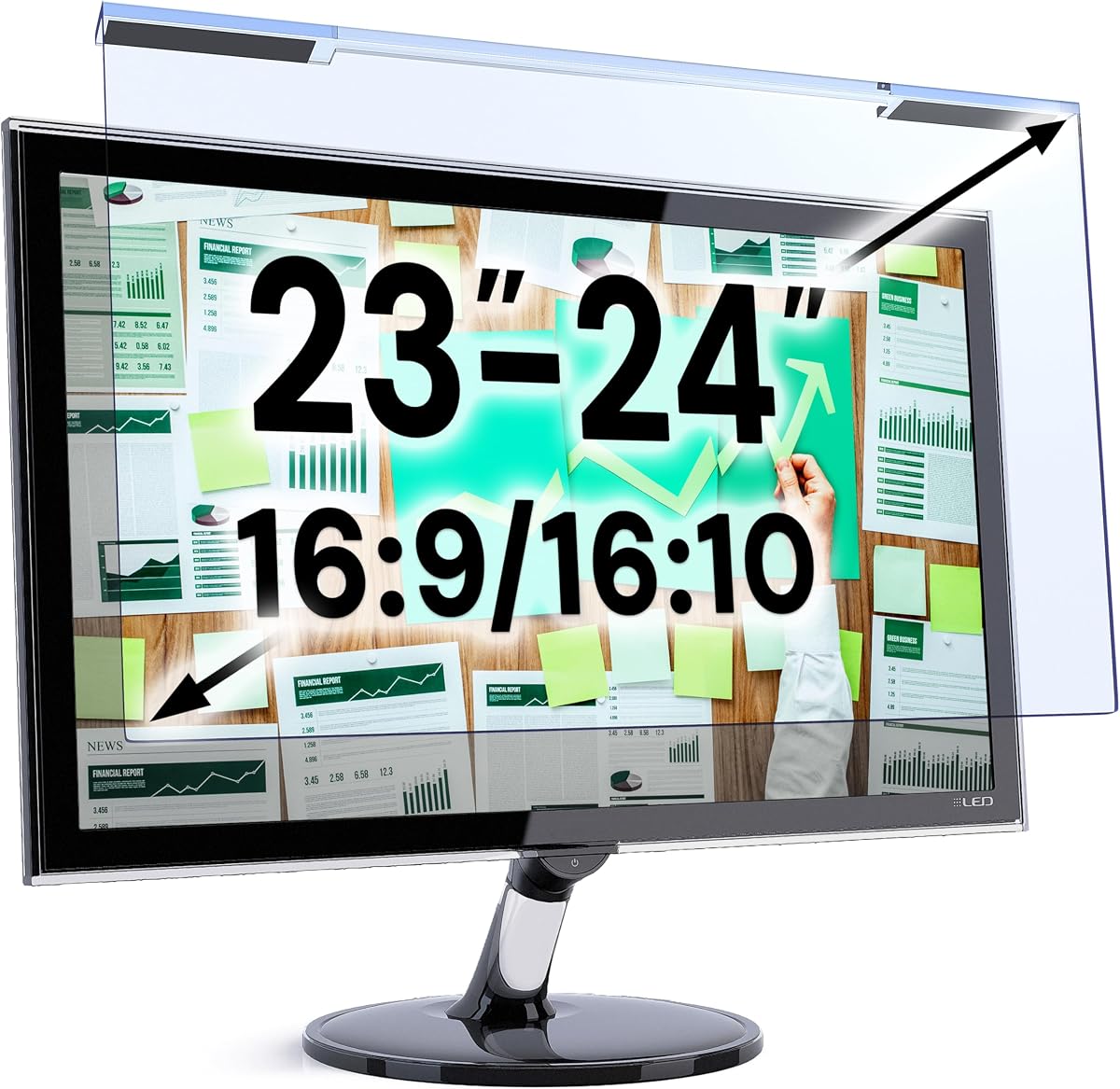


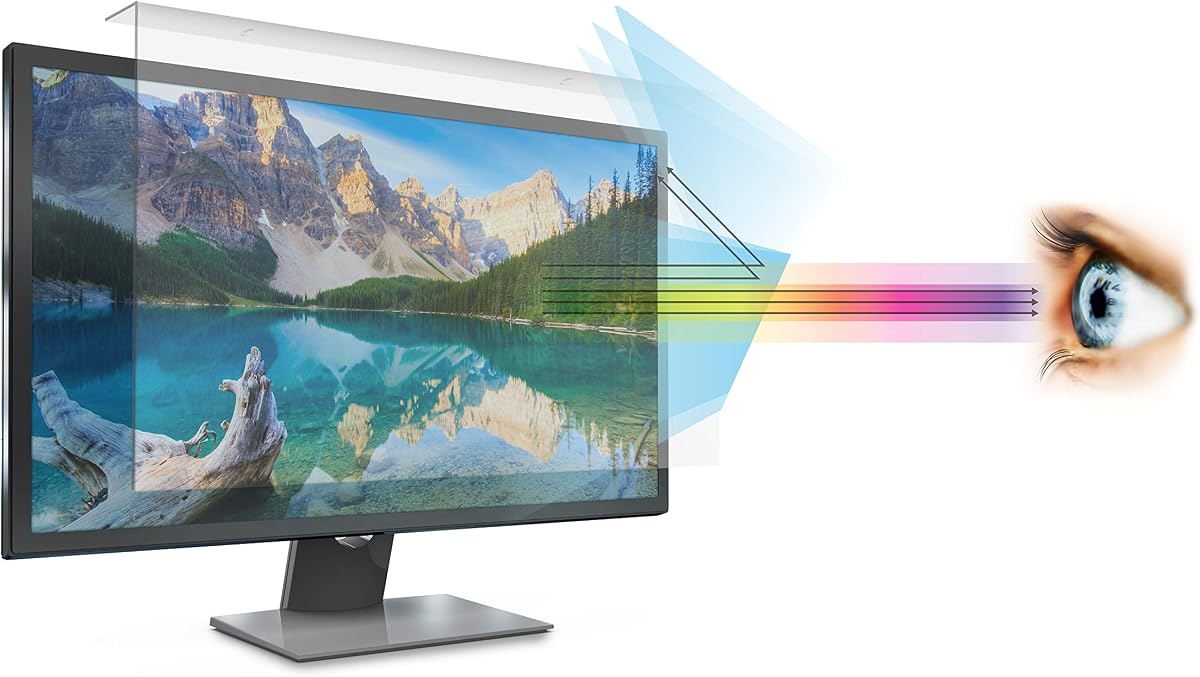

The MOSISO Computer Blue Light Blocking Screen Protector offers a strong balance of eye protection and clarity. With a rating of 4.4 stars, it is a popular choice for office workers and home users seeking relief from screen fatigue.
We may earn a commission when you buy through this link, at no additional cost to you.
Its acrylic construction ensures high durability while the ultra-thin profile maintains the original brightness of your display. The protector effectively reduces harmful UV exposure and filters a significant portion of blue light to minimize strain during extended use.
One trade-off is that you must measure your monitor diagonal accurately before purchasing as it fits specific sizes like 24 inch models. Additionally it does not include privacy features so it is best suited for environments where visual confidentiality is not a priority.
If you want a straightforward solution to protect your eyes without darkening your screen this is a top recommendation. It is ideal for programmers gamers and general office users who need reliable blue light reduction.
The ultra-thin design ensures your display retains its original brightness and color accuracy.
It blocks 99 percent of harmful UV rays to reduce potential long-term eye hazards.
We may earn a commission when you buy through this link, at no additional cost to you.
This 2 Pack of 24 Inch Privacy Screen Filters offers comprehensive protection for both your eyes and your data. With a 4.2 rating it stands out for combining privacy features with substantial blue light blocking capabilities.
We may earn a commission when you buy through this link, at no additional cost to you.
The advanced microlouver technology limits viewing angles to protect sensitive information while also filtering out harmful UV and blue light. The reversible design allows you to switch between glossy clarity and matte anti-glare based on your environment.
While the privacy function may slightly reduce screen brightness compared to standard filters the trade-off is worth it for public workspaces. You should verify your monitor dimensions carefully as it fits 16:9 aspect ratios specifically.
Ideal for travelers or office workers handling confidential data this filter offers versatility. The inclusion of slide tabs makes it easy to remove when privacy is not needed.
It blocks blue light and prevents side viewing to keep your data and eyes safe.
The surface enhancement layer allows the filter to be cleaned and reused many times.
We may earn a commission when you buy through this link, at no additional cost to you.
The VizoBlueX filter is designed to support better sleep and reduced headaches for screen users. With a 4.4 rating it focuses on multi-layer protection that targets specific harmful light spectrums without distorting the image.
We may earn a commission when you buy through this link, at no additional cost to you.
Its design specifically accommodates iMac 24 Retina screens as well as standard 16:9 monitors. The quick install process involves peeling protective films and hanging the unit so it is simple to set up.
This model does not offer anti-glare or privacy features so it is best for environments with controlled lighting. It is an excellent choice for users prioritizing color accuracy and simple installation over extra glare reduction.
If you use an iMac or need precise color visibility this filter is a strong contender. It helps prevent eye strain and headaches while keeping your screen appearance natural.
Designed to match iMac 24 Retina dimensions without requiring adhesive attachments.
Eliminates high energy visible light to reduce potential eye fatigue risks.
We may earn a commission when you buy through this link, at no additional cost to you.
The VINTEZ protector offers a robust blue light filtering solution backed by a lifetime replacement policy. With a 4.3 rating users appreciate its ability to reduce strain while preserving image clarity.
We may earn a commission when you buy through this link, at no additional cost to you.
It filters blue light in the 420 to 460 nanometer range to target the most harmful wavelengths without affecting color balance. The matte protective films on both sides ensure a clean installation without bubbles.
Since it lacks an anti-glare function it is best for indoor use where direct bright light is minimal. The lifetime policy provides peace of mind should the filter ever suffer damage or wear.
Ideal for laptop users or those who prefer a simple film approach this protector is reliable. It offers strong UV and blue light shielding to support long-term eye health.
Damaged filters are eligible for free replacement ensuring long-term satisfaction.
Reduces blue light between 420 and 460 nm to minimize eye fatigue.
We may earn a commission when you buy through this link, at no additional cost to you.
The Peslv screen introduces exclusive double-sided technology that allows users to choose between clarity and privacy. With a 4.2 rating it is a versatile pick for those who need flexible viewing options.
We may earn a commission when you buy through this link, at no additional cost to you.
The matte side offers German anti-glare technology while the glossy side maximizes privacy. It also blocks a high percentage of blue light and UV rays to protect your eyes effectively.
This model includes two mounting options for raised or full-screen bezels making installation straightforward. The only downside is that privacy features can limit side visibility slightly.
If you need a screen that adapts to different lighting and privacy needs this is a top choice. It protects sensitive data while keeping your vision comfortable during work.
Switch between matte anti-glare and glossy privacy based on your environment.
Slide tabs and adhesive strips ensure the filter stays in place securely.
We may earn a commission when you buy through this link, at no additional cost to you.
This 27 Inch Privacy Screen offers tailored protection for larger monitors. With a 4.1 rating it balances privacy with eye protection features for professionals using bigger displays.
We may earn a commission when you buy through this link, at no additional cost to you.
The micro-louver technology limits side viewing angles to keep your content secure. It also reduces blue light and UV exposure while featuring an anti-glare coating to minimize reflections.
Installation is easy thanks to slide tabs or adhesive options depending on your bezel. While it reduces brightness slightly it ensures that only you can see the content clearly.
Ideal for open offices or travel this screen protects both your eyes and your privacy. It is a reliable option for 27 inch 16:9 monitors.
Blocks 95 percent of reflected light to reduce eye damage from glare.
Slide mount tabs allow easy removal and reuse as needed.
We may earn a commission when you buy through this link, at no additional cost to you.
The ZYY protector utilizes Japanese Fujimori nano-optical stacking technology to block harmful light effectively. With a 4.4 rating it is a strong pick for users needing high durability and clear visibility.
We may earn a commission when you buy through this link, at no additional cost to you.
It features 8H reinforced acrylic materials that resist scratches and fingerprints while maintaining a high resolution view. The ultra-thin 2mm design ensures it does not add bulk to your setup.
This model is not for iMac screens but works well with curved monitors. It helps reduce myopia and dryness while keeping your focus on your tasks.
Ideal for gamers and office workers this protector delivers durability and protection. It is a reliable choice for 27 inch monitors needing robust shielding.
Blocks blue light and UV rays using advanced Japanese optical technology.
8H reinforced acrylic ensures resistance against scratches and wear.
We may earn a commission when you buy through this link, at no additional cost to you.
This 24 inch protector focuses on glare reduction and oil resistance at a budget-friendly point. With a 3.6 rating it is a practical option for those needing touch compatibility and basic eye care.
We may earn a commission when you buy through this link, at no additional cost to you.
The anti-glare matte coating reduces visual interference in bright conditions while the oleophobic coating repels oil and sweat. It blocks 100 percent of hazardous UV light to support eye health.
While it lacks privacy features it works well with touchscreens and curved monitors. The smooth performance ensures zero input lag which is key for interactive displays.
Ideal for budget shoppers using touch devices this protector offers essential protection. It helps reduce strain and keeps your screen clear and responsive.
Repels oil and water to keep your screen clean with minimal effort.
Preserves original responsiveness for seamless touchscreen interaction.
We may earn a commission when you buy through this link, at no additional cost to you.
This filter is tailored for smaller 21 to 22 inch monitors to support sleep and reduce fatigue. With a 4.4 rating it is a great choice for compact setups needing reliable eye protection.
We may earn a commission when you buy through this link, at no additional cost to you.
It blocks 80 percent of harmful blue light and features a scratch-resistant acrylic panel. The included blue light testing kit helps you verify the effectiveness of the filter.
Mounting is secure without adhesives making it easy to remove if needed. While it lacks privacy it offers solid protection against strain for home users.
If you have a smaller desktop this filter provides targeted comfort. It is an affordable way to reduce fatigue without replacing your monitor.
Verify the blue light blocking capabilities with the included testing tools.
Attaches easily to the bezel without adhesives for simple removal.
We may earn a commission when you buy through this link, at no additional cost to you.
The IPROKKO 2Pack offers two filters for 27 inch monitors to ensure you have a spare. With a 4.0 rating it is a good choice for households or offices with multiple displays.
We may earn a commission when you buy through this link, at no additional cost to you.
It blocks 98 percent of blue light while maintaining a 90 percent light transmission rate. The anti-glare function prevents headaches and eye fatigue during long hours.
Installation is bubble-free and washable but it does not include mounting hardware. The one-year warranty adds value for long-term use.
Ideal for users with multiple 27 inch screens this pack offers convenience. It provides solid eye protection without compromising image clarity.
Includes two filters so you can replace or share them easily.
90 percent light transmission ensures your screen stays bright and clear.
We may earn a commission when you buy through this link, at no additional cost to you.
Choosing the right eye friendly monitor protector involves evaluating several factors that affect your visual comfort and display quality.
Always measure your screen diagonal excluding the bezel to ensure a perfect fit. Most protectors are designed for specific aspect ratios like 16:9 so check width and height measurements before purchasing.
Measure your screen dimensions carefully to avoid a filter that is too large or small for your display.
Look for models that block at least 60 percent of blue light in the 400 to 460 nanometer range. Higher percentages can reduce eye strain during long sessions but ensure the film does not distort colors.
Select a filter that blocks enough blue light to reduce strain without altering color accuracy.
Matte finishes reduce reflections in bright environments while glossy finishes maintain higher clarity for detailed work. Reversible options offer flexibility depending on your lighting conditions throughout the day.
Choose a finish that matches your lighting environment for optimal comfort.
Protectors with slide tabs are easier to remove and reusable while adhesive ones stay fixed but can leave residue. Consider how often you need to clean or remove the filter.
Pick an installation method that suits how often you need to remove the filter.
If you work in public spaces select a filter with microlouver technology to limit side viewing angles. Privacy screens often reduce brightness slightly so weigh this against your clarity needs.
Privacy screens limit side viewing but may slightly reduce brightness.
Acrylic materials are common and offer good scratch resistance. Look for models with oleophobic coatings to resist fingerprints and oil which helps maintain a clean screen.
Acrylic with oleophobic coatings ensures durability and easy cleaning.
High light transmission ensures your screen remains bright and clear. Aim for models that maintain at least 90 percent transmission to avoid a dimmed display.
Ensure high light transmission to keep your screen bright.
Check if the product includes a warranty or lifetime replacement policy. Good support helps if the filter gets damaged or does not fit correctly.
Choose a product with a warranty to protect your investment.
Begin by cleaning your monitor screen thoroughly to remove dust and oils before applying the protector. Use the included cleaning cloth to ensure a smooth surface for installation.
Align the protector with your screen edges carefully before securing it with tabs or adhesive. For removable tabs slide the filter gently into place without applying excessive pressure.
Clean the protector regularly with a soft cloth to maintain clarity. Avoid harsh chemicals to protect the anti-glare or privacy coatings on the surface.
Ideally a good eye friendly monitor protector should block at least 60 to 90 percent of blue light in the 400 to 460 nanometer range. This level reduces strain without making the screen look too yellow or dark.
Yes privacy screens often include blue light filters and anti-glare coatings which reduce eye strain. The limited viewing angles also mean you sit directly in front which encourages better posture.
Yes many models are compatible with touch screens. Just ensure the product description mentions touch compatibility and that the film is thin enough not to interfere with touch sensitivity.
Use the included cleaning cloth or a microfiber cloth to wipe away dust and smudges. Avoid using harsh chemicals or abrasive wipes that could damage the coating or film.
High quality protectors maintain high light transmission rates so the screen should not look significantly darker. Privacy screens may reduce brightness slightly due to the added layer of material.
If the protector uses slide tabs it is designed to be removed and reused. Adhesive models are generally not reusable so check the installation instructions before purchasing.
The MOSISO and VizoBlueX protectors offer top performance for most users needing blue light relief. The Peslv model stands out for those requiring privacy alongside eye protection.
Prioritize a protector that matches your screen size and offers enough blue light blocking to reduce strain. Consider whether you need privacy features based on your work environment.
Check current prices and availability before buying as models may vary over time. Investing in the right protector can improve daily comfort and support your long-term eye health.