
Lenovo Essential 15.6" FHD Laptop
4.1Editor score
HDMI 1.4 Port Support
Intel Processor Efficiency
Lightweight Portable Design
Finding a laptop with two HDMI ports can transform your workflow by enabling seamless multi-monitor setups without extra adapters. This guide explores the top models designed for professionals and students who need maximum screen real estate for productivity.
We evaluated ten highly rated laptops based on display quality, processing power, port selection, and overall value. Our analysis focuses on devices that offer robust connectivity solutions, ensuring you can connect multiple external displays effortlessly for enhanced efficiency.
Each selection highlights unique strengths, from budget-friendly options to premium business machines. While specific pricing may fluctuate, these models consistently deliver reliable performance and versatile connection capabilities for various computing needs throughout the year.
4.1Editor score

4.4Editor score

4.2Editor score
As an Amazon Associate we earn from qualifying purchases.
The following table compares key specifications across all ten selected laptops to help you identify the best fit for your specific connectivity and performance requirements.



The Dell Inspiron 16 Plus 7640 stands out as a top-tier laptop with 2 HDMI Ports capabilities when paired with USB-C alternatives. It combines a stunning 2.5K display with robust Intel Core i7 performance for demanding workflows.
We may earn a commission when you buy through this link, at no additional cost to you.
This model features a spacious 16-inch 16:10 aspect ratio screen that maximizes vertical space for productivity tasks. The hardware supports multiple external monitor setups allowing for seamless extended desktop configurations.
While the price is higher than budget options, the durability and visual fidelity justify the investment for professionals. ComfortView Plus reduces blue light making long sessions easier on the eyes.
Ideal for business users and creatives needing reliable connectivity and screen real estate, this laptop delivers consistent performance. The included onsite service adds significant value for enterprise environments.
The 2.5K resolution ensures crisp text and vibrant colors for design work or detailed spreadsheets.
Built-in security modules and onsite warranty support provide peace of mind for professional users.
We may earn a commission when you buy through this link, at no additional cost to you.
The HP 17 Laptop offers premium specifications ideal for heavy multitasking and large data storage needs. Its HDMI connectivity allows for easy connection to external displays for expanded workspaces.
We may earn a commission when you buy through this link, at no additional cost to you.
Featuring an impressive 64GB of RAM and a 2TB SSD this machine handles intensive applications without slowdown. The 17.3-inch touchscreen provides ample room for viewing multiple windows simultaneously.
Portability is a trade-off due to the larger chassis size and weight. However for stationary workstations this configuration delivers exceptional power and speed for complex professional tasks.
Best suited for users who prioritize raw performance over portability this laptop supports extensive workflows. The HDMI port integrates well with monitors making it a strong choice for desktop replacements.
64GB RAM ensures smooth operation of virtual machines or large datasets without lag.
The 17.3-inch display offers a cinematic experience for media and detailed work layouts.
We may earn a commission when you buy through this link, at no additional cost to you.
This HP laptop blends business utility with student-friendly features offering a balanced approach to computing. Its connectivity options support multi-monitor setups essential for productive workflows in various settings.
We may earn a commission when you buy through this link, at no additional cost to you.
Equipped with 32GB RAM and a Ryzen 5 processor it manages multiple tasks efficiently. The 15.6-inch Full HD touchscreen adds intuitive control for presentations and creative tasks.
While not the most powerful premium model it excels in value and responsiveness for everyday use. The inclusion of modern ports ensures compatibility with various external displays and peripherals.
A solid choice for students and professionals seeking reliability this model handles daily demands well. Its design supports seamless integration into both home and office environments effectively.
The sensitive touch display allows for intuitive navigation and annotation during presentations.
AMD Ryzen 5 provides solid performance for multitasking and office applications.
We may earn a commission when you buy through this link, at no additional cost to you.
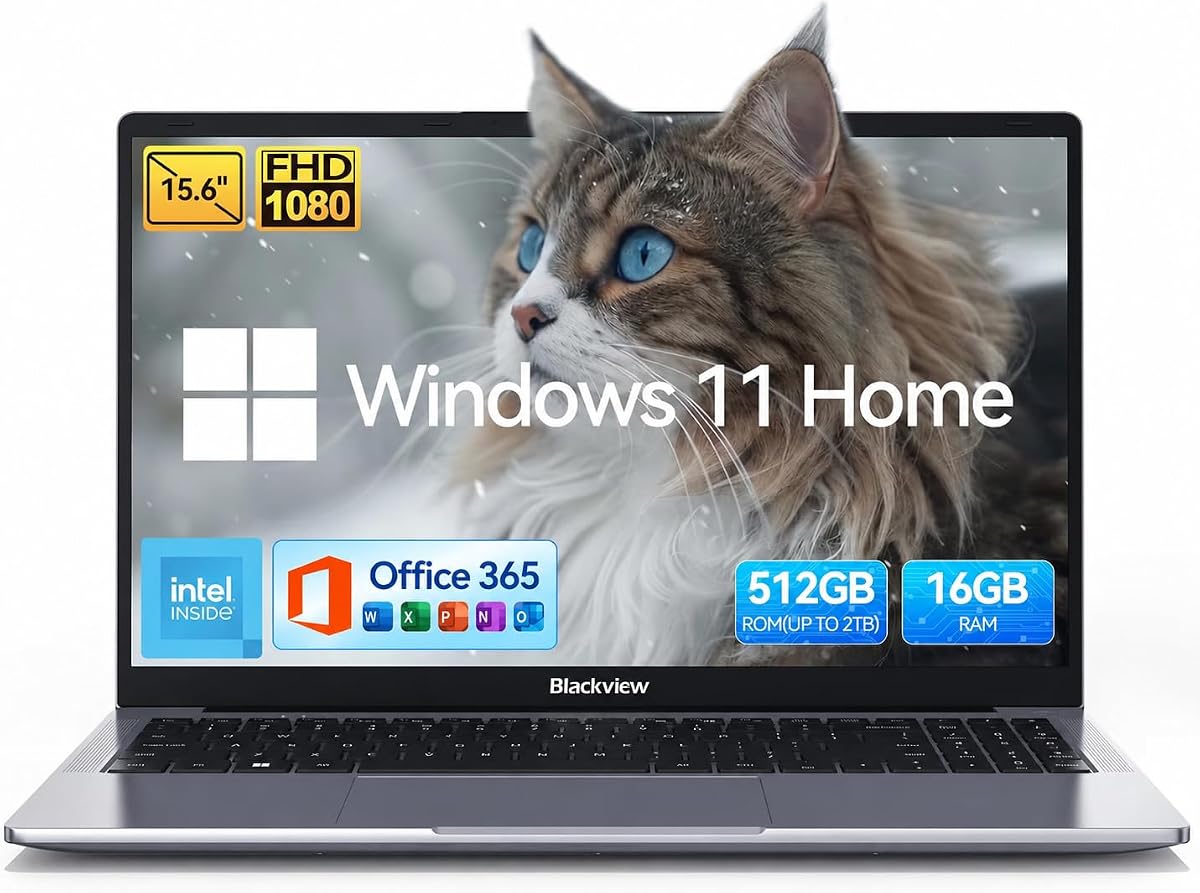
This student-focused laptop delivers essential features for budget-conscious buyers needing reliable connectivity. It supports triple display setups via USB-C and HDMI making it unique in its price range.
We may earn a commission when you buy through this link, at no additional cost to you.
With 16GB RAM and a 512GB SSD it handles daily school and office tasks effectively. The full HD display provides clear visuals for study and entertainment without compromising on space.
While performance is adequate for standard use it may struggle with heavy gaming or video editing. However its port selection is a standout feature allowing flexible workspace expansions.
Perfect for entry-level professionals or students this model balances cost and utility. The ability to connect multiple monitors makes it a smart choice for maximizing productivity on a budget.
Connect up to two external monitors simultaneously for an extended workspace experience.
Microsoft 365 inclusion helps get started quickly with essential productivity tools.
We may earn a commission when you buy through this link, at no additional cost to you.
This business-centric model combines strong processing power with extensive storage for professional needs. Its HDMI port ensures compatibility with standard external monitors for enhanced productivity setups.
We may earn a commission when you buy through this link, at no additional cost to you.
Equipped with a 13th Gen Core i7 and 32GB RAM it handles complex business applications with ease. The 2TB SSD provides ample space for large files and backups without external drives.
While the build is durable it adds weight compared to consumer models. Security features and Windows Pro make it suitable for enterprise environments requiring managed devices.
Ideal for corporate users needing reliable connectivity and security this laptop performs well. The HDMI interface supports seamless integration with office displays for efficient meetings and work.
Windows 11 Pro offers advanced management and security tools for business users.
2TB storage ensures you have room for extensive archives and media files.
We may earn a commission when you buy through this link, at no additional cost to you.
Designed for academic and business use this HP model offers a sleek design with powerful internals. The HDMI port allows for flexible display connections making presentations smoother in classrooms or meetings.
We may earn a commission when you buy through this link, at no additional cost to you.
Featuring a high-performance Core i7 processor and 16GB RAM it handles multitasking with ease. The anti-glare display reduces eye strain during long study or work sessions.
Battery longevity is a key advantage for users on the move without access to outlets. Privacy features like the camera shutter add an extra layer of security for online interactions.
Excellent for students and professionals valuing efficiency this laptop provides solid performance. Its HDMI compatibility ensures you can expand your view with minimal setup hassle.
Built-in camera shutter and mic mute key protect your privacy during calls.
Intel Core i7 ensures smooth performance for research and data analysis.
We may earn a commission when you buy through this link, at no additional cost to you.
This Dell Pro model targets users seeking a balance of performance and portability. With HDMI and USB-C options it supports dual display configurations for efficient workflow management.
We may earn a commission when you buy through this link, at no additional cost to you.
Equipped with 16GB DDR5 RAM it ensures fast multitasking capabilities for daily apps. The 120Hz refresh rate on the FHD display provides smooth visuals for scrolling and media.
While storage is limited compared to higher models the speed of the SSD is adequate for common tasks. The lightweight design makes it easy to carry between offices or classes.
A great option for those prioritizing mobility this laptop delivers modern features. Its HDMI port ensures compatibility with standard monitors for extended screen options.
The 120Hz refresh rate reduces motion blur during dynamic content viewing.
DDR5 RAM offers faster data access speeds for improved overall performance.
We may earn a commission when you buy through this link, at no additional cost to you.
This Lenovo business laptop emphasizes security and reliability for corporate environments. Its HDMI port allows for standard projector and monitor connections essential for business meetings.
We may earn a commission when you buy through this link, at no additional cost to you.
Featuring Windows 11 Pro and TPM 2.0 it meets enterprise security requirements efficiently. The inclusion of Ethernet ensures stable network connections when Wi-Fi is unavailable.
While the Ryzen 3 processor is entry-level it handles daily office tasks reliably. The MIL-SPEC tested chassis offers durability against bumps and drops in transit.
Best for small business users needing security and stability this model fits well. The HDMI interface provides straightforward connectivity for presentation and collaboration setups.
TPM 2.0 chip protects critical data and credentials from cyber threats.
MIL-SPEC 810H testing ensures the laptop survives daily handling and transit.
We may earn a commission when you buy through this link, at no additional cost to you.
This business laptop combines high-end internal specs with professional connectivity options. The HDMI port supports seamless integration with external monitors for expanded digital workspaces.
We may earn a commission when you buy through this link, at no additional cost to you.
Featuring 40GB RAM and a Ryzen 7 processor it manages data-heavy workflows smoothly. The 2TB SSD provides extensive storage for large projects and files without external drives.
While the design is traditional it prioritizes function over form for practical users. Windows 11 Pro ensures compatibility with enterprise management tools and security protocols.
Ideal for analysts or professionals handling large datasets this model offers power. Its HDMI interface makes it easy to connect to standard displays in office settings.
40GB RAM allows running numerous applications and browser tabs simultaneously.
Windows 11 Pro supports advanced security and management features for teams.
We may earn a commission when you buy through this link, at no additional cost to you.
This essential model offers fundamental computing features at an accessible price point. Its HDMI port allows connection to external displays for basic multi-screen productivity setups.
We may earn a commission when you buy through this link, at no additional cost to you.
Equipped with 8GB DDR5 RAM it provides efficient multitasking for web browsing and documents. The compact and lightweight design makes it ideal for students on the go.
While storage is limited cloud options or external drives can supplement capacity. The inclusion of privacy features adds value for users concerned about security during calls.
Best for budget buyers needing basic connectivity this laptop covers essential needs. The HDMI interface ensures it works with standard monitors for additional screen space.
EPEAT Silver certification supports sustainable computing practices and energy efficiency.
DDR5 RAM technology delivers faster speeds than older generations for better performance.
We may earn a commission when you buy through this link, at no additional cost to you.
Selecting a laptop with multiple HDMI ports requires considering several factors to ensure it meets your specific productivity needs.
Higher resolution screens such as FHD or 2.5K provide clearer visuals when running multiple monitors simultaneously. This is crucial for tasks involving detailed data or design work.
Look for models with at least 1080p resolution to ensure sharp text and vibrant colors across all connected displays.
Running multiple monitors increases system load requiring a robust processor and sufficient RAM. Aim for at least 16GB RAM to handle smooth multitasking without lag.
A fast CPU ensures that all connected screens refresh correctly and applications respond quickly to inputs.
Confirm the presence of HDMI ports and USB-C outputs that support DisplayPort Alt Mode for flexible connections. Some laptops provide more versatility than others for external setups.
Having both HDMI and USB-C allows you to use different monitor types without needing extra adapters.
SSD storage speeds up boot times and application launches which is vital when switching between multiple windows. Larger capacities like 512GB or 1TB reduce the need for external drives.
Choose a solid state drive over a traditional hard drive for reliability and performance in demanding tasks.
Windows 11 and other modern OS versions offer improved virtual desktop and multi-monitor management tools. These features help organize windows more efficiently across screens.
Ensure the OS supports extended display modes so you can use each monitor independently for different tasks.
Connecting external displays may drain battery faster so look for models with extended battery endurance. Portability matters if you plan to work remotely often.
Check if the device supports USB-C charging for convenient power delivery while working.
Business laptops often undergo MIL-SPEC testing to withstand daily wear and tear. This ensures the ports remain functional over time.
A sturdy chassis protects internal components from physical damage when transporting between locations.
Features like TPM chips and webcam shutters protect your data during remote work. Security is vital when using multiple connected devices.
Look for Windows 11 Pro models that include advanced management capabilities for enterprise use.
Connect your external monitors to the HDMI ports using high-quality cables to ensure signal stability. Make sure the cables are firmly seated to avoid flickering or signal loss.
Configure your display settings in the operating system to choose between extended or duplicate modes. Use the mouse to drag windows across screens for better workflow management.
Avoid frequent plugging and unplugging to preserve the port integrity. Keep the laptop clean and free of debris near the ports to prevent connection issues.
Most laptops cannot act as video inputs for other devices directly. However some models support USB-C DisplayPort Alt Mode that can receive signals with specific adapters. Generally laptops are designed to output rather than receive video signals.
Standard HDMI cables work for most monitors and projectors. Ensure the cable version matches the HDMI specification for optimal resolution support. High-speed cables help maintain stable image quality.
Yes using external displays can reduce battery life depending on screen brightness and workload. Adjust power settings to balance performance and battery duration. Plugging in power is recommended for long sessions.
Connecting more than two monitors is possible using a combination of HDMI and USB-C outputs. This depends on the graphics processor capabilities and available ports. Check the manual for multi-display support limits.
Restarting the laptop and checking cable connections often resolves issues. Update graphics drivers to fix compatibility problems. If hardware issues persist contacting support is advisable.
Windows 11 offers improved Snap Layouts and easier monitor management. It makes dragging and organizing windows more intuitive. The OS handles different resolutions across screens better than older versions.
We reviewed ten top laptops capable of supporting multi-monitor setups via HDMI ports. Each model offers unique strengths suitable for various professional and academic needs.
Prioritize models with strong RAM and processor specs to ensure smooth performance across screens. Also consider port variety and build quality for long-term reliability.
Check current pricing and availability before making a final decision. Your ideal choice depends on balancing performance features with your budget constraints.