
Fiber Optic HDMI Cable 50ft
4.3Editor score
Slim and flexible design
Lossless long distance transmission
Gold-plated connectors included
This guide compares the top fiber optic HDMI cables for 8K and 4K gaming, home theater, and long distance video transmission with detailed specs.
Finding the right cable for your high definition setup can be challenging when dealing with modern resolution standards. Fiber optic HDMI cables offer superior signal integrity over long distances compared to traditional copper alternatives. They ensure your content remains crisp and clear without degradation even when running through walls or across large rooms.
We have evaluated ten leading models based on performance, durability, and compatibility with the latest gaming consoles and televisions. Each product was assessed for its ability to handle high bandwidth requirements like 48Gbps and support features such as variable refresh rate. Our analysis focuses on real world usability and build quality to help you make an informed decision.
Every selection in this list highlights specific strengths whether it is budget friendly performance or premium armor for in-wall runs. You will find detailed breakdowns of specifications and practical advice for installation. Please note that availability and stock levels change frequently so verify details before purchasing your next connection solution.
4.3Editor score

4.7Editor score

4.4Editor score
The following table provides a side-by-side look at the key specifications and features of each model to help you identify the right fit for your setup needs.


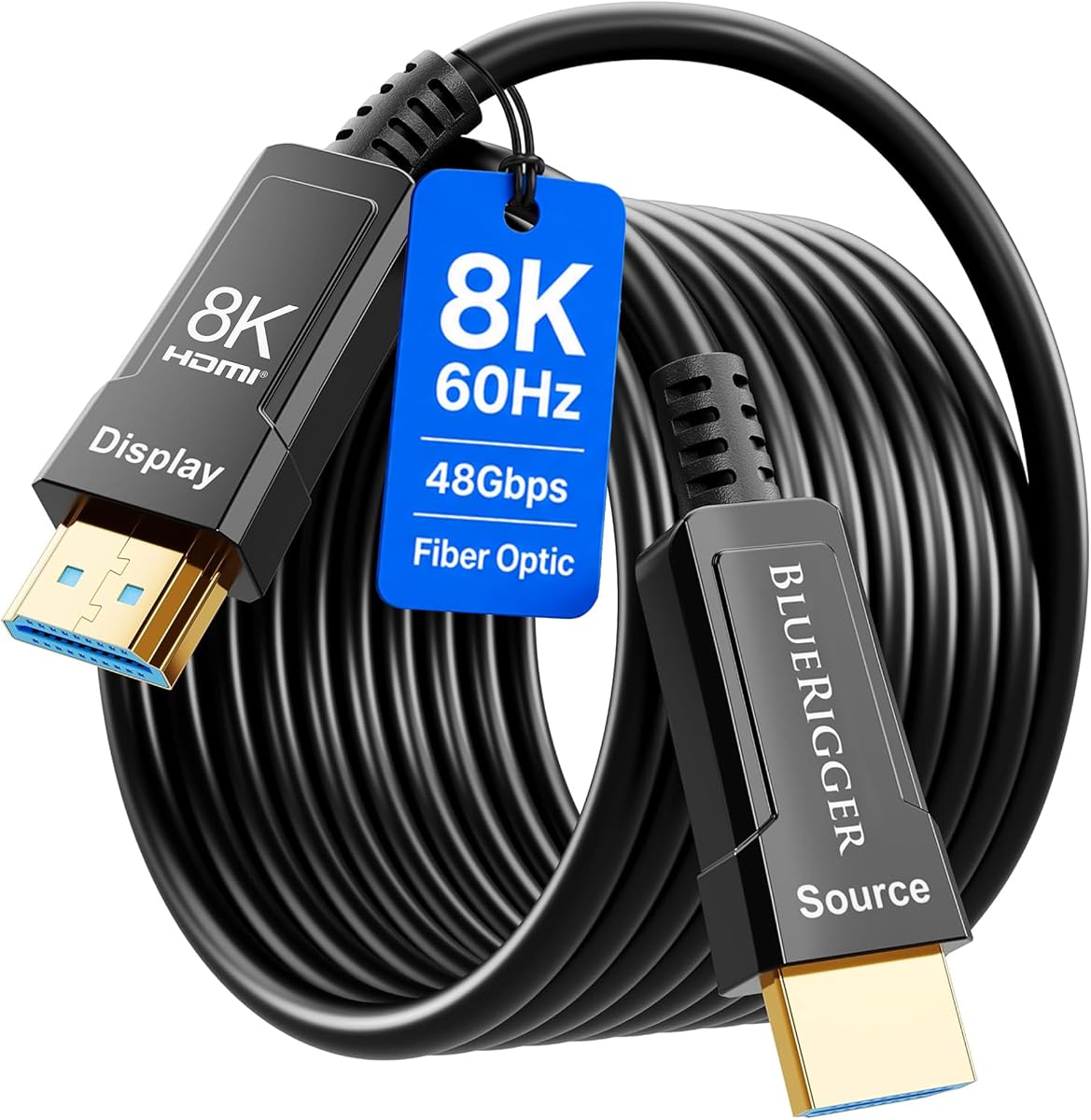
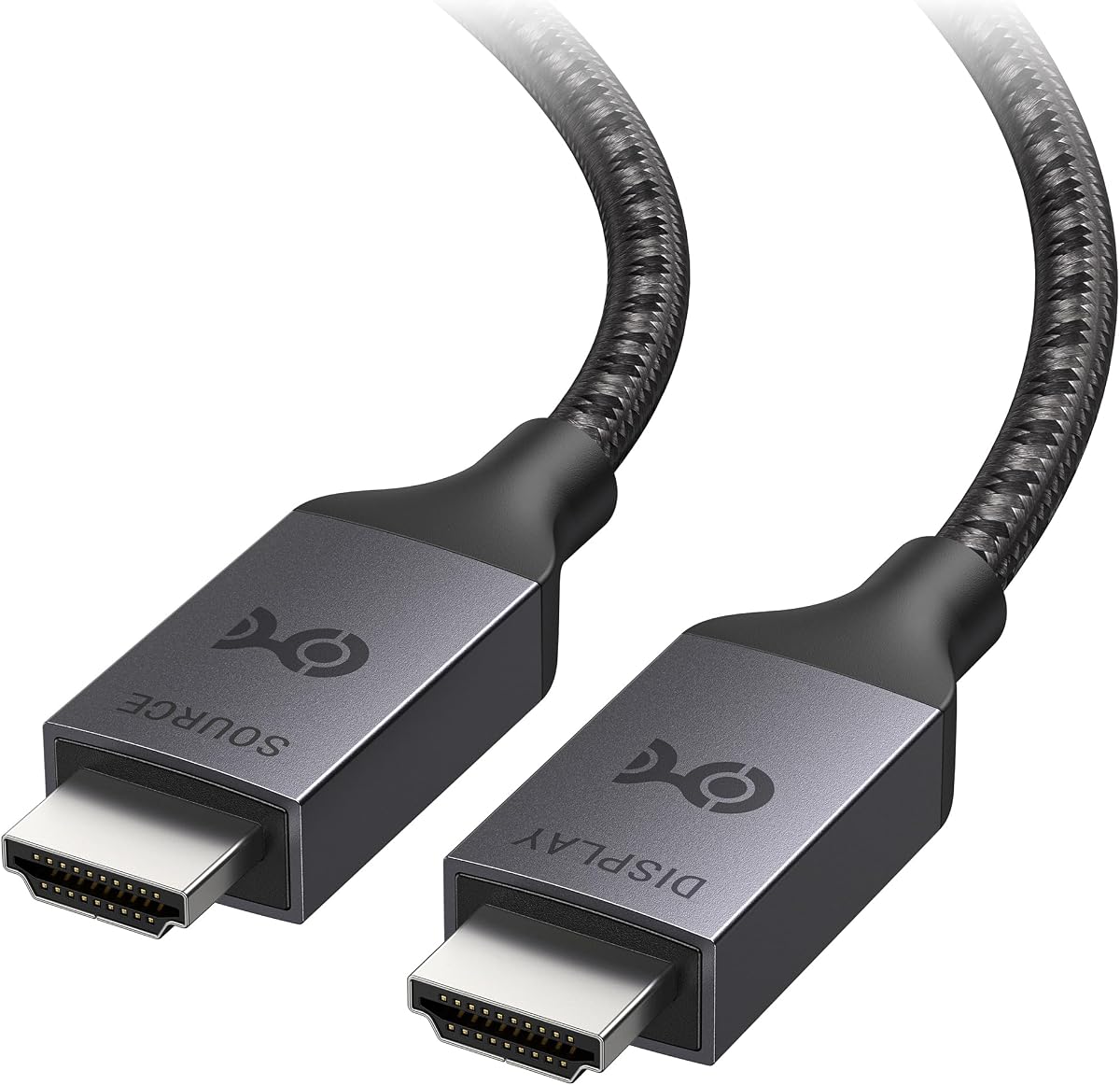

This model stands out as a top performer for users needing reliable long distance transmission. With a 4.7 rating it delivers exceptional performance for high resolution content. The build quality ensures stability and resistance to interference.
We may earn a commission when you buy through this link, at no additional cost to you.
The 48Gbps bandwidth allows for smooth 8K@60Hz and 4K@120Hz video streams. Its unidirectional design simplifies routing while maintaining signal purity. The reinforced connectors and aluminum alloy shell provide significant durability for daily use.
One trade-off is the need to match the source and display ends correctly during setup. This is standard for fiber optics but requires attention during installation. Once connected properly it offers consistent performance without dropped frames.
It is ideal for gamers and home theater enthusiasts who prioritize clarity and speed. If you need a robust solution for high definition setups this cable meets demanding requirements effectively.
Supports variable refresh rate to maximize graphics card value and reduce frame tearing.
Uses optical fiber to transmit signals at light speed without electromagnetic interference.
We may earn a commission when you buy through this link, at no additional cost to you.
This cable offers an accessible entry point into fiber optic technology. It maintains strong performance metrics at a lower cost. The slim design makes it easy to hide behind furniture or within tight spaces.
We may earn a commission when you buy through this link, at no additional cost to you.
It handles 8K and 4K resolutions with ease. The zinc alloy housing protects the internal fibers from wear. Users benefit from features like VRR and ALLM which enhance the gaming experience.
While generally robust be aware of specific compatibility notes regarding certain display brands. This limitation is minor for most users but worth checking before purchase. The warranty provides additional peace of mind for the investment.
Choose this if you need a cost-effective solution for a standard home setup. It balances performance and price well for those avoiding premium costs.
Constructed to withstand over 20000 bending cycles for long term reliability.
Variable refresh rate support ensures smoother gameplay with less lag.
We may earn a commission when you buy through this link, at no additional cost to you.
Snowkids delivers a strong cable that meets modern video standards. It is rated highly for its ability to handle fast refresh rates. The design ensures that signals reach your display with minimal degradation.
We may earn a commission when you buy through this link, at no additional cost to you.
The inclusion of QFT and QMS helps reduce motion blur during intense gaming sessions. Its universal compatibility means it works with most consoles and computers. The build quality reflects a commitment to durability and performance.
Users must ensure they plug the source and display ends into the correct ports. This is a common requirement for fiber optics but can be a hurdle if overlooked. Proper setup yields excellent results.
This option is great for gamers looking for high performance without breaking the bank. It supports the latest features needed for next generation consoles.
Fully compliant with HDMI 2.1 for 8K and high refresh rate video.
Includes variable refresh rate and quick frame transmission for smooth visuals.
We may earn a commission when you buy through this link, at no additional cost to you.
This cable is engineered for professional and permanent setups. The detachable connectors allow for upgrades or repairs without replacing the whole cable. It is a premium choice for those who want longevity.
We may earn a commission when you buy through this link, at no additional cost to you.
The armored structure protects against physical stress and environmental factors. It ensures that the internal fibers remain intact even under tension. This makes it suitable for runs through walls or ceilings where flexibility is needed.
While expensive it saves money in the long run by reducing replacement needs. The ability to swap ends means you can future proof your setup easily. This is a strategic investment for serious installers.
Select this if you are wiring a home theater or office permanently. Its design addresses common pain points like connector failure and cable replacement.
Connectable connectors allow for easy upgrades to newer standards.
Thin and flexible body makes threading through conduits straightforward.
We may earn a commission when you buy through this link, at no additional cost to you.
Safety and performance combine in this model for home renovation projects. The CL3 rating ensures it can be run behind walls safely. It brings optical fiber benefits to permanent installations.
We may earn a commission when you buy through this link, at no additional cost to you.
Highwings supports its product with lifetime after-sales service. This long-term commitment adds value beyond the physical cable. The slim design prevents bulk in tight conduit spaces.
Installation requires care regarding the source and display markings. Once connected it delivers consistent 8K quality. The warranty and support make it a reliable choice for DIYers.
This is the right choice for remodelers needing certified safety ratings. It ensures compliance while delivering top tier video quality.
CL3 rated jacket meets fire codes for in-wall residential installations.
Advanced fiber optics ensure less signal attenuation over long runs.
We may earn a commission when you buy through this link, at no additional cost to you.
This cable extends reach significantly for large entertainment spaces. It maintains signal integrity over distances that copper cannot match. The length makes it versatile for projector setups or large halls.
We may earn a commission when you buy through this link, at no additional cost to you.
It supports high audio quality formats ensuring immersive sound. The active technology requires power which ensures the signal stays strong. This is key for reliable performance over 100 feet.
Users need to provide power via the included USB cable. This adds a small complexity but enables the long distance capability. It is a necessary trade-off for extended range.
Ideal for users with large rooms where placement is distant from the console. It bridges the gap between source and screen effectively.
Handles 32 audio channels and Dolby Atmos for rich sound.
Active cable design ensures signal quality at maximum length.
We may earn a commission when you buy through this link, at no additional cost to you.
Cratree focuses on build quality and signal stability. The slim profile makes it easy to manage in tight setups. It delivers excellent performance for both gaming and movies.
We may earn a commission when you buy through this link, at no additional cost to you.
The gold-plated connectors resist corrosion and ensure a secure fit. Internal shielding reduces external interference for clean video. This attention to detail results in a reliable connection.
The unidirectional nature means you must follow the port labels. This is standard but important to note during setup. Once connected it performs consistently without issues.
This cable suits users who value physical build quality. It provides a secure and clean connection for high-end home theaters.
Gold-plated connectors ensure improved conductivity and durability.
Multi-layer shielding minimizes signal degradation over time.
We may earn a commission when you buy through this link, at no additional cost to you.
BlueRigger offers a safe option for permanent installations. The CL3 rating ensures fire safety when running through walls. It supports high refresh rates for competitive gaming.
We may earn a commission when you buy through this link, at no additional cost to you.
The warranty reflects confidence in the product's durability. Four optical strands provide robust transmission capacity. This makes it a strong choice for long-term use.
Installation requires precise connection of source and display ends. The markings help avoid confusion. Once set up it provides consistent performance.
This is ideal for those installing a home cinema system. It combines safety with high-end video capabilities.
Supports 4K 144Hz for ultra-smooth gaming visuals.
Lifetime warranty ensures long-term support and reliability.
We may earn a commission when you buy through this link, at no additional cost to you.
This cable is tested and certified for specific consoles. It ensures compatibility with the latest Xbox models. The active chipset boosts signal for reliable performance.
We may earn a commission when you buy through this link, at no additional cost to you.
It supports advanced audio formats for immersive sound. The length is suitable for standard room layouts. For Xbox owners it simplifies setup and troubleshooting.
The shorter length limits use in large rooms. However for direct connections it performs well. The certification reduces compatibility worries significantly.
Choose this if you use an Xbox Series X or S. It guarantees a stable connection for high definition gaming.
Designed and certified specifically for Xbox consoles.
Active chipset ensures signal integrity across the cable length.
We may earn a commission when you buy through this link, at no additional cost to you.
BENFEI offers a long cable with high performance specs. It supports 4K 240Hz which is rare for long cables. The CL3 rating makes it safe for in-wall use.
We may earn a commission when you buy through this link, at no additional cost to you.
The fiber optic design ensures no signal loss over distance. It handles VRR and eARC for modern gaming and audio needs. This makes it a strong contender for PC gaming.
Installation requires attention to the source and display ends. This is standard for fiber but requires care. Once connected it delivers smooth visuals.
This is a great choice for PC gamers needing high refresh rates over distance. It balances length with performance features effectively.
Supports 4K 240Hz for ultra-fast gaming responsiveness.
CL3 rated jacket ensures fire safety for indoor use.
We may earn a commission when you buy through this link, at no additional cost to you.
Selecting the right cable requires understanding how optical technology differs from traditional copper wiring.
Modern 8K and 4K@120Hz content require cables with high bandwidth capacity like 48Gbps. Ensure the model you select meets these standards to avoid compression or resolution limits.
Always verify the bandwidth rating matches your source and display capabilities.
Fiber optic cables are designed for long distance transmission without signal loss. Copper cables struggle beyond 25 feet for high bandwidth specs. If your setup spans a large room or needs wall routing consider lengths over 50 feet.
Choose a length that reaches your equipment with room to spare for connection.
Most fiber HDMI cables are unidirectional meaning the signal flows from source to display only. You must connect the SOURCE end to your device and DISPLAY to your TV. Confusing them will result in no signal.
Double check the markings on the connectors before installation.
Look for reinforced connectors and durable jacket materials like nylon or steel armor. These features prevent breakage from regular bending or accidental tugs. Premium options may feature replaceable connectors for long term maintenance.
Invest in robust construction if you plan to move devices frequently.
If you plan to run a cable through walls verify it has a CL3 rating. This ensures the jacket is fire resistant and safe for permanent installation. Non-rated cables can pose a fire hazard inside walls.
Always choose CL3 rated cables for any installation inside building structures.
Gamers need features like Variable Refresh Rate and Auto Low Latency Mode to enhance performance. Ensure the cable supports these HDMI 2.1 features to prevent tearing and reduce input lag.
Prioritize models that explicitly list these gaming technologies.
Gold-plated connectors are common in premium models to prevent corrosion and improve conductivity. They ensure a stable connection that resists wear over time. This is especially important for high bandwidth data transfer.
Select cables with gold plating for better signal integrity and durability.
Begin by identifying the SOURCE and DISPLAY labels on the connector heads. Connect the SOURCE end to your console or computer and the DISPLAY end to your TV. Ensure the connections are secure to maintain signal stability.
Route the cable carefully to avoid sharp bends or kinks. While optical fibers are durable they can break if bent beyond their limits. Use cable clips or ties to manage excess length neatly.
Keep the connectors clean and free of dust. Periodically inspect the cable for signs of wear or damage. If using a retractable or long cable do not pull on it too hard when moving devices.
Yes these models support the latest HDMI 2.1 features including Variable Refresh Rate and Auto Low Latency Mode. These features help reduce screen tearing and ensure fast response times for competitive play.
Most standard fiber HDMI cables are passive and do not need external power. However some long-distance active models may require a USB power adapter to boost the signal over long runs.
Only if the cable has a CL3 fire rating. Always check the product description or label to confirm it is safe for in-wall installation to meet local building codes.
Check that the SOURCE and DISPLAY ends are connected correctly. Fiber cables are directional and will not work if reversed. Restart both devices to reset the connection.
Optical cables can transmit high bandwidth signals over much longer distances without loss. Copper wires often struggle beyond 25 feet for high resolution content making fiber ideal for large rooms.
Yes most are backward compatible with HDMI 2.0 and 1.4 standards. They will work with older devices but will only support the maximum resolution those devices can handle.
50 feet is a common choice for living room setups allowing for flexibility. For projectors or large open spaces you might need 100 feet to reach your display.
This guide has highlighted top performers ranging from budget friendly to premium options. Each model offers unique strengths whether it is high refresh rate support or long distance transmission capabilities.
Prioritize features like bandwidth and safety ratings based on your specific room layout and device needs. A robust cable ensures your future investments in hardware remain fully utilized.
Check availability before finalizing your purchase as stock levels may change frequently. Selecting the right connection now can save you from compatibility issues later.