
Canon imageCLASS LBP6030w
3.8Editor score
Compact space-saving design
Wireless mobile printing support
Energy efficient operation
This guide compares the top laser printers with cheap toner options for home and office use, focusing on cost efficiency, speed, and reliable performance.
Finding a laser printer with cheap toner is essential for maintaining low operating costs over time. These devices deliver sharp black and white output while minimizing the expense of consumables. We evaluate models that balance upfront price with long-term value.
Our team analyzed ten top-rated monochrome printers based on user feedback, specifications, and toner availability. We focused on wireless connectivity, print speeds, and ease of use. This list covers everything from compact home units to versatile all-in-one solutions.
Each pick highlights key features, pros, cons, and real-world performance details. Prices and availability change frequently, so always check the latest offers before buying. Use this guide to find the perfect printer for your specific needs and budget constraints.
3.8Editor score

4.1Editor score

4.5Editor score
This side-by-side comparison highlights the key specifications and features of the ten selected laser printers. Reviewing these details helps you identify which model offers the best balance of speed, connectivity, and toner efficiency for your workspace.




The Brother HL-L2405W is a standout choice for home offices needing reliable monochrome printing. It earns a high rating for its consistent quality and fast output speeds that keep workflows moving smoothly.
We may earn a commission when you buy through this link, at no additional cost to you.
Its 30 pages per minute speed and dual-band wireless connectivity ensure documents print quickly without connection drops. The Brother Mobile Connect app allows remote management and easy supply ordering from any device.
While it lacks automatic duplex printing and a touchscreen, these omissions keep costs down for users focused on speed and connectivity. The 250-sheet tray reduces the need for frequent refills during busy workdays.
This model is ideal for individuals or small teams prioritizing efficient daily printing without complex all-in-one features. Its straightforward design makes it a top pick for those seeking a no-fuss laser solution.
Dual-band Wi-Fi ensures stable connections even in environments with multiple network signals.
The companion app lets you manage toner levels and print documents directly from smartphones.
We may earn a commission when you buy through this link, at no additional cost to you.
The Canon imageCLASS LBP6030w offers an entry-level laser printing experience for tight budgets. It provides essential wireless capabilities and a small footprint suitable for desks with limited space.
We may earn a commission when you buy through this link, at no additional cost to you.
Its 19 pages per minute speed is adequate for light printing tasks. The printer uses less than 2 watts in energy saver mode, making it an eco-friendly option for personal use.
Users may find the 150-sheet paper tray requires frequent refills during high-volume periods. The single-function design means scanning and copying must be handled by separate devices.
Ideal for students or home users needing basic black and white output, this model balances simplicity with affordability. It remains a solid choice for those who do not require advanced features.
The compact dimensions allow it to fit neatly into corners or small home office setups.
Compatible mobile devices can print from anywhere within the network range easily.
We may earn a commission when you buy through this link, at no additional cost to you.
The Brother MFC-L2820DW delivers premium multifunctionality for small offices needing speed and convenience. It combines printing, scanning, copying, and faxing into one efficient device with a modern touchscreen interface.
We may earn a commission when you buy through this link, at no additional cost to you.
With 36 pages per minute output and a 50-page auto document feeder, this printer handles multi-page tasks quickly. The intuitive 2.7-inch touchscreen simplifies navigation and supports cloud app connectivity like Google Drive.
Although it requires more desk space than compact models, its versatility justifies the footprint for busy workspaces. The dual-band wireless ensures reliable connectivity while the Ethernet port offers a stable backup connection.
This model suits professionals needing a robust all-in-one solution with strong connectivity. Its feature set makes it an excellent investment for teams requiring consistent, high-quality document workflows.
Dual-band wireless and Ethernet options ensure seamless integration into diverse network environments.
Direct cloud printing and scanning streamline access to remote files and storage services.
We may earn a commission when you buy through this link, at no additional cost to you.
The Canon imageCLASS MF3010 VP provides essential multifunction features for wired environments. It supports printing, scanning, and copying with a focus on simplicity and lower power consumption.
We may earn a commission when you buy through this link, at no additional cost to you.
The color scanning capability up to 600 dpi adds value for users needing digitized color documents. The ID card copy function is particularly useful for quick duplication of identification documents.
Lack of wireless limits its use to single computers connected via USB. Some users may find the OS compatibility restricted compared to modern wireless alternatives.
This unit is best for setups where wired connections are standard or sufficient. Its compact design and basic features make it a practical choice for home offices without network printing needs.
Color scanning up to 600 dpi ensures high-quality digitization of various document types.
Energy saver mode reduces power usage significantly during idle periods.
We may earn a commission when you buy through this link, at no additional cost to you.
The Brother HL-L2460DW excels in fast, automated printing for home offices. Its automatic duplex capability saves paper and time, making it efficient for daily document needs.
We may earn a commission when you buy through this link, at no additional cost to you.
With speeds up to 36 pages per minute, this printer handles high-volume tasks efficiently. The dual-band wireless and Ethernet options ensure reliable connectivity across various network setups.
As a single-function printer, it lacks scanning or copying capabilities. Users requiring multi-functionality would need to purchase additional hardware or software.
This model fits teams prioritizing speed and duplex efficiency over multifunction features. Its robust build and clear output make it a strong contender for focused printing tasks.
Automatic two-sided printing reduces paper waste and speeds up multi-page document creation.
Multiple wireless options ensure stable connections for mobile and desktop devices alike.
We may earn a commission when you buy through this link, at no additional cost to you.
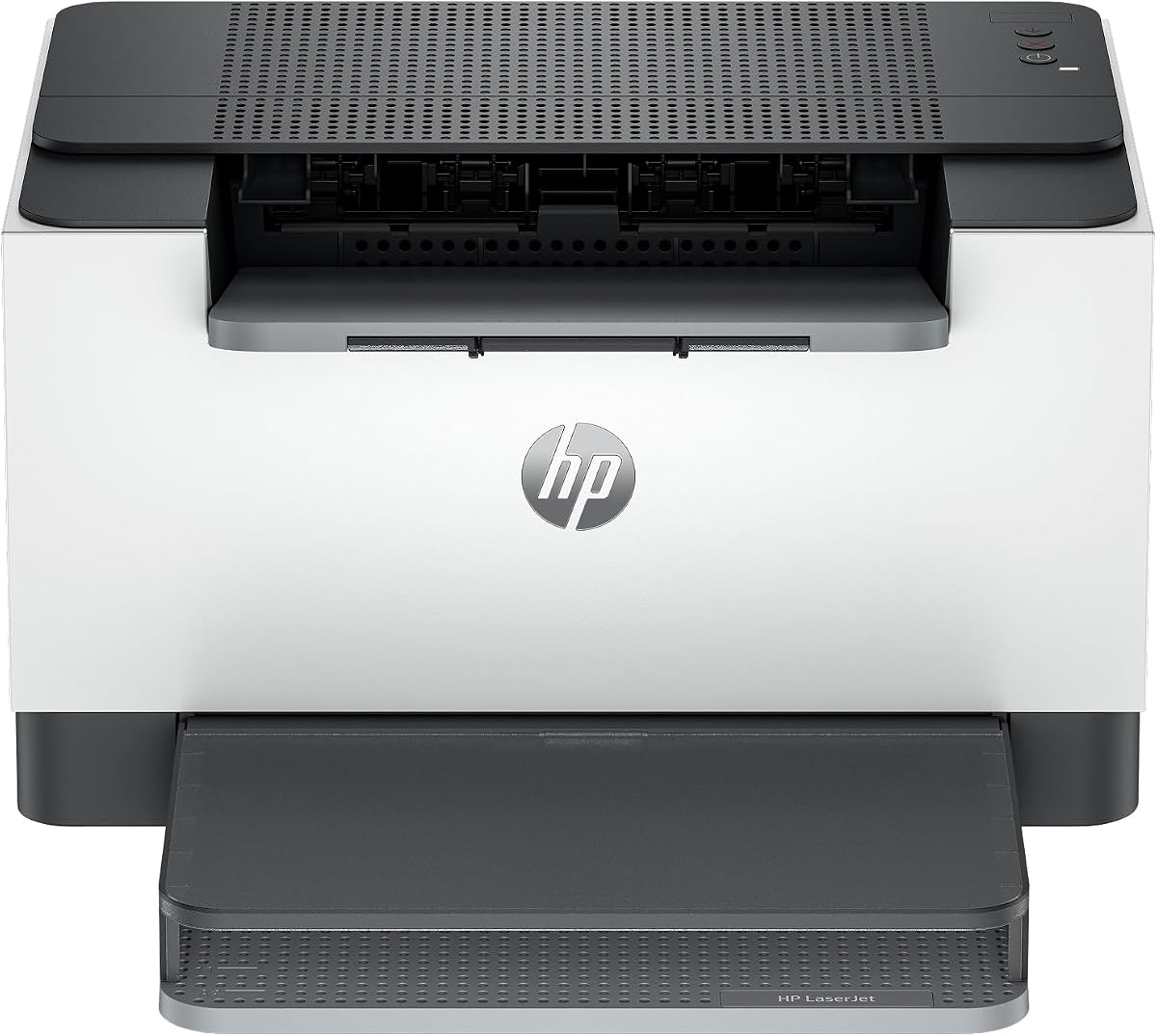
The HP LaserJet M110w is designed for small teams needing compact, reliable printing. Its small footprint makes it ideal for tight office spaces while delivering consistent black and white output.
We may earn a commission when you buy through this link, at no additional cost to you.
The HP Smart app eliminates repetitive tasks and enables easy mobile printing from various devices. The self-reset wireless feature helps maintain connectivity without manual troubleshooting.
While it supports 21 pages per minute speed, it may lag behind faster models in high-volume scenarios. The single-function nature limits its use to printing tasks only.
This model is a practical choice for startups or remote workers needing a simple wireless solution. Its ease of setup ensures minimal downtime during initial use.
The HP Smart app streamlines repetitive tasks and provides easy access to scanning functions.
As the world's smallest in its class, it fits easily into crowded office environments.
We may earn a commission when you buy through this link, at no additional cost to you.
The HP LaserJet M209dw offers versatile features for small teams requiring efficient output. It supports Instant Ink eligibility, allowing users to manage cartridge delivery automatically.
We may earn a commission when you buy through this link, at no additional cost to you.
With up to 30 pages per minute speed and auto two-sided printing, it handles duplex workflows smoothly. The dual-band Wi-Fi ensures reliable connections even in dense network environments.
Built-in security features protect against potential attacks, a crucial advantage for office setups. However, reliance on original HP chips may limit flexibility for those seeking alternative supplies.
Ideal for businesses prioritizing automated supply management and security, this printer balances performance with convenience. Its wireless capabilities make it easy for remote employees to connect and print.
Instant Ink eligibility ensures cartridges are delivered before they run out.
Strong security features help protect your printer and data from potential threats.
We may earn a commission when you buy through this link, at no additional cost to you.
The Canon imageCLASS LBP122dw brings duplex capabilities to compact home offices. Its wireless design and fast speeds make it suitable for regular personal printing needs.
We may earn a commission when you buy through this link, at no additional cost to you.
The Canon PRINT app allows users to print on-the-go easily. High-capacity toner options help reduce replacement frequency for frequent users.
It lacks scanning capabilities and advanced interface features, focusing strictly on print output. The compact design fits well in smaller spaces but limits functionality for shared offices.
Best for individuals needing automatic two-sided printing without extra bulk, this unit delivers efficiency. Its ease of use and reliable performance make it a good choice for home users.
The Canon PRINT app ensures seamless printing from compatible mobile devices.
Genuine toner 071 high-capacity ensures fewer changes and longer operation times.
We may earn a commission when you buy through this link, at no additional cost to you.
The HP LaserJet MFP M235sdw provides robust multifunction capabilities for office environments. It combines printing, scanning, and copying with automatic duplex support for efficient document handling.
We may earn a commission when you buy through this link, at no additional cost to you.
With up to 28 pages per minute and fastest two-sided printing in its class, it saves significant time on large projects. Built-in security features protect against potential attacks effectively.
While it lacks fax support, its focus on core office tasks ensures high performance. The Ethernet inclusion offers a reliable wired option for stable network connectivity.
Suitable for small offices needing speed and security, this model delivers consistent results. Its versatile connectivity supports seamless printing from various devices in a team setting.
Scan and copy functions streamline workflows without needing separate hardware.
Built-in security features protect the printer from unauthorized access.
We may earn a commission when you buy through this link, at no additional cost to you.
The Brother HL-L2480DW offers a comprehensive all-in-one experience for home offices. It combines printing, scanning, and copying in a compact unit with a convenient touchscreen interface.
We may earn a commission when you buy through this link, at no additional cost to you.
Output speeds reach up to 36 pages per minute, ensuring quick document handling. The flatbed scan glass supports scanning of various media sizes beyond just paper.
While it lacks fax capabilities, its other features make it a versatile choice. The 2.7-inch touchscreen simplifies navigation for users of all technical levels.
This model suits home users needing a balanced mix of features and performance. Its reliable connectivity and intuitive controls make it a top choice for versatile workflows.
Flatbed scan glass accommodates books and photos for easy digitization.
The 2.7-inch touchscreen ensures effortless operation and settings adjustment.
We may earn a commission when you buy through this link, at no additional cost to you.
Choosing a laser printer involves balancing initial cost with long-term consumable expenses. This guide outlines key factors to consider for an informed purchase.
Evaluate the page yield of standard and high-capacity toners to determine true operating costs. Look for models that support third-party cartridges or subscription services to reduce long-term expenses.
Prioritize printers with high-yield options to minimize frequent cartridge changes and overall spending.
Determine your typical daily print volume to select an appropriate speed. Faster models handle high volumes better but may cost more upfront.
For light use, moderate speeds are sufficient, while busy offices benefit from 30+ pages per minute output.
Wireless connectivity is essential for modern home offices. Dual-band Wi-Fi ensures stability, while Ethernet provides a reliable wired alternative.
Ensure the printer supports your devices via mobile apps or cloud services for convenient access.
Measure your workspace to ensure the printer fits comfortably. Compact designs save desk space but may have smaller paper trays.
Select a model that balances size with necessary features without overcrowding your work area.
Decide if you need scanning and copying features in addition to printing. All-in-one units save money by consolidating hardware.
Single-function printers are cheaper upfront but require separate devices for multi-function tasks.
Larger paper trays reduce the frequency of refills and improve workflow efficiency. Consider tray capacity relative to your expected print volume.
A minimum 250-sheet tray is ideal for consistent, uninterrupted printing.
Automatic two-sided printing saves paper and speeds up document preparation. Manual duplex adds time to every job.
Choose models with built-in duplex for cost and environmental benefits.
Check warranty duration and the availability of customer support channels. Reliable assistance prevents downtime during technical issues.
Look for brands offering lifetime phone or online support for peace of mind.
Set up your printer on a stable, flat surface away from direct sunlight to avoid overheating. Ensure proper ventilation to maintain internal component health over time.
Install drivers and connect to your network using the manufacturer's app or software. Follow on-screen prompts to link your computer or mobile device for wireless printing.
Regularly clean the exterior and interior of the printer with a soft cloth. Avoid using harsh chemicals that could damage plastic surfaces or sensitive internal parts.
A cost-effective printer has high-yield toner options and reliable hardware that minimizes downtime. Models offering subscription services or third-party cartridge compatibility further reduce ongoing expenses.
Most printers accept third-party cartridges, but checking compatibility is crucial to avoid warranty issues. Some brands use chips that may block non-original supplies without workarounds.
Wireless connectivity allows multiple devices to print without cables, increasing convenience. It is highly recommended for shared workspaces and mobile device users.
Automatic duplex printing uses half the paper per job, reducing consumable costs and storage needs. It also speeds up document production by eliminating manual page flipping.
Check for paper debris or worn rollers and clear them gently. Ensuring proper paper alignment and using the right paper weight also prevents frequent jams.
Replacement frequency depends on usage volume and the cartridge yield. High-capacity toners typically last longer, reducing the number of changes needed per month.
Yes, laser printers offer faster speeds and lower per-page costs for black and white documents. They are generally more durable and suited for consistent, heavy use.
A touchscreen simplifies navigation and settings changes without complex menus. It provides visual feedback and quicker access to functions like copying and scanning.
Our top picks cover a range of needs from basic printing to versatile all-in-one functionality. Each model balances speed, connectivity, and cost efficiency to suit different environments.
Prioritize long-term toner costs and essential features like duplex or wireless connectivity. Investing in reliable hardware ensures smooth operations and fewer interruptions.
Always verify current availability and any special offers before purchasing. Prices fluctuate regularly, and checking the latest details ensures you get the best deal today.