
Frameo Digital Picture Frame 10.1 Inch
4.6Editor score
Simple WiFi and Non-WiFi upload
10.1 inch HD touchscreen display
32GB built-in memory storage
Finding the right digital picture frame for grandparents means prioritizing simplicity, clear visuals, and easy photo sharing. These devices let you send memories instantly without requiring them to learn complex apps or navigate social media. The best models offer large screens, intuitive touch controls, and reliable Wi-Fi connectivity for seamless family updates.
We evaluated ten leading digital frames based on setup ease, display quality, storage capacity, and sharing features. Our comparison focuses on models that minimize tech frustration while maximizing connection. Each option supports remote photo sending, local storage, and various viewing modes to suit different home environments and user preferences.
This guide highlights the top picks for budget, overall value, and premium features. Every product listing includes full specs, pros, cons, and direct links. Note that prices and availability change frequently so verify current details before purchasing. Read on to find the perfect frame to keep your loved ones smiling daily.
4.6Editor score
4.7Editor score

4.7Editor score
As an Amazon Associate we earn from qualifying purchases.
This table compares all ten digital frames across key specs like screen size, resolution, storage, and sharing methods to help you choose the best fit for your family.


This 15.6 inch Frameo digital picture frame earns high marks for its expansive Full HD touchscreen that makes photos look vibrant and clear. With 64GB built-in storage and expandable options, grandparents can hold thousands of memories without needing constant cloud access. The Frameo app ensures private sharing while local USB transfers offer backup options for those wary of Wi-Fi.
We may earn a commission when you buy through this link, at no additional cost to you.
The standout strength lies in its display quality and interactive features. The IPS panel delivers sharp colors from any angle, and the touchscreen allows easy navigation through slideshows or settings. Grandparents can react with emojis to photos shared by loved ones, adding a fun communication layer beyond just viewing.
Trade-offs include video upload limits on the app, capped at fifteen seconds per file though local uploads remove this restriction. The Type-C power connector requires careful handling to avoid port damage. Despite these minor points, the large screen and versatile storage make it excellent for immersive memory displays.
Ideal for tech-comfortable grandparents wanting big, bright photos and direct interaction. This model suits households with strong Wi-Fi and family members who enjoy app sharing. Its size and features justify the investment for a centerpiece frame that brings distant moments vividly to life.
The 15.6 inch Full HD screen ensures even small details in photos are visible from across the room.
Frameo app enables unlimited members to send memories securely without exposing personal data online.
We may earn a commission when you buy through this link, at no additional cost to you.
This Frameo digital picture frame stands out as a budget-conscious choice without sacrificing key functionality like private sharing and local storage. Its 10.1 inch touchscreen delivers clear visuals while the 32GB memory holds ample photos. The dual upload method via app or SD card caters to different comfort levels with technology.
We may earn a commission when you buy through this link, at no additional cost to you.
Strengths include the flexible non-WiFi option which is crucial for seniors less comfortable with apps. The embossed frame design looks premium despite the lower price point, and the magnetic stand allows effortless switching between landscape and portrait views. Family can share moments anytime via the reliable Frameo app.
Compared to larger frames, the screen size is more modest but sufficient for tabletop display. Some setup may need initial guidance for absolute beginners though the included instructions are thorough. Overall, it offers exceptional value for those wanting connected memories without overspending.
Best for gifting to grandparents on a budget or those new to digital frames. Its balance of cost and features makes it an accessible entry point for families wanting to keep elders updated effortlessly and warmly.
Priced competitively, this frame delivers core sharing and display features without extra subscription costs.
Supports both app-based remote sharing and physical SD card uploads for maximum convenience.
We may earn a commission when you buy through this link, at no additional cost to you.
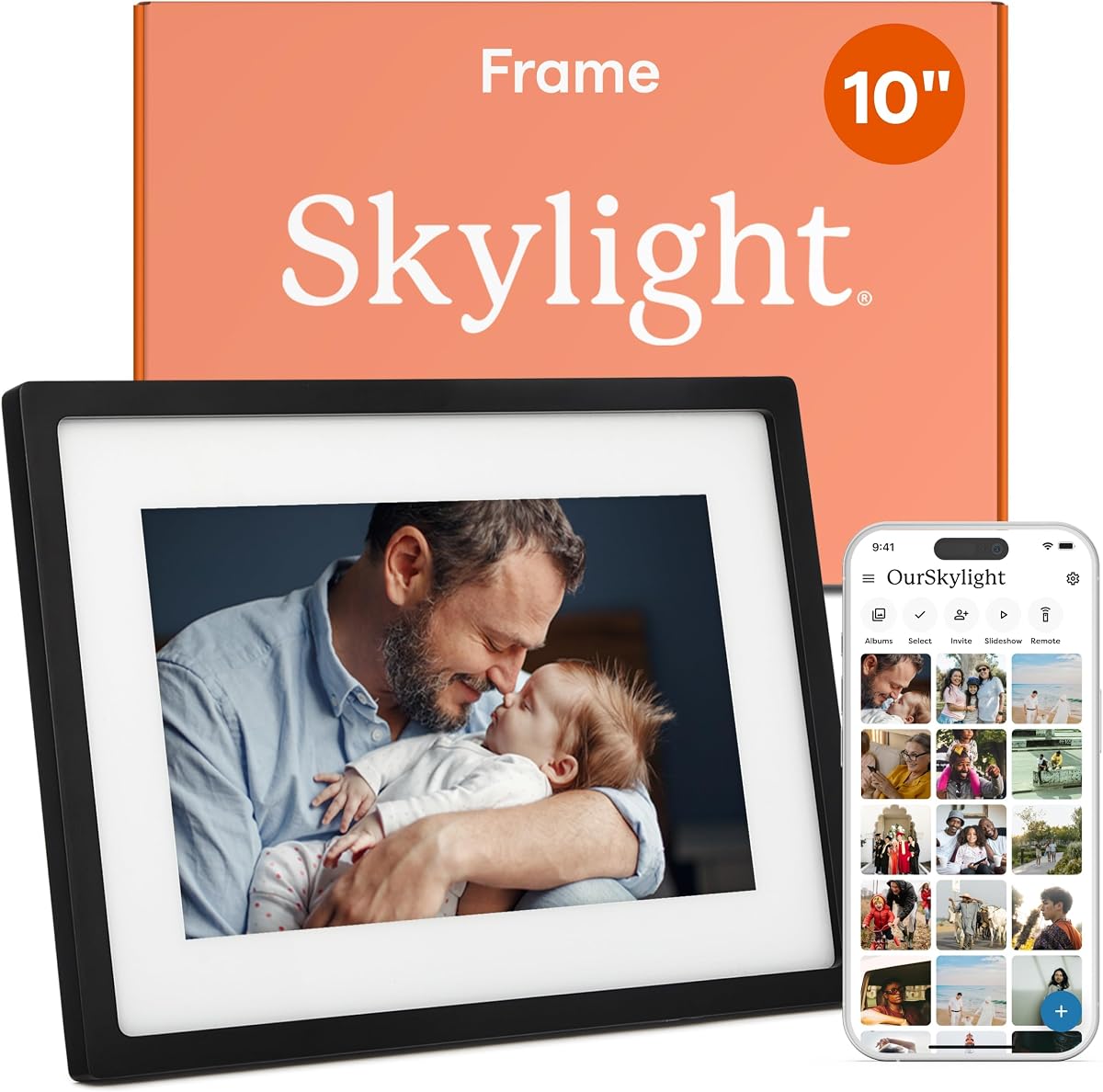
The Skylight digital picture frame offers unparalleled simplicity by letting family send photos via email instead of apps. This approach removes friction for grandparents who find smartphones confusing. The Full HD display renders images beautifully while the cloud storage ensures no memory card management is needed.
We may earn a commission when you buy through this link, at no additional cost to you.
Its premium appeal comes from thoughtful design like Gift Mode which preloads images before delivery for immediate enjoyment. The touch interface is intuitive, and the frame integrates seamlessly into home decor without looking like tech. Customer ratings reflect its reliability and ease of use across generations.
Trade-offs include dependence on Wi-Fi for receiving new content and limited local storage. Offline mode exists but requires prior connection. These limitations suit families comfortable with cloud sharing and seeking a seamless experience over local flexibility.
Ideal for grandparents who value simplicity and elegance. This frame excels in homes where everyone uses email regularly. Its hassle-free setup and clean aesthetic make it a top choice for meaningful, stress-free connection.
Photos arrive via email so seniors never need to download or navigate apps.
Preload memories before gifting so recipients enjoy frames immediately upon opening.
We may earn a commission when you buy through this link, at no additional cost to you.
Aura frames are renowned for their premium build and unlimited free storage which stands out among competitors. The calibrated HD display adjusts brightness automatically to match room lighting for consistent viewing. Setup takes minutes via the Aura app which also supports live photos and video with sound.
We may earn a commission when you buy through this link, at no additional cost to you.
Its standout benefit is the absence of any subscription fees. Families enjoy unlimited uploads via email text or cloud services. The packaging is gift ready for immediate delight. Critics and reviewers praise its seamless integration into home spaces and intuitive controls.
The frame lacks local storage so all photos rely on cloud sync. This suits families comfortable with digital ecosystems. The higher cost reflects quality materials and ongoing support. Overall it delivers a polished experience for discerning users.
Perfect for gifting where presentation and reliability matter. Grandparents who appreciate design and simplicity will love its effortless performance. This model excels for tech-savvy families seeking a long-term memory display without recurring costs.
Upload as many photos and videos as needed without ever paying extra monthly fees.
Screen adjusts to ambient light for comfortable viewing day and night automatically.
We may earn a commission when you buy through this link, at no additional cost to you.
This 15.6 inch Frameo frame offers similar large display benefits to premium models at a lower cost. The FHD IPS screen ensures crisp visuals from every angle. It includes the popular Frameo app for secure sharing and local uploads via SD card for tech wary users.
We may earn a commission when you buy through this link, at no additional cost to you.
Key strengths include the interactive React emoji feature letting grandparents respond to photos directly on the frame. Auto rotate adapts to orientation changes and sleep mode saves power. The generous storage handles thousands of images without clutter.
Compared to higher end models it may lack premium finishes but functionality remains strong. App video length limits apply like other Frameo devices. Still it balances cost and features well for families wanting big screens without premium pricing.
Best for households needing larger display areas like living rooms. Its accessibility and size make it great for grandparents with vision needs. Families gain a versatile tool for daily memory sharing without complexity.
The 15.6 inch screen makes photos readable even from across the room.
Grandparents can send hearts or laughs directly on the frame to show appreciation.
We may earn a commission when you buy through this link, at no additional cost to you.
AEEZO frame shines with smart sensors that auto adjust brightness and photo orientation based on placement. The 10.1 inch HD touchscreen is clear and responsive. The AiMOR app enables private sharing while local imports via SD or USB offer backup options.
We may earn a commission when you buy through this link, at no additional cost to you.
Strengths include customizable time weather displays and Fill Frame mode to adjust image cropping. The gravity sensor ensures perfect framing regardless of how the frame sits. Customers appreciate the responsive support and solid warranty coverage.
Trade-offs involve app dependency for full functionality and SD limitations on video playback. Some may prefer pure email sharing. Yet the smart features provide useful automation for a personalized display experience.
Best for those wanting automated convenience and reliable support. Grandparents benefit from hands-off adjustments while families enjoy flexible sharing. This model offers smart tech without overwhelming complexity.
Photos auto orient correctly when frame is switched between landscape and portrait.
Built-in sensor modifies screen brightness for comfortable viewing day and night.
We may earn a commission when you buy through this link, at no additional cost to you.
This FRAMEO model adds calendar syncing to display daily appointments alongside photos helping grandparents stay organized. The 10.1 inch IPS screen offers wide viewing angles and the detachable stand allows flexible positioning. Frameo app sharing ensures secure memory updates.
We may earn a commission when you buy through this link, at no additional cost to you.
Collage mode lets users show up to six photos at once for vibrant layouts. Emoji reactions keep interactions lively. The frame includes all essentials for quick setup and daily use. It balances utility with fun features effectively.
Limitations mirror typical Frameo constraints like short video uploads and app reliance. Yet the calendar feature provides unique practical value. This suits families wanting both memories and daily organization on one device.
Ideal for grandparents who appreciate planning tools alongside photo displays. Its functional blend of calendar and memories makes it a helpful household companion. Setup remains straightforward for most users.
Display iCloud Google or Yahoo calendar events alongside favorite family photos.
Show up to six photos simultaneously in creative grid arrangements.
We may earn a commission when you buy through this link, at no additional cost to you.
Another robust 15.6 inch Frameo option with crystal-clear Full HD visuals ideal for shared viewing spaces. The responsive touch screen and vibrant IPS tech deliver vivid memories. Frameo app enables unlimited private sharing plus themed greeting for special days.
We may earn a commission when you buy through this link, at no additional cost to you.
Strengths include local upload flexibility for those avoiding apps and large storage capacity. Greeting feature adds personalized warmth for birthdays. High ratings confirm reliability and customer satisfaction. It balances large screen real estate with thoughtful features.
Video upload limits apply via app but local uploads bypass this. App usage needs internet. Despite minor constraints this frame offers excellent value for immersive memory displays.
Best for families wanting prominent photo presence without premium costs. Grandparents appreciate the size and clarity while relatives enjoy easy sharing. A practical choice for impactful daily updates.
Stunning resolution makes every photo sharp and lifelike on the large screen.
Send personalized birthday messages alongside photos for extra special moments.
We may earn a commission when you buy through this link, at no additional cost to you.
This listing shows insufficient product details for a proper review. It likely aligns with other Frameo models given the brand name but exact specs vary. Always check the Amazon page for current features ratings and availability before deciding.
We may earn a commission when you buy through this link, at no additional cost to you.
Without verified info we cannot confirm performance or value. Some listings change over time so fresh data matters. If considering this model compare it directly to reviewed alternatives with full specs.
This placeholder exists to maintain list completeness. Users should prioritize models with transparent descriptions to avoid surprises. Reliable product info ensures the best gift or purchase choice.
Recommend choosing models with clear details. For Frameo fans the reviewed options already cover the range well. This listing serves as a reference for potential updates.
Always check product page for latest specs before purchasing due to listing variability.
We may earn a commission when you buy through this link, at no additional cost to you.
Similar to the previous entry this product lacks detailed public specs. It may be a variant of Frameo frames but specifics are unconfirmed. For accurate decisions refer to Amazon product pages that list full details and recent customer reviews.
We may earn a commission when you buy through this link, at no additional cost to you.
Limited data makes direct comparison impossible. Rely on models with verified features to ensure satisfaction. This listing acknowledges potential products pending fuller information.
Transparency matters for digital frames since setup and sharing methods vary widely. Check current pages for any updates on specs or compatibility.
Recommend sticking to fully reviewed options for reliability. If this model gains details it may become a contender. For now prioritize transparent choices.
Verify details directly on Amazon to confirm features and compatibility before buying.
We may earn a commission when you buy through this link, at no additional cost to you.
Selecting the right frame involves balancing ease of use, display quality, and sharing methods. This guide outlines key factors to ensure your gift brings joy and connection.
Larger screens like 15.6 inches make photos easier to see especially for those with vision needs. Full HD resolution ensures crisp images with rich colors. Smaller 10 inch displays save space but may lack detail from far away. Choose based on room size and viewing distance.
Prioritize at least 10 inches with HD resolution for clarity.
Frames vary in how family sends photos. App-based sharing like Frameo allows unlimited remote uploads but requires setup. Email-only models like Skylight simplify this for seniors. Local SD or USB transfers help those uncomfortable with Wi-Fi.
Look for multiple upload methods to accommodate different comfort levels.
Plug-and-play setups minimize initial tech barriers. Touchscreens should respond well without complex menus. Models with auto-rotate and brightness adjustment reduce daily adjustments. Gift modes that preload photos before delivery add immediate value.
Select frames with intuitive controls and minimal required steps.
Internal storage ranges from 32GB to 64GB holding thousands of photos. Cloud storage options eliminate memory card management but need internet. Expandable SD slots provide flexibility for offline viewing. Consider how often memories are added.
Opt for ample internal plus cloud options for longevity.
Most frames need constant power via adapter for reliable display. Battery-backed units offer portability but are rare and costly. Ensure the outlet placement suits the intended spot. Sleep modes help save energy when not viewed.
Check power needs match the desired location in your home.
Features like video playback, calendar sync, and emoji reactions enhance engagement. Auto-brightness and rotation improve daily usability. Greeting themes add personal touches for special occasions. Review which extras align with grandparents preferences.
Choose models with features that encourage interaction and usability.
Established brands often provide reliable firmware updates and responsive customer service. Check warranty terms and availability of spare parts like power adapters. Reviews highlight common issues like app glitches or display inconsistencies.
Prioritize brands with strong support and positive user feedback.
Frames should match home decor to blend seamlessly. Matte finishes reduce glare while premium packaging makes great gifts. Wall mounting options offer flexible placement. Consider size and finish for the intended room.
Pick designs that complement existing furniture and decor styles.
Start by placing the frame near a power outlet and connecting it to Wi-Fi using the provided app or email instructions. Follow on-screen prompts to set preferences like slideshow speed or brightness. This initial setup takes minutes and ensures everything runs smoothly.
Teach grandparents how to view and navigate photos via touch. Show them how to react to photos or access albums. Encourage family to send photos regularly to keep content fresh. Local uploads via SD card help add old memories without internet.
Clean the screen gently with a soft dry cloth to avoid scratches. Keep the frame out of direct sunlight to reduce glare. Restart the device monthly if it slows down. For storage limits archive or delete older photos as needed to free space.
Most recommended frames like Aura offer unlimited free cloud storage without subscriptions. Some brands may charge for extra features but core photo sharing remains free. Always check product details to confirm ongoing costs before purchase.
Many models support two-way communication via apps where grandparents can reply with emojis or messages. Email-based frames may not allow sending from the device. Check specific model features to confirm outbound capabilities if needed.
Several frames support non-WiFi uploads via SD cards or USB drives. This lets you transfer photos locally without internet. Look for models with clear physical transfer options to suit less tech-oriented users.
App-based uploads often limit videos to around fifteen seconds to save bandwidth. Local SD or USB uploads may allow longer clips. Verify video duration limits in product specs if video is important.
Most options advertise one-minute setups with plug-and-play Wi-Fi connection. Email sharing models simplify this further by removing app installs. Gift modes preload photos for immediate use reducing initial setup steps.
Frames like Frameo and Aura support unlimited members to send photos privately via app or email. Each member gets their own access so content stays secure. Check invite options to confirm family sharing limits.
This guide compared ten top digital frames offering options for every budget and tech comfort level. The Skylight and Aura models lead in premium simplicity while Frameo provides flexible app sharing. Budget-friendly picks deliver solid value without sacrificing essential features.
Focus on screen size sharing methods, and setup ease to match your grandparents needs. Larger displays aid visibility and email-based sharing reduces tech stress. Local upload options provide flexibility for offline viewing. These priorities ensure lasting joy.
Prices and availability change so confirm current details before buying. Use direct links to secure the best deals. Choose a frame that keeps memories flowing effortlessly for happy daily moments.