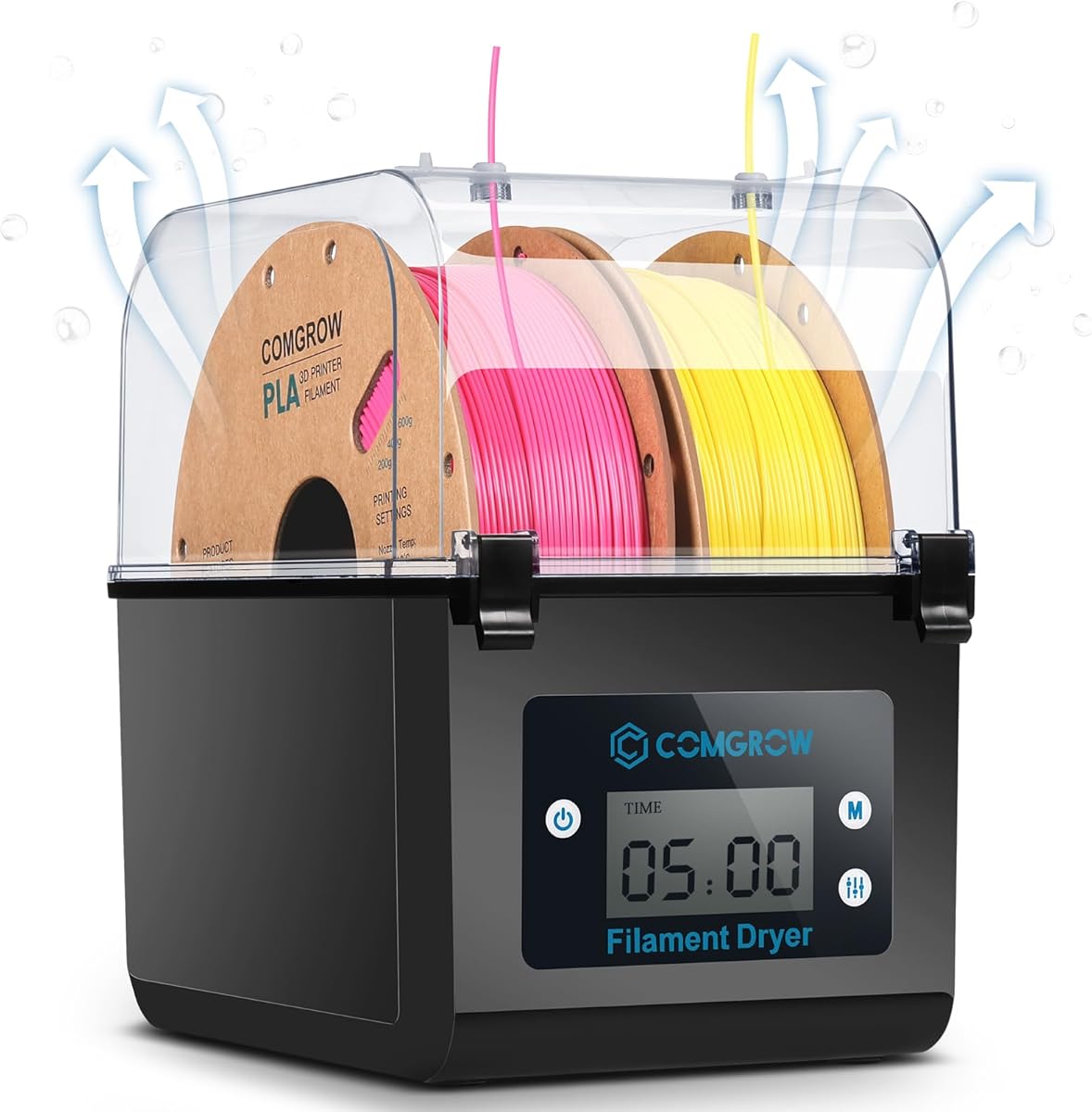
Comgrow 3D Printer Filament Dryer Box
4.4Editor score
Affordable entry-level pricing
Stores two spools securely
Simple LCD touch controls
This comprehensive guide compares the top filament dryer for 3D printing models available in October 2026, analyzing features like capacity, drying speed, and
Selecting the right filament dryer for 3D printing is crucial for maintaining material quality and ensuring consistent print results. Moisture absorption can ruin prints, so investing in a reliable dryer protects your filament investment and improves overall performance significantly.
We evaluated ten top-rated models based on capacity, heating technology, user interface, and compatibility with various filament types. Our analysis includes detailed specifications and real-world performance metrics to help you make an informed purchasing decision for your setup.
Each pick in this list highlights specific strengths tailored to different user needs, from budget-conscious hobbyists to professional studios requiring high-volume solutions. Please note that product availability and pricing may change, so verify current details before purchasing.
4.4Editor score

4.6Editor score

4.5Editor score
This side-by-side comparison reviews all ten featured models, highlighting key specifications and unique capabilities to help you identify the best match for your workflow requirements.


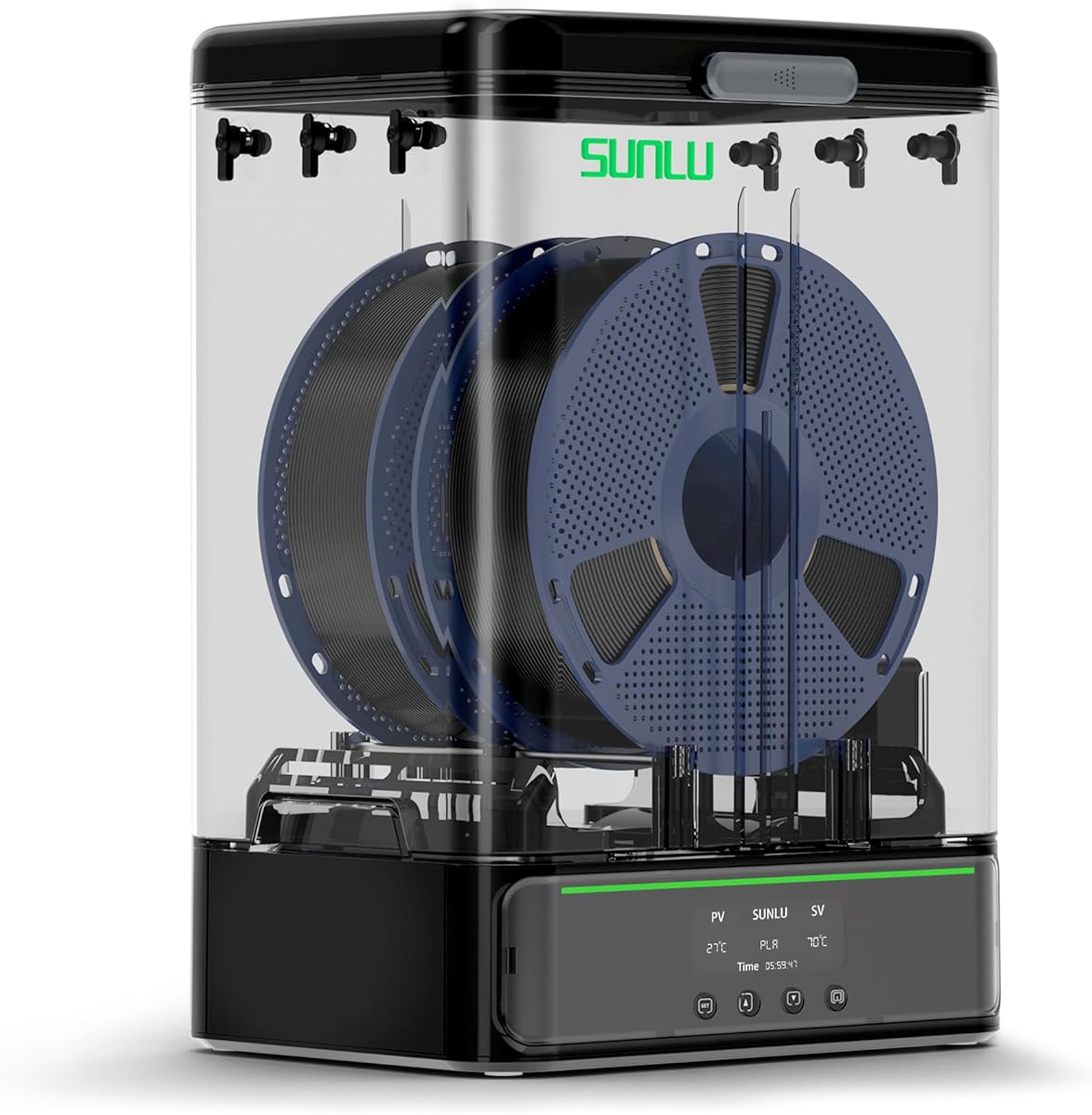

The Creality Space Pi X4 stands out as a top-tier solution for users needing to dry multiple spools simultaneously. With a rating of 4.6, it offers robust performance for both storage and active drying.
We may earn a commission when you buy through this link, at no additional cost to you.
Its dual heating chambers deliver moisture removal 30% faster than standard single-chamber units. The touch UI allows precise temperature control ranging from 50 to 85 degrees Celsius, catering to advanced materials like ABS or PC.
While the price is higher than basic models, the efficiency gains and capacity justify the investment for serious makers. The sealed design ensures humidity stays low even during long pauses.
This unit is ideal for workshop environments where multiple filaments are used daily. It ensures consistent quality across all prints by keeping every spool dry and ready.
The dual independent 200W chambers ensure that heat is distributed evenly, preventing cold spots that could leave moisture behind in the filament.
Beyond drying, the silicone-sealed enclosure protects your stock from re-absorbing moisture, making it a complete solution for filament management.
We may earn a commission when you buy through this link, at no additional cost to you.
The Comgrow SH01 provides an accessible entry point for those looking to protect their prints without a heavy investment. It offers solid performance with a 4.4 rating from users.
We may earn a commission when you buy through this link, at no additional cost to you.
It features a large storage volume capable of holding two 1kg spools comfortably. The internal heating system maintains a dry environment effectively, with an adjustable range up to 50 degrees.
Although it lacks advanced features like multiple heating chambers, it reliably prevents common issues like clogging and poor adhesion. The LCD screen makes setup straightforward for beginners.
This dryer is perfect for hobbyists printing primarily with PLA or PETG. Its simplicity and reliability make it a trustworthy choice for standard printing needs.
You get essential drying features without paying for unnecessary complexity, ensuring you can maintain filament quality on a tight budget.
The touch buttons and clear screen allow you to set temperature and duration quickly, minimizing setup time before your print job.
We may earn a commission when you buy through this link, at no additional cost to you.
The SUNLU S4 is designed for users who run multiple printers or require high throughput. Its robust build and high wattage heater ensure rapid and consistent drying results.
We may earn a commission when you buy through this link, at no additional cost to you.
Equipped with a 350W PTC heater and three circulation fans, it maintains uniform temperature across the entire interior. This prevents uneven drying that can lead to material inconsistency.
The eight filament exit holes allow you to connect several printers simultaneously, streamlining your workflow. It supports a wide range of materials including ABS, PC, and Nylon.
This unit is best suited for professional environments where reliability and speed are critical. Its durability and advanced features support demanding daily production schedules.
With eight exit points, you can supply dry filament to multiple machines at once, significantly reducing idle time and increasing overall productivity.
Three high-quality fans ensure that hot air reaches every corner of the box, guaranteeing all spools are dried evenly without hot spots.
We may earn a commission when you buy through this link, at no additional cost to you.
The SUNLU S1 Plus distinguishes itself with an upgraded fan design that accelerates the discharge of moisture from filaments. This is particularly useful in humid environments.
We may earn a commission when you buy through this link, at no additional cost to you.
Its visual display provides accurate readings for temperature, time, and humidity. You can adjust settings easily to match specific filament requirements for optimal results.
While it shares the two-spool capacity with the basic Comgrow model, the active airflow improves efficiency significantly. It works well with standard PLA, PETG, and ABS materials.
This unit is a strong choice for users who need quick drying cycles without a major footprint. The balance of features and price makes it a versatile option.
The internal fan circulates air to push out excess water vapor faster than passive heaters, saving you time and ensuring readiness sooner.
The LCD screen provides clear, real-time data so you can monitor progress without opening the box and letting in ambient humidity.
We may earn a commission when you buy through this link, at no additional cost to you.
The Creality Space PI Plus simplifies the drying process with twelve one-key preset settings for different materials. This removes guesswork and ensures safe temperatures for sensitive filaments.
We may earn a commission when you buy through this link, at no additional cost to you.
Its 110W PTC heater ensures uniform drying without the uneven spots common in cheaper models. The 360-degree hot air circulation reaches all parts of the spool effectively.
The large touch screen allows you to switch between Celsius and Fahrenheit easily. You can also set the timer up to 48 hours for extended drying needs.
This dryer is excellent for users who print with various specialized materials like PET-CF or Nylon. The presets make it easy to manage different filament types safely.
Selecting the right temperature is as easy as pressing a button, reducing the risk of overheating or under-drying your specific filament type.
The unique heater technology distributes heat around the spool to ensure consistent drying without needing to rotate the material manually.
We may earn a commission when you buy through this link, at no additional cost to you.
The Polymaker Polydryer focuses on a complete workflow from drying to printing. It allows you to move filament from drying to storage without breaking the seal.
We may earn a commission when you buy through this link, at no additional cost to you.
This design minimizes exposure to ambient moisture, which is critical for hygroscopic materials like Nylon or TPU. The built-in hygrometer helps you track internal conditions.
Users appreciate the ability to feed filament directly while it dries or remains stored. This ensures your next print job starts with perfectly dry material.
It is ideal for users who want a tidy and efficient system. The combination of heat, seal, and desiccant protection offers a robust defense against humidity.
By keeping the environment sealed between drying and use, you ensure that your filament stays dry until the moment it is needed.
The hygrometer gives you peace of mind by showing real-time humidity levels, helping you manage your stock more effectively.
We may earn a commission when you buy through this link, at no additional cost to you.
The Creality Space Pi SE offers precise control for those who need specific temperature management for their prints. It is designed for efficiency and safety with internal insulation.
We may earn a commission when you buy through this link, at no additional cost to you.
Its precision sensor ensures that the temperature stays exactly where you set it. This prevents overheating that might damage delicate filaments like PLA or TPU.
The unit heats up quickly to 65 degrees in just fifteen minutes, saving time before you start your printing session. It is compatible with most standard 1KG spools.
This is a solid choice for hobbyists who want reliable performance without overpaying for unnecessary features. It handles everyday materials effectively and safely.
Get to your target temperature in minutes so you can start drying immediately and reduce wait times before printing.
Thermal insulation keeps the outer shell safe to touch while maintaining internal heat for efficient energy use during operation.
We may earn a commission when you buy through this link, at no additional cost to you.
The SUNLU S4 in black is a high-capacity option designed for serious users. It holds four spools and delivers powerful heating to ensure they are all dry simultaneously.
We may earn a commission when you buy through this link, at no additional cost to you.
Its 350W heater is significantly more powerful than entry-level models, ensuring quick turnaround times. The three circulation fans maintain a consistent temperature throughout the large box.
Users give it a high rating because it handles difficult materials like PA and PC with ease. It is built to support heavy daily usage without compromising performance.
This unit is best for workstations where efficiency is key. It allows you to batch dry large orders of filament, keeping your production line moving smoothly.
Drying four spools at once means you spend less time managing material and more time focused on your actual printing projects.
The surround heating design ensures every spool gets the same amount of heat, eliminating the need to rearrange them during the cycle.
We may earn a commission when you buy through this link, at no additional cost to you.
The SUNLU SP2 is unique because it accommodates large 3kg spools which are often hard to find dryers for. It is perfect for users with big rolls of industrial filament.
We may earn a commission when you buy through this link, at no additional cost to you.
The detachable base allows you to store dried filament separately while keeping it sealed. This flexibility helps you manage large quantities of material efficiently.
Heating to 70 degrees in just fifteen minutes ensures you do not waste time waiting. The quiet operation means it will not disturb you even if you work near your printer.
This unit is an excellent choice for users who prefer larger spools to minimize changeover. It provides the capacity and power needed for industrial grade materials.
Supporting up to 3kg rolls means you can run longer prints without worrying about filament size limitations in the dryer box.
Lifting the dryer off the base lets you move the storage box independently, giving you flexibility in how you organize your workspace.
We may earn a commission when you buy through this link, at no additional cost to you.
The SUNLU S2 is designed to help you bring old, damp filament back to life. It uses a continuous spinning spindle to ensure even exposure to heat.
We may earn a commission when you buy through this link, at no additional cost to you.
Its translucent lid lets you check the filament without opening the box, maintaining the dry environment during inspection. This feature is very convenient for monitoring progress.
Users find it simple yet effective for standard drying tasks. It is a good choice for those who have a few spools that need occasional maintenance.
This dryer is perfect for keeping a small stash of backup filament ready. Its ease of use makes it a reliable tool for quick revitalization tasks.
Continuous spinning prevents uneven drying spots by rotating the filament through the heated air constantly during the process.
The see-through lid allows you to check your filament status without breaking the seal, ensuring you maintain the dry environment throughout.
We may earn a commission when you buy through this link, at no additional cost to you.
Choosing the right dryer involves balancing capacity, temperature range, and specific features to match your printing habits and filament types.
Consider how many spools you typically need to dry at once. A larger capacity unit is better for workshops, while smaller boxes suffice for individual users.
Ensure the dimensions fit your workspace and can accommodate the spool sizes you buy.
Different materials require different drying temperatures. Basic models often cap at 50°C, while advanced units go up to 85°C for tough plastics like ABS.
Check the range to ensure it covers your specific filament needs.
PTC heaters are generally safer and more efficient than simple heating pads. Dual chambers or circulation fans help prevent uneven drying.
Look for units with active airflow to speed up the process.
Touch screens and LCD displays make it easier to set precise temperatures and timers. Simple knob interfaces are also effective but less precise.
Choose a control system that matches your preference for ease of use.
If you move your printer or use multiple machines, a portable design with handles is beneficial. Some units are designed to be detachable.
Consider weight and design when planning to move the unit often.
Ensure the dryer supports the specific materials you use, including PLA, PETG, ABS, and Nylon. Some units are better for specific high-temp requirements.
Check the compatibility list before purchasing to avoid limitations.
A good seal prevents moisture from re-entering after drying. Integrated storage boxes offer a seamless transition from drying to printing.
Prioritize units with tight seals for better long-term protection.
Look for auto-shutoff timers and temperature limits to prevent overheating. Insulated walls protect your hands from burns during operation.
Safety features are crucial for unattended drying cycles.
To use a dryer effectively, first place your filament spool inside the unit ensuring it sits securely on the holder. Close the lid tightly to maintain the dry environment inside.
Set the temperature according to the material you are drying and start the timer. Monitor the process if possible, but leave it to run until completion.
Clean the unit regularly to remove any dust that might affect performance. Store the dryer in a dry place when not in use to preserve its components.
Drying times vary based on the moisture level and material type, typically ranging from 4 to 24 hours. More hygroscopic materials like Nylon require longer cycles than standard PLA.
Yes, many dryers allow simultaneous printing and drying. This is ideal for long jobs where moisture might accumulate over time.
Exceeding the limit can damage the filament or the dryer. Always adhere to the recommended temperatures provided by the manufacturer.
Many dryers integrate storage. If yours does not, transfer dried filament to an airtight container to maintain dryness.
Most modern units have safety timers and sensors making overnight runs safe. Ensure the power outlet is secure and the unit is not obstructed.
Listen for popping sounds during extrusion. If printing is clean and no moisture issues arise, the filament is likely dry.
We have highlighted top options like the Creality Space Pi X4 for volume and the Comgrow SH01 for budget. Each model offers distinct advantages depending on your needs.
Prioritize capacity and temperature range when making your final decision. These factors directly impact the quality of your prints and filament shelf life.
Always check current availability and verify specs before buying to ensure the model meets your specific requirements perfectly.